 0:32
G-SHOCK
GA-B2100
How to set the timeWatch the guide
 088 4854 343
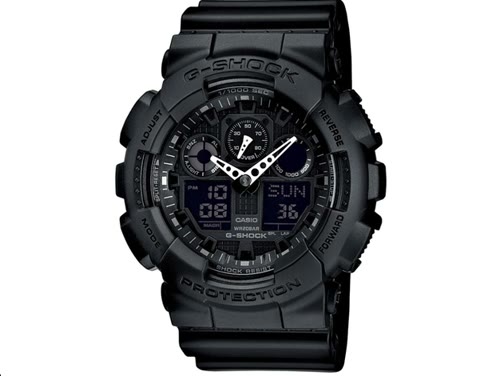
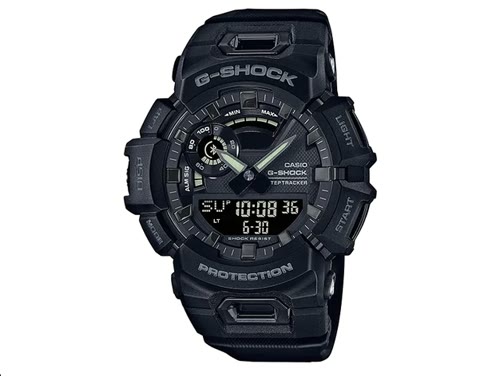
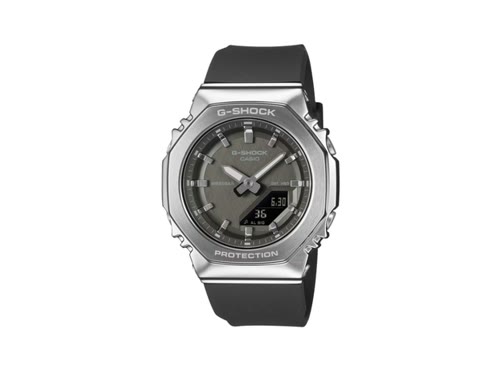
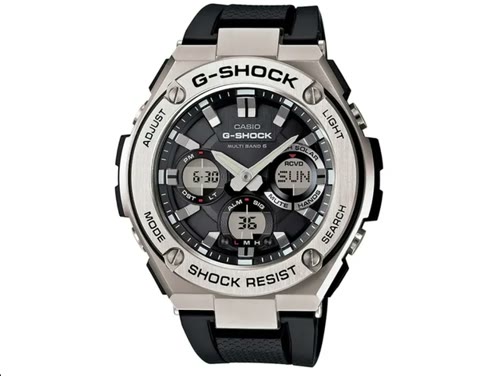
Your model. Its controls.
Choose your watch and learn how to set the time, step by step.
The model is printed on the case back.
0:32G-SHOCK
 0:30
G-SHOCK
 0:37
G-SHOCK
 0:32
G-SHOCK
 0:32
G-SHOCK
 0:30
G-SHOCK
 0:34
G-SHOCK
 0:22
G-SHOCK
 0:27
G-SHOCK
 0:31
G-SHOCK
 0:31
G-SHOCK
 0:30
G-SHOCK
 0:36
G-SHOCK
 0:24
G-SHOCK
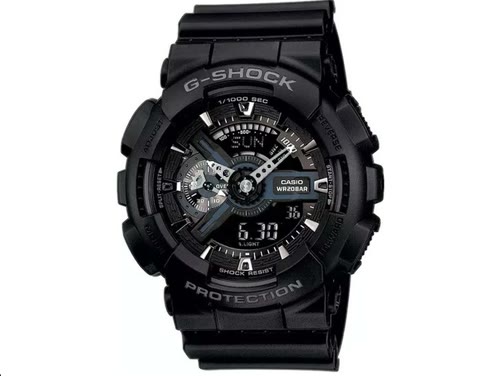 0:34
G-SHOCK
 0:32
G-SHOCK
 0:24
G-SHOCK
 0:21
G-SHOCK
 0:31
G-SHOCK
 0:35
G-SHOCK
Try the base model, such as GA-B2100 instead of GA-B2100-1AER.
GA-B2100 is the model. The boxed four-digit number on the case back is the module. Use it to find the correct manual for the controls and features.
Find a manual at CasioThe guides are freely available. Choose your model and watch without registering.
A similar appearance does not mean the same module. Check the model and number on the case back before following a guide.
Yes. Each model page includes a player, a transcript and buttons to return to specific moments.
Check the code on the case back or call us. We can help you find the right instructions.