

Casio module 1301: manual and setup
03.09.2026
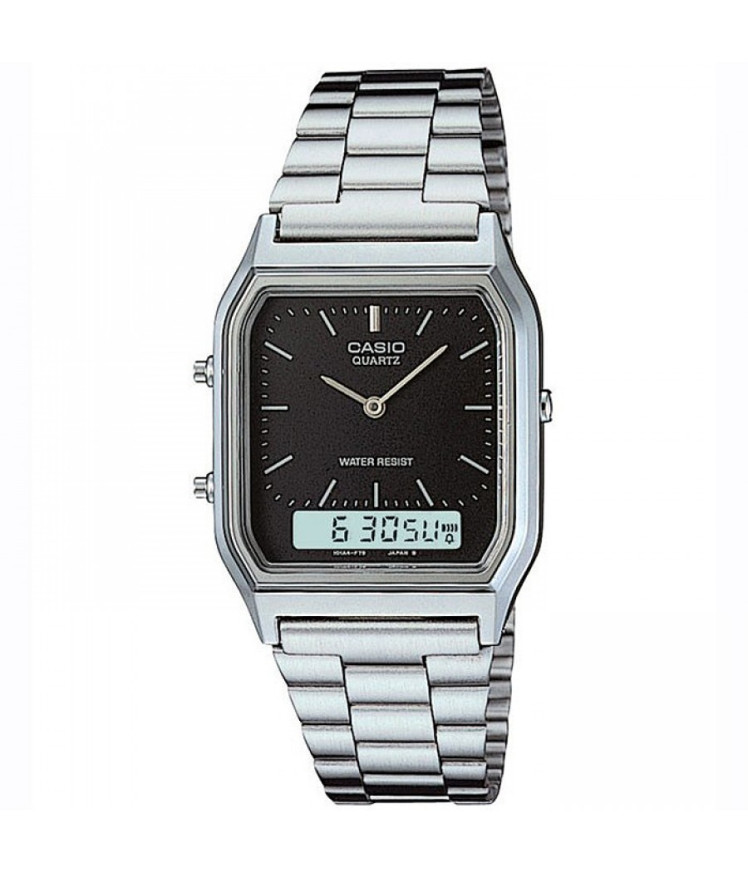
Casio module 1301: user manual and setup (AQ-230A, AQ-230EGG)
The module number is printed on the case back of the watch. It usually sits in a small rectangle near the Casio logo and the water resistance markings. If it says 1301 there, this manual applies to your watch. The model number, for example AQ-230A, is different from the module number. Both numbers are found on the back, but the module determines which manual applies.
Which watches have module 1301
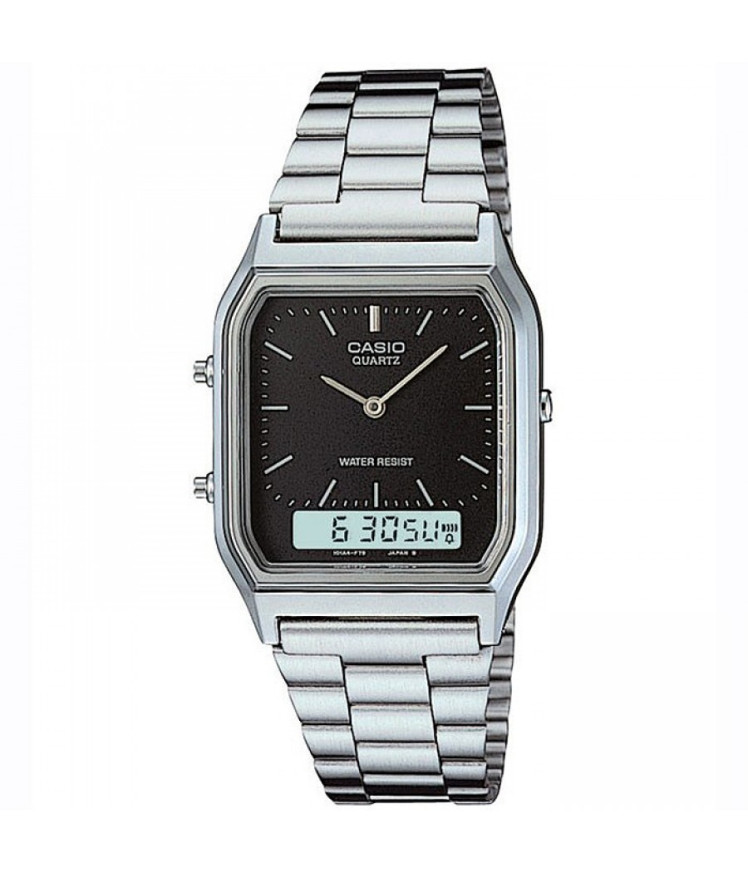
The official Casio document for this module carries the designation QW-1301. It is laid out as an operation chart, not as descriptive text. The chart shows how the watch works in graphic form. That is why the exact setup steps are in the chart itself, not in a separate description. At Classic, module 1301 is found in the following models from the Casio Collection series:
- AQ-230A-1DMQYES – Casio Collection AQ-230A-1DMQYES
- AQ-230EGG-3AEF – Casio Collection AQ-230EGG-3AEF
- AQ-230A-7DMQYES – Casio Collection AQ-230A-7DMQYES
- AQ-230EGG-2AEF – Casio Collection AQ-230EGG-2AEF
The AQ-230A and AQ-230EGG models differ in the colour and finish of the case. The letters and digits after the hyphen mark exactly these variants. The movement inside is the same and is operated by the same chart. That is why one manual covers all the watches listed.
What the QW-1301 operation chart is
The operation chart is the official way Casio describes its older modules. Instead of pages of text, it gathers the operation of the watch into one diagram. The document is in English and is distributed as a PDF file. It is short and opens easily on a phone or computer.
The chart is meant to be read with the watch in hand. It is most convenient to open it on a screen and keep the watch next to it. This way each step in the chart can be checked right away on the model itself. If something does not match, check the module number on the back again.
How to set the time and date
Setting the time and date for module 1301 is shown in the operation chart. The steps below describe how to reach it and apply it.
- Turn the watch over and make sure the case back says 1301.
- Open the PDF file with the QW-1301 operation chart from the link below.
- Find the section of the chart for setting the time and date.
- Follow the sequence shown in the chart step by step.
- After each step, check that the watch shows what is expected.
- Finally, check the time and date against an accurate source, such as a phone.
If you get confused during setup, go back to the beginning of the chart. Older Casio modules are set in a specific sequence. A skipped step can leave the watch in the wrong mode. In that case, start again without skipping any stages.
Tips before setup
Set the watch in good light and on a stable surface. Keep the operation chart open next to you the whole time. Do not press the buttons with force and do not use sharp objects. If the watch is wet, dry it before handling it.
Save the PDF file on your phone. This way the manual will be at hand when the time changes or after a battery replacement. When the watch is worn by another person, send them the link to the same document.
The original Casio manual (PDF)
Casio module 1301 manual (PDF, English)
This is the official Casio document for module 1301 and the only authoritative source on its operation.
Casio at Classic. Browse all Casio watches at Classic and the manuals for all Casio modules. The watches can be seen in person at Boutique CLASSIC on Knyaz Boris I 32 and at the store in Mall Varna.