

Casio module 1330: manual and setup (LTP-1234, MQ-24, MW-240)
03.09.2026
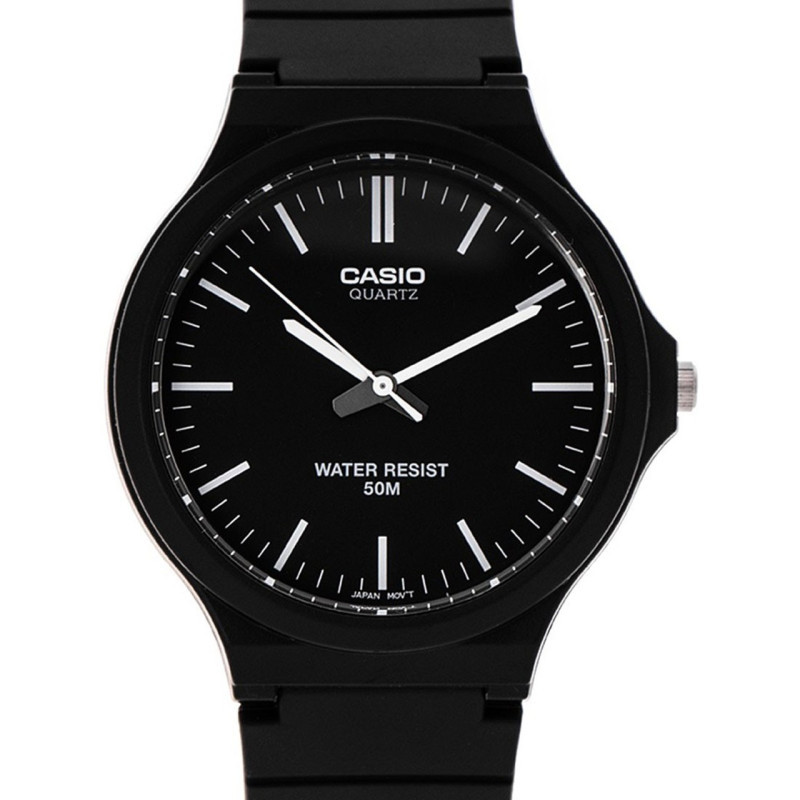
Casio module 1330: user manual and setup (LTP-1234, MQ-24, MW-240)
The module number is engraved on the case back of the watch. It is usually a four-digit number in a small rectangle, separate from the model number. If it says 1330 there, this manual applies to your watch. The same module is found in several Casio Collection series. The setting procedure is therefore the same for all of them, regardless of colour and strap.
Which watches use module 1330
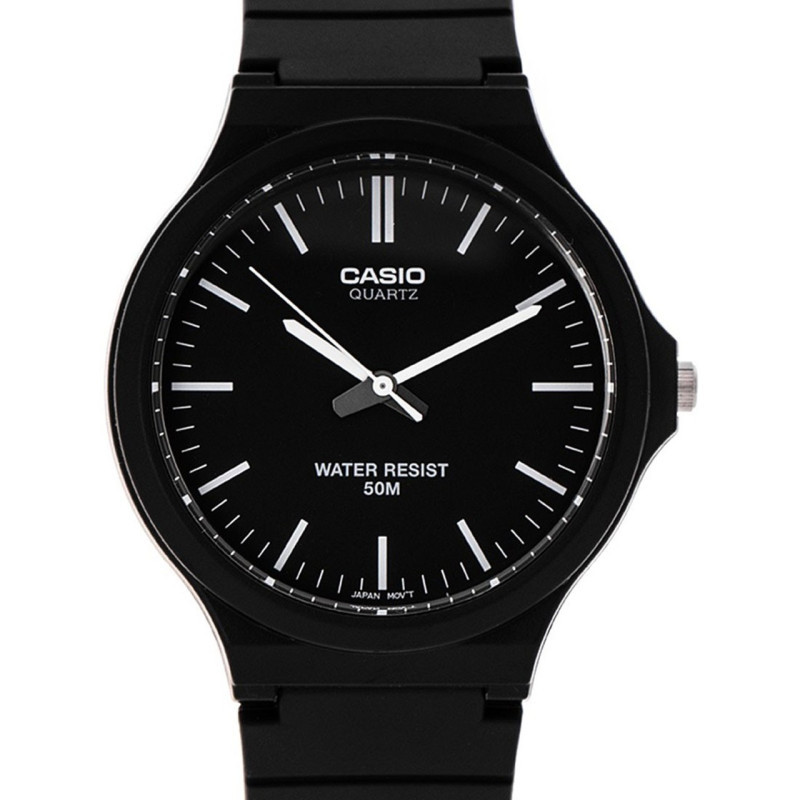
Module 1330 is an analog movement with an hour, minute and second hand. All setting is done with the crown. The Casio manual for this module has no buttons, no digital display and no date adjustment. The models with module 1330 at Classic come from the LTP-1234, LTP-1263, MQ-24, MQ-24B, MQ-24S, MTP-1303PD and MW-240 series:
- MW-240-1EVEF – Casio Collection MW-240-1EVEF
- LTP-1234PGL-7AEG – Casio Collection LTP-1234PGL-7AEG
- MQ-24-7BLLEG – Casio Collection MQ-24-7BLLEG watch
- MTP-1303PD-2AVEG – Casio Collection MTP-1303PD-2AVEG
- MW-240-7EVEF – Casio Collection MW-240-7EVEF
- MQ-24-1BLLEG – Casio Collection MQ-24-1BLLEG
- MQ-24S-4BEF – Casio Collection MQ-24S-4BEF
- LTP-1234PGL-7A2EF – Casio Collection LTP-1234PGL-7A2EF
- LTP-1234PG-7AEG – Casio Collection LTP-1234PG-7AEG
- LTP-1234PL-7A2EF – Casio Collection LTP-1234PL-7A2EF
- MQ-24B-1BEF – Casio Collection MQ-24B-1BEF
- MQ-24B-8BEF – Casio Collection MQ-24B-8BEF
- MQ-24B-9BEF – Casio Collection MQ-24B-9BEF
- LTP-1263PG-7BEG – Casio Collection LTP-1263PG-7BEG
- LTP-1234PDD-7AEF – Casio Collection LTP-1234PDD-7AEF
- LQ-24B-7BEF – Casio Collection LQ-24B-7BEF
The crown and its positions
Module 1330 has a crown with two positions. In the normal position the crown is pushed in against the case and the watch runs. When it is pulled out, the second hand stops and the hands can be moved. For this module the manual does not describe an intermediate click for the date or day of the week. All settings are made in the single pulled-out position.
How to set the time
The setting is accurate to the second if you follow the order given in the manual. Prepare a time signal, for example a phone clock or the radio.
- Wait until the second hand reaches the 12 o'clock position.
- At that moment pull out the crown. The second hand stops.
- Turn the crown to move the hour and minute hands to the desired time.
- Advance the minute hand four or five minutes past the desired minute.
- Turn the hands back to exactly the desired minute.
- Push the crown back in exactly at the time signal. The second hand starts running again.
The step of advancing and turning back is described explicitly in the manual. It ensures that the minute hand stops exactly at the desired position. If you miss the time signal, wait for the next full minute and then push the crown in.
Rotating bezel for elapsed time
Some models have an outer rotating bezel with 10, 20, 30, 40 and 50 markings. If your watch has such a bezel, use it as follows. Turn the bezel until its marker is aligned with the minute hand. After some time, check which bezel marking the minute hand is pointing to. That number shows the elapsed minutes. The bezel serves only as a scale for reading.
Screw-lock crown on water-resistant models
Some water-resistant models have a screw-lock crown. On these, the crown is first unscrewed in the direction shown in the manual and only then pulled out. Do not pull the crown by force. While the crown is unscrewed, the watch is not water resistant. After every setting, screw the crown back in fully.
The original Casio manual (PDF)
Casio module 1330 manual (PDF, English) is the official Casio document for this module. The file covers several analog modules, so look for the section where number 1330 is listed.
Casio at Classic: see all Casio watches at Classic and the manuals for all Casio modules. You can see the watches in person at Boutique CLASSIC on Knyaz Boris I 32 and at Mall Varna.