

Casio module 2784: manual and setup
03.09.2026
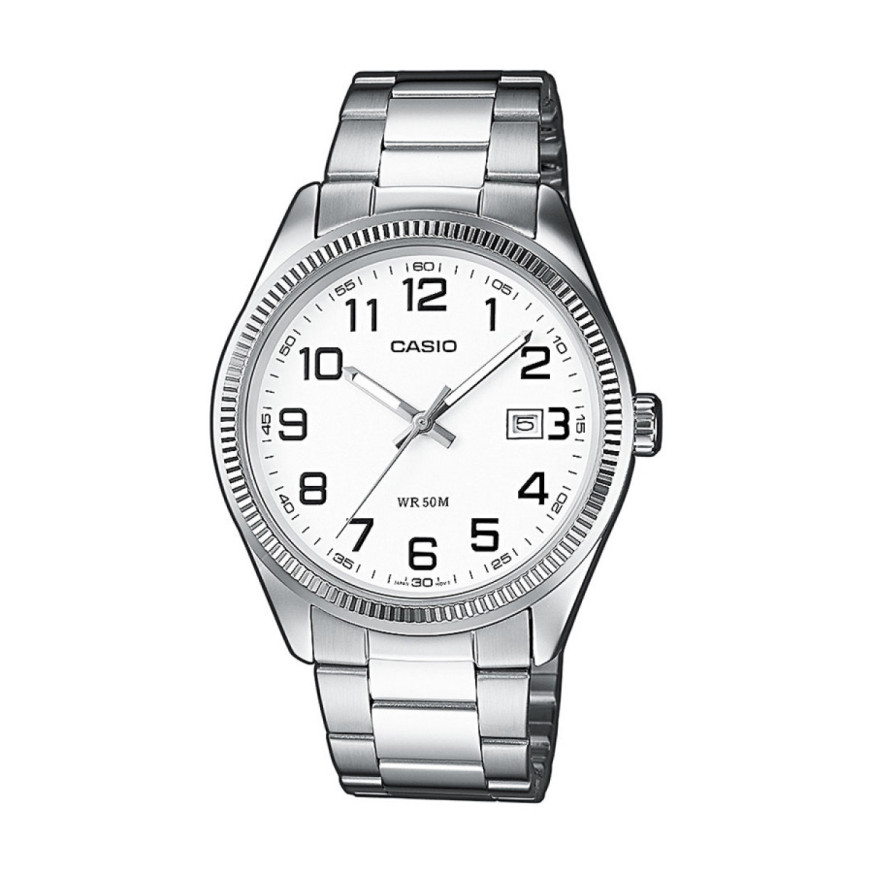
Casio module 2784: user manual and setup (MDV-107, MTP-1302, MTP-1314)
The module number is printed on the back cover of the watch. It is a four-digit number engraved among the other markings on the cover. If it says 2784, this manual applies to your watch. Below you will find how to set the time and date with the crown. You will also find guidance on the rotating bezel and on the screw-lock crown of the water-resistant models.
Which watches have module 2784
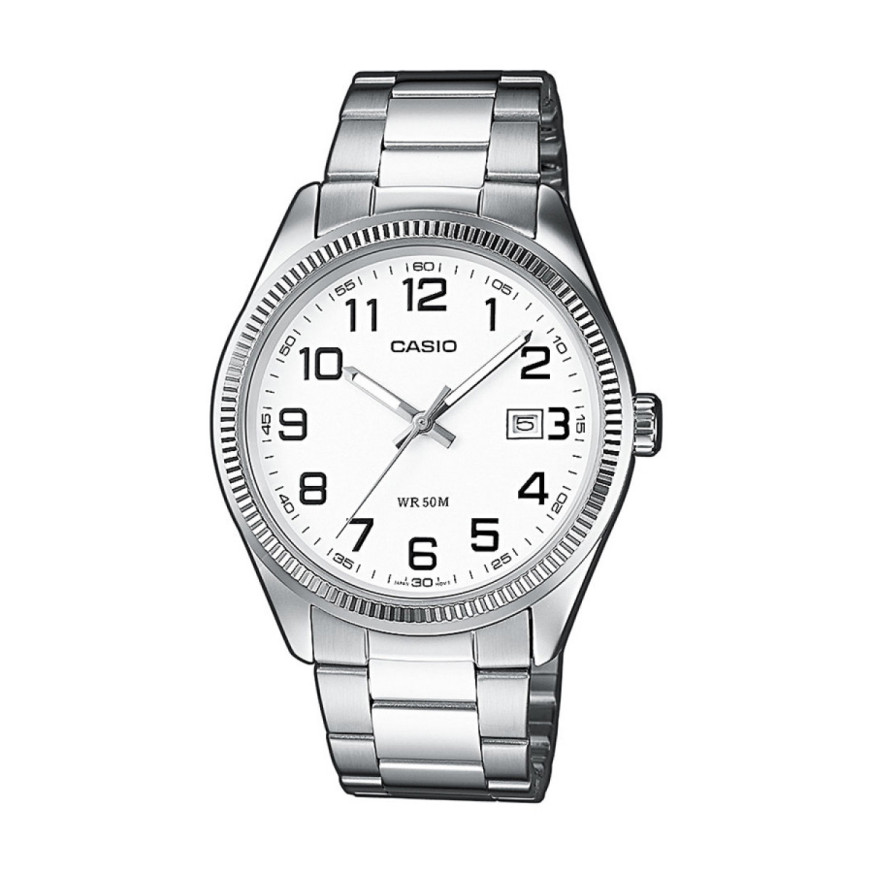
Module 2784 is an analog movement. The watch shows the time with hands and has a date window. All settings are made with the crown, which has a normal position and two pulled-out positions. The Casio manual for this module is shared by several analog modules and describes only the operation of the crown. Here are the models with module 2784 at Classic:
- MTP-1302PD-7BVEF – Casio Collection MTP-1302PD-7BVEF
- MTP-1302PD-7A1VEF – Casio Collection MTP-1302PD-7A1VEF
- MDV-107-1A1VEF – Casio Collection MDV-107-1A1VEF
- MTP-1302PSG-7AVEF – Casio Collection MTP-1302PSG-7AVEF
- MTP-1314PD-1AVEF – Casio Collection MTP-1314PD-1AVEF Watch
- MTP-1314PL-7AVEF – Casio Collection MTP-1314PL-7AVEF
- MTP-1314PL-8AVEF – Casio Collection MTP-1314PL-8AVEF Watch
- MTD-1053D-1AVES – Casio Collection MTD-1053D-1AVES
- MTP-1302PL-1AVEF – Casio Collection MTP-1302PL-1AVEF
- MTP-1302PL-7BVEF – Casio Collection MTP-1302PL-7BVEF
- MDV-107-1A2VEF – Casio Collection MDV-107-1A2VEF
- MDV-107-1A3VEF – Casio Collection MDV-107-1A3VEF
- MTP-1302PGL-9AVEF – Casio Collection MTP-1302PGL-9AVEF
- MTP-1302PD-6AVEF – Casio Collection MTP-1302PD-6AVEF
Crown positions
The manual describes three crown positions. Each of them has a separate task.
- Normal position – the crown is pushed all the way in. The watch runs normally and keeps the time.
- First click – the crown is pulled out slightly. The date is set in this position.
- Second click – the crown is pulled out fully. The second hand stops, and the hour and minutes are set.
Pull the crown out carefully until you feel the click. Do not pull it with force, especially on a model with a screw-lock crown.
How to set the time and date
The time is set in the second click of the crown. Follow the steps in the order described by Casio.
- Wait for the second hand to reach the 12 o'clock position.
- Pull the crown out to the second click. The second hand stops.
- Rotate the crown to move the hands. Move the minute hand four or five minutes past the desired time.
- Then move the hands back to the exact value. This way the minute hand settles precisely in place.
- Push the crown back into the normal position. Do this on an accurate time signal so the second hand starts in sync.
The date is set in the first click of the crown. Casio recommends not setting the date between 8:00 p.m. and 2:00 a.m. If you do it in this interval, the date may not change correctly on the following day.
- Pull the crown out to the first click.
- Rotate the crown until the correct date appears in the window.
- Push the crown back into the normal position.
If you are not sure whether it is before or after midnight, set the time first. Then check whether the date changes around 24:00 and correct it if needed.
Bezel for measuring elapsed time
Some of the models with this module have a rotating bezel with elapsed time markings. Using it is simple and does not require any setting of the movement.
- Rotate the bezel so that its marker lines up with the minute hand.
- After some time, look at which bezel marking the minute hand is pointing to.
- The number on the bezel shows the minutes elapsed since the start of the measurement.
This method is convenient for timing swimming, parking or cooking. The hands continue to show the current time.
Screw-lock crown on the water-resistant models
Some water-resistant models have a crown that screws into the case. Before setting, it must be unscrewed in the direction shown in the manual. Only then can the crown be pulled out to the first or second click. Do not pull hard on a screwed-in crown, because this can damage it.
It is important to know that the watch is not water resistant while the crown is unscrewed. After each setting, screw the crown back in all the way. Check that it is tightened before entering the water.
The original Casio manual (PDF)
The full text of the manual can be downloaded here: Casio module 2784 manual (PDF, English). This is the official Casio document for the module, including illustrations of the crown positions.
Casio at Classic. Browse all Casio watches at Classic or see them in person at Boutique CLASSIC on Knyaz Boris I 32 and at Mall Varna. If you are looking for instructions for another movement, see the manuals for all Casio modules.