

Casio module 3252: manual and setup (BG-169CH)
03.09.2026
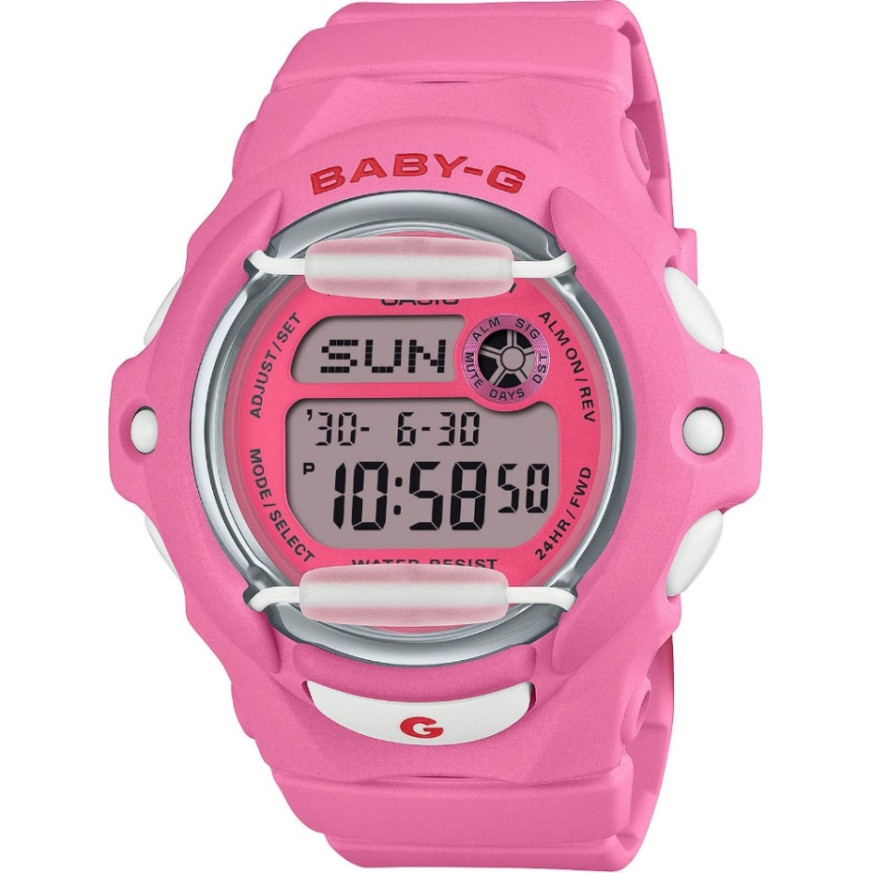
Casio module 3252: user manual and setup (BG-169CH)
The module number is engraved on the case back of the watch. It is usually a four-digit number in a small rectangle next to the other markings. If it says 3252, the instructions below apply to your watch. The Casio manual is shared by modules 3189 and 3252 and describes the same functions.
Which watches have module 3252
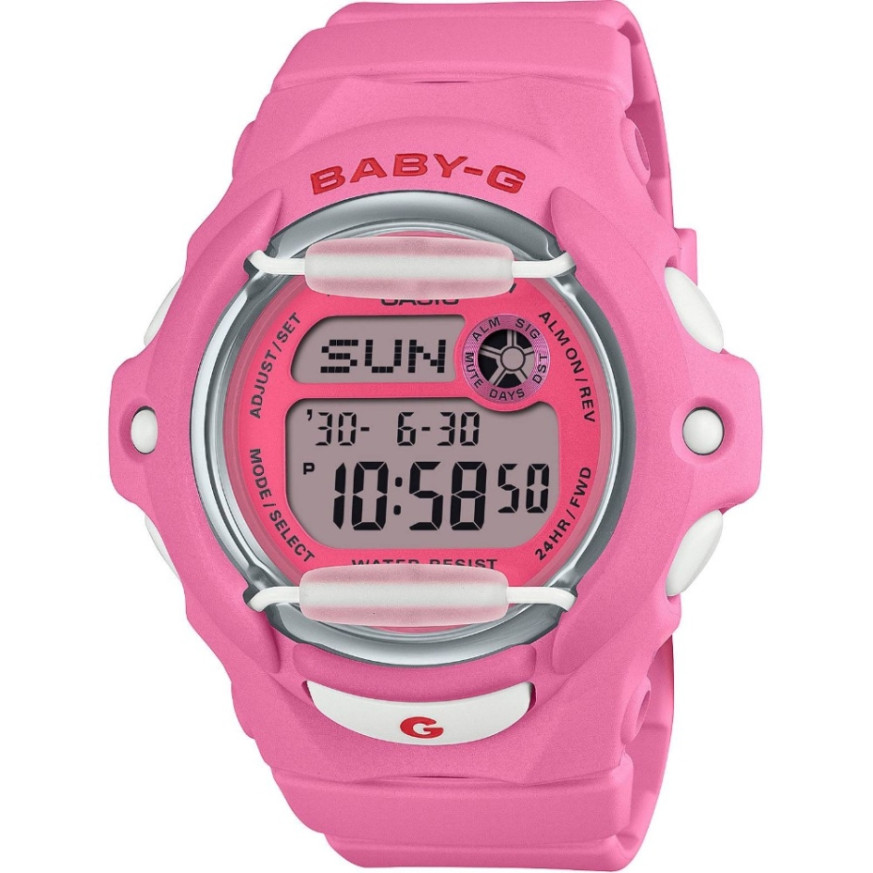
Module 3252 is fully digital. The time, date and all other functions are shown on a display. According to the manual, the text may be dark on a light background or light on a dark background, depending on the model. At Classic this module is found in the following Baby-G models:
Buttons and modes
The manual labels the buttons with the letters A, B, C, D and L. Button C switches from one mode to the next. Button L turns on the illumination in any mode. Buttons D and B increase and decrease values during setting. Button A enters and exits the setting screens.
Pressing C changes the modes in the following order:
- Timekeeping – current time and date
- Data Bank – telephone directory
- World Time – world time
- Day Counter – day counter
- Alarm – alarms
- Stopwatch – stopwatch
- Countdown Timer – countdown timer
If you do not press anything for a few minutes on a setting screen with flashing digits, the watch exits it automatically. The same applies to the Alarm, Day Counter and Data Bank modes. After a few minutes without any operation they return to the current time screen.
How to set the time and date
In Timekeeping Mode the screen shows the day of the week, year, month, date, hours, minutes and seconds. Button D switches between 12-hour and 24-hour format. In 12-hour format, A is shown for a.m. and P for p.m. In 24-hour format these indicators are absent. Pressing A in this mode shows the selected Home City.
- In Timekeeping Mode hold down A until the seconds start to flash. This is the setting screen.
- Press C to move the flashing in the following order: seconds, DST, city code, hour, minutes, year, month, date.
- While the seconds are flashing, press D to reset them to 00. If the seconds are between 30 and 59, the minutes increase by one. If they are between 00 and 29, the minutes do not change.
- While the DST setting is flashing, press D to turn it on (On) or off (OF). This setting also applies to the World Time Mode.
- While the city code is flashing, use D and B to select your Home City. The full list of codes is in the table at the end of the manual.
- For any other setting, press D to increase or B to decrease. Holding down the button scrolls quickly.
- Press A to exit the setting screen.
The day of the week is set automatically according to the date. The date can be set from January 1, 2000 to December 31, 2099. The built-in calendar accounts for month lengths and leap years. Once you set the date, there is no need to change it, except after replacing the battery.
Data Bank – telephone directory
The Data Bank Mode stores up to 25 records. Each record has a name of up to eight characters and a telephone number of up to 12 digits. When you enter the mode, its name (DB) and the number of free records are shown briefly. Then the last viewed record appears. Records are sorted automatically in alphabetical order by name.
- In Data Bank Mode use D and B to reach the record you want to fill in.
- Hold down A until a cursor appears in the name field.
- Use D and B to scroll through the characters at the cursor position. The order is: space, A to Z, 0 to 9, period, hyphen.
- When the required character is at the position, press C to move the cursor to the right.
- Repeat for the remaining characters. If the name is shorter than eight characters, use C to move the cursor to the eighth position.
- Press C at the eighth position to move to the number field.
- Use D and B to select a hyphen, a digit or a space. Use C to move the cursor to the right until you have entered up to 12 digits.
- Press A to save the record and exit.
The display shows three characters of the name at a time. Longer names scroll from right to left. Use D and B to view the records. To edit, hold down A while a record is open, move the cursor with C and change the character with D or B. Then press A to save. The manual also describes deleting a record in the same mode.
World Time – world time
The World Time Mode shows the current time in 30 cities in 29 time zones. Enter it with button C. Use D to scroll through the city codes eastward and B westward. The DST setting from Timekeeping Mode is reflected here as well. The manual also describes switching each city between standard time and daylight saving time.
Illumination
The illumination uses an EL panel that lights up the entire display. In any mode press L and the display lights up for about two seconds. After very long use the panel loses brightness. In direct sunlight the illumination is hard to see. When turned on, the watch may emit a faint sound from the vibration of the panel. This is not a malfunction. The illumination turns off automatically when an alarm sounds. Frequent use shortens the battery life.
Other functions in the manual
The manual describes several more modes with separate procedures. They are reached by pressing C repeatedly.
- Day Counter – day counter with a target date setting.
- Alarms – setting the alarm time, testing the alarm, turning it on and off. It also includes the Hourly Time Signal.
- Stopwatch – stopwatch.
- Countdown Timer – timer with a countdown start time setting.
- Button operation tone – turned on and off as described in the Reference section.
The exact steps for these modes are in the relevant sections of the PDF file below.
The original Casio manual (PDF)
Casio module 3252 manual (PDF, English). This is the official Casio document for modules 3189 and 3252.
Casio at Classic. Browse all Casio watches at Classic and the manuals for all Casio modules. The watches are available in both stores: Boutique CLASSIC on Knyaz Boris I 32 and Mall Varna.