

Casio module 3503: manual and setup
03.09.2026
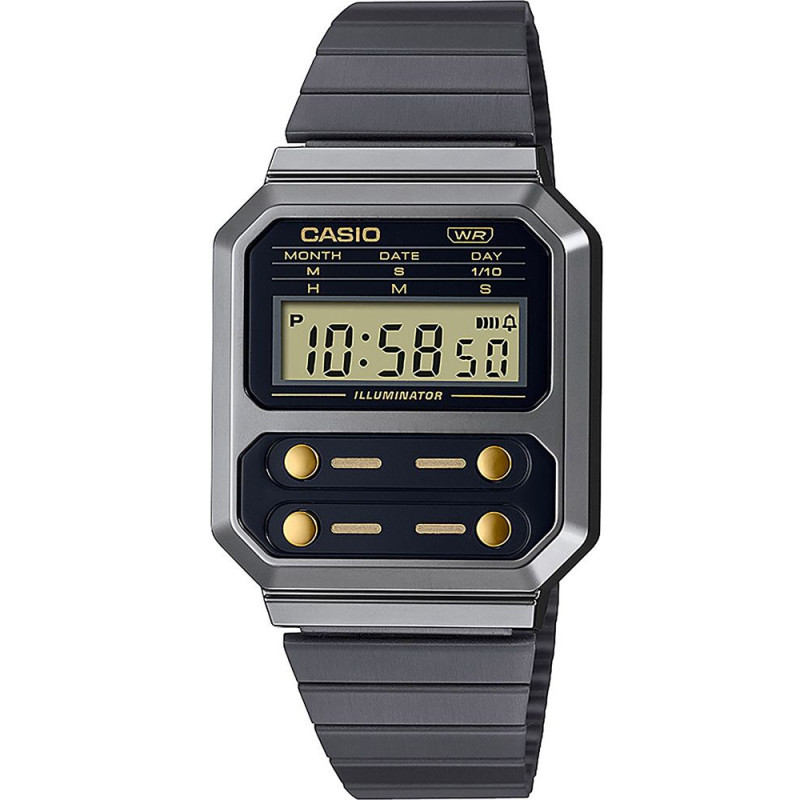
Casio module 3503: user manual and setup (A100WEGG, A100WEL)
The module number is engraved on the back of the watch. It is usually a four-digit number in a small rectangle, separate from the model number. If it says 3503, this manual is for your watch. The steps below follow the official Casio manual, and the document itself is linked at the end.
Which watches have module 3503
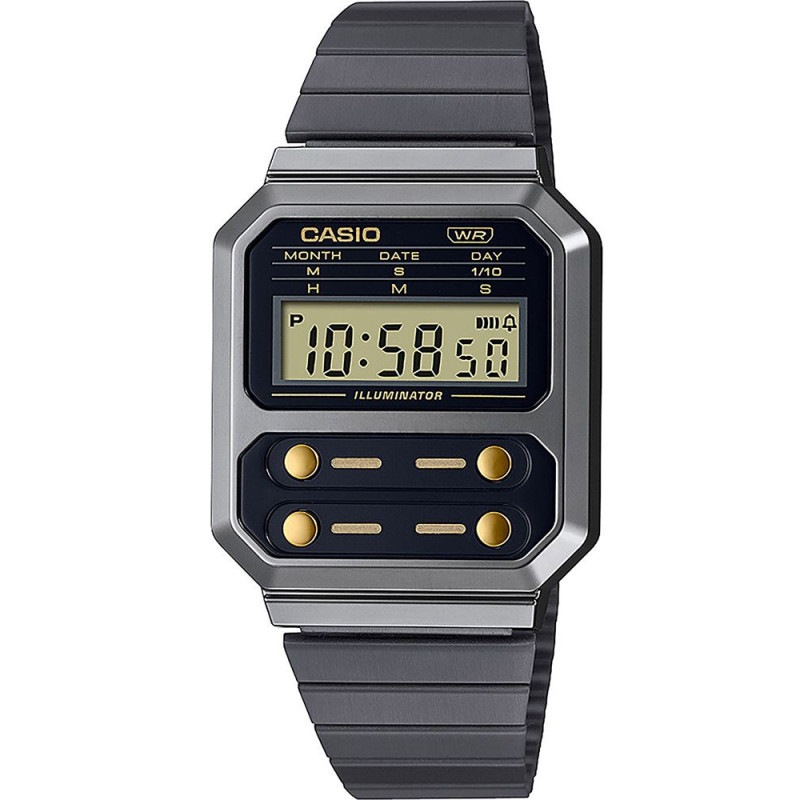
Module 3503 is a digital watch with LED illumination. The display shows hours, minutes, seconds, day of the week, month and date. The watch has a daily alarm, an hourly time signal and a stopwatch. At Classic this module is found in the following models from the Casio Collection series:
Buttons and modes
The manual labels the buttons with the letters A, B, C and D. Button C changes the mode. Button A selects a setting, and button D changes the value. Button B turns on the illumination in any mode.
The watch has four modes, which cycle when you press C in this order:
- Timekeeping Mode – shows hours, minutes, seconds, day of the week, month and date.
- Time Setting – changes the time and date.
- Stopwatch Mode – measures elapsed time.
- Alarm Mode – sets the daily alarm and the hourly time signal.
After an operation in any mode, pressing C returns the watch to the Timekeeping Mode. Afternoon hours are marked with a PM indicator. The days of the week are shown abbreviated: SU, MO, TU, WE, TH, FR and SA.
How to set the time and date
- In the Timekeeping Mode, press C three times. The seconds start flashing on the display.
- Use button A to move the flashing through the settings in this order: seconds, hour, minutes, month, date, day of the week.
- Use button D to change the selected value. While the seconds are flashing, pressing D resets them to 00. If the seconds are between 30 and 59, the minutes increase by one.
- For hour, minutes, month, date and day of the week, holding D changes the value quickly.
- Press C to exit the setting screen.
If you do not press a button for one or two minutes, the watch returns to the Timekeeping Mode by itself. The calendar is automatic, with February set to 28 days.
Daily alarm and hourly time signal
When the daily alarm is on, it sounds for 20 seconds at the set time every day. When the hourly time signal is on, the watch beeps briefly every hour on the hour.
Setting the alarm time:
- Enter the Alarm Mode and press A. The hour starts flashing. A second press of A moves the flashing to the minutes, and a third returns the normal alarm screen.
- Use button D to increase the flashing digits. Holding D changes the value quickly.
- Press C to return to the Timekeeping Mode.
To turn them on and off, press D in the Alarm Mode. The settings change in this order: both on, both off, daily alarm only, hourly time signal only. The indicators for the alarm on and for the hourly time signal on are shown on the display.
A sounding alarm is stopped by pressing any button. To test the sound, hold D in the Alarm Mode. If you do not press a button for one or two minutes in the Alarm Mode, the watch returns to the Timekeeping Mode.
Stopwatch
The stopwatch measures elapsed time to 1/10 second. Its range is 59 minutes and 59.9 seconds. The display shows minutes, seconds and tenths of a second.
- D – start.
- D – stop.
- D – resume measuring.
- D – stop.
- A – reset while the stopwatch is stopped.
Illumination
The watch has an LED illumination of the display. Press B in any mode to light up the dial.
Accuracy and battery
The average accuracy is ±30 seconds per month. The watch runs on one CR1616 battery. The battery life is about 3 years with one 20-second alarm and one 1.5-second illumination per day.
Replacing the battery requires special tools. Casio recommends that it is done by the retailer or by an authorized service center, where the water resistance is also checked.
Water resistance and care
The water resistance information applies only if the back of the watch says WATER RESIST or WATER RESISTANT. A watch without a BAR marking is suitable for hand washing and rain, but not for swimming. A 5BAR marking allows swimming, and 10BAR and 20BAR also allow windsurfing and skin diving. The watch is not intended for scuba diving.
- Do not press the buttons while the watch is under water or wet.
- Do not wear the watch in a bath, sauna or heated pool.
- Keep it away from soaps and cleaning agents.
- After seawater, rinse it with clean water.
- The gaskets are replaced periodically, every two or three years.
A leather band should not get wet, even if the watch is water resistant. The band should not be fastened too tightly; a finger should fit between it and the wrist. If there are cracks, loss of elasticity or loosening, stop wearing the watch and take it in for a check. Do not leave the watch on a car dashboard, next to a heater or in another place with high temperature.
Slight fogging on the inside of the glass after a sudden drop in temperature is normal if it disappears quickly. If the moisture remains, stop using the watch and contact the retailer or an authorized Casio service center.
The original Casio manual (PDF)
Casio module 3503 manual (PDF, English) – this is the official Casio document from which all the steps above are taken.
Casio at Classic. Browse all Casio watches at Classic or look up the manuals for all Casio modules. You will find us at Boutique CLASSIC on Knyaz Boris I 32 and at Mall Varna, in Varna, Bulgaria.