

Casio module 3506: manual and setup (GBD-200)
03.09.2026
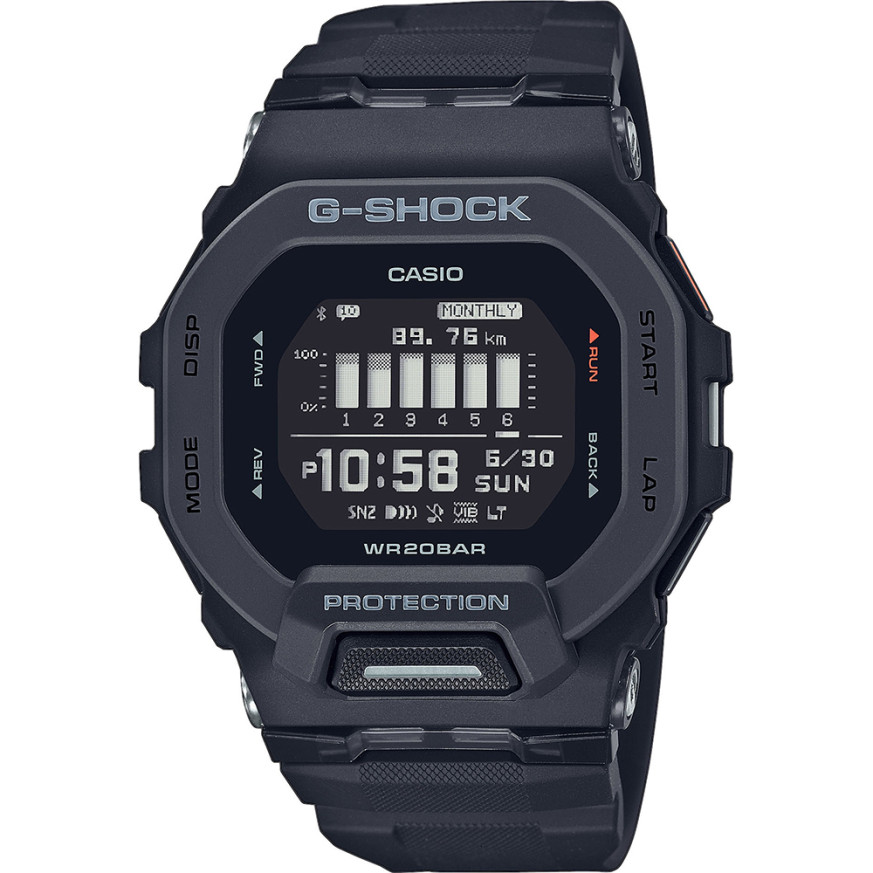
Casio module 3506: user manual and setup (GBD-200)
The module number is engraved on the back of every Casio. It is separate from the model name and usually sits in a small rectangle. If the case back reads 3506, this guide applies to your watch. The facts below are retold from the official Watch Operation Guide 3506, and the full PDF is linked at the end.
Which watches have module 3506
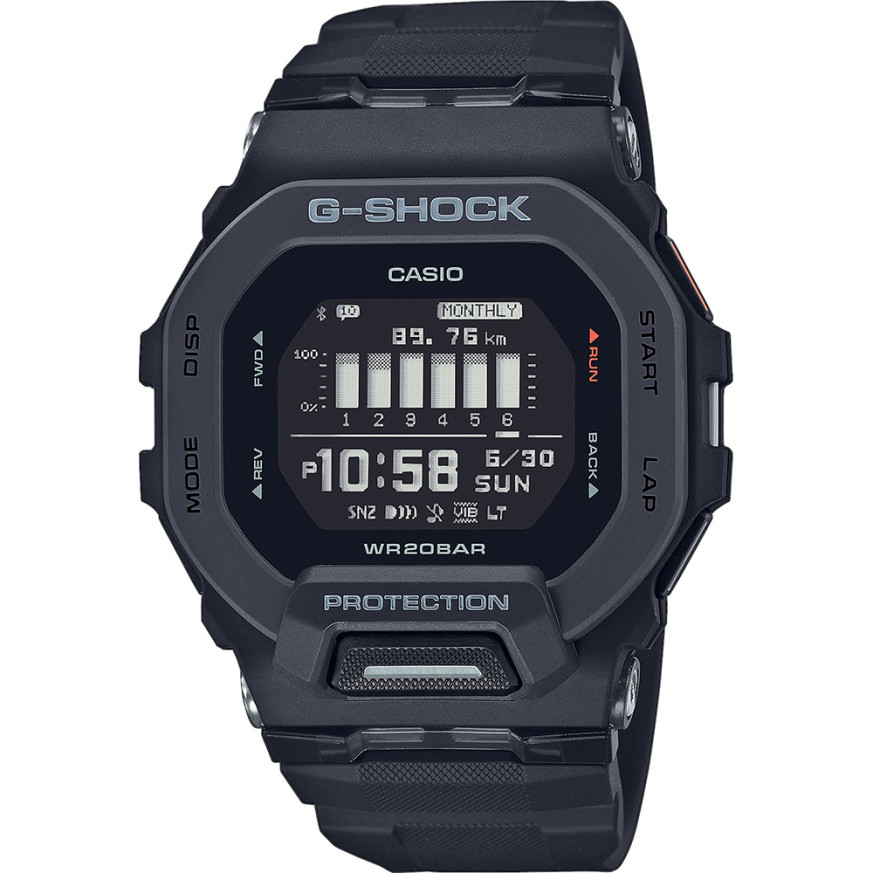
Module 3506 is a digital watch with an LCD display. The manual describes phone connection (Mobile Link), a run timing function, a step counter, timers, a stopwatch, World Time and an alarm. The models from the G-Shock G-Squad GBD-200 series at Classic are:
- GBD-200-1ER – Casio G-Shock GBD-200-1ER
- GBD-200-2ER – Casio G-Shock GBD-200-2ER watch
- GBD-200-9ER – Casio G-Shock GBD-200-9ER watch
- GBD-200-1A1ER – Casio G-Shock GBD-200-1A1ER
How to set the time and date
The manual provides two ways to set the time. The first is automatic, through a phone connection. The second is manual, through operations on the watch itself.
- Prepare the phone according to the Getting Ready section and connect the watch (Connecting with a Phone).
- While connected, the watch uses Auto Time Adjustment.
- If there is no phone connection, follow the section Using Watch Operations to Adjust the Time in the PDF file.
- The digital display format is selected in the section Selecting a Timekeeping Mode Digital Display Format.
- If you change your phone, first cancel the old pairing (Unpairing) and pair again.
Phone connection (Mobile Link)
The manual describes creating a profile and configuring the watch through the app. World Time, the alarm and watch settings are set from the phone. The Phone Finder function helps you locate the phone. There are also incoming call notifications, which can be turned on and off. The content of a notification can be shown on the display or deleted. The manual contains separate precautions for Mobile Link and for use in a medical facility or on an aircraft.
Run timing function and step counter
The Run Timing function measures runs and saves training records. The watch also keeps Life Log data, which is viewed on the display. The manual describes the following settings:
- target values and notifications when they are reached (Target Alert);
- distance unit and distance for automatic lap (Auto Lap);
- automatic pause (Auto Pause);
- choice of screen during a run (RUN FACE);
- changing the displayed information during measurement.
The step counter counts steps. The manual lists reasons for inaccurate step counting. Training records and logs are viewed in the app and can be deleted.
Timer and programmable timers
The Countdown Timer works with a set start time. In addition, there are programmable timers for interval training. The manual describes their setup and counting down with them.
Stopwatch
The Stopwatch measures elapsed time. Split Time measurement is also possible.
World Time
The watch shows the time in a selected World Time city. The city is chosen from the city table in the manual. Daylight saving time has a separate setting, and the table of summer time zones is in the PDF file.
Alarm
The manual describes setting the alarm and turning it off. The alarm can also be set through the phone app.
Illumination and other settings
The display can be viewed in the dark with illumination. The other settings described in the manual are:
- button operation tone;
- notification sound and vibration;
- units for height and weight;
- unit for displaying calories;
- screen off function (Screen Off);
- returning the settings to their initial state.
Water resistance and care
The watch is not intended for scuba diving. The level of water resistance is determined by the marking on the dial or case back. A 20BAR marking covers hand washing, rain, swimming, windsurfing and diving without tanks. Do not press the buttons while the watch is under water or wet. After sea water, rinse it with fresh water. Do not wear it in a sauna, hot bath or high-temperature pool. The gaskets are replaced periodically, about once every two to three years.
Battery replacement requires special tools. The manual recommends that it be done by the retailer or an authorized Casio service center. The technician then also checks the water resistance.
Do not leave the watch on a car dashboard or next to a heater. Exposure above +60 °C can damage the LCD display. The display is hard to read below 0 °C and above +40 °C. Avoid contact with thinners, gasoline, oils, adhesives, cosmetics and medicines. They can damage the resin of the case and band.
The band should not be fastened too tightly. A finger should fit between it and the wrist. In case of cracks, discoloration or loosening, stop using the watch and take it in for inspection. If the glass fogs up on the inside and does not clear quickly, contact a service center.
The original Casio manual (PDF)
Casio module 3506 manual (PDF, English) is the official Casio document with all steps, tables and specifications.
Casio at Classic. See all Casio watches at Classic and the manuals for all Casio modules. There are two stores: Boutique CLASSIC on Knyaz Boris I 32 and Mall Varna.