

Casio module 3513: manual and setup (PRG-340)
03.09.2026
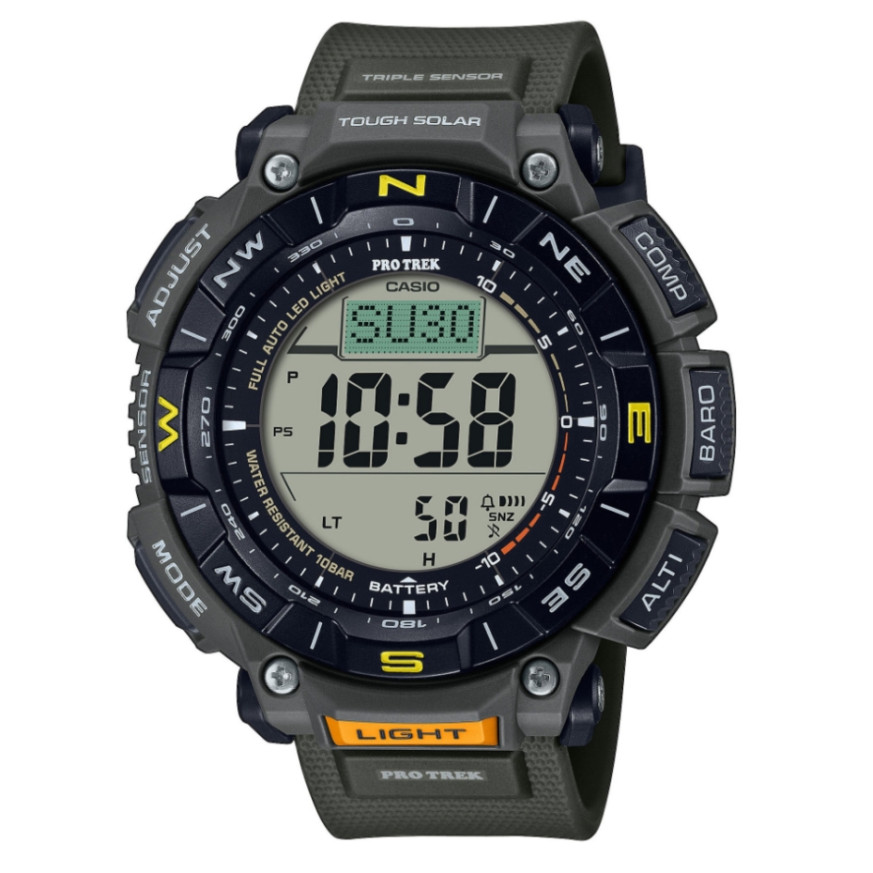
Casio module 3513: user manual and setup (PRG-340)
The module number is printed on the case back of the watch. It is a small four-digit number, different from the model name. If the case back says 3513, this guide applies to your watch. Module 3513 is used in the Casio PRO Trek PRG-340 series.
Which watches use module 3513
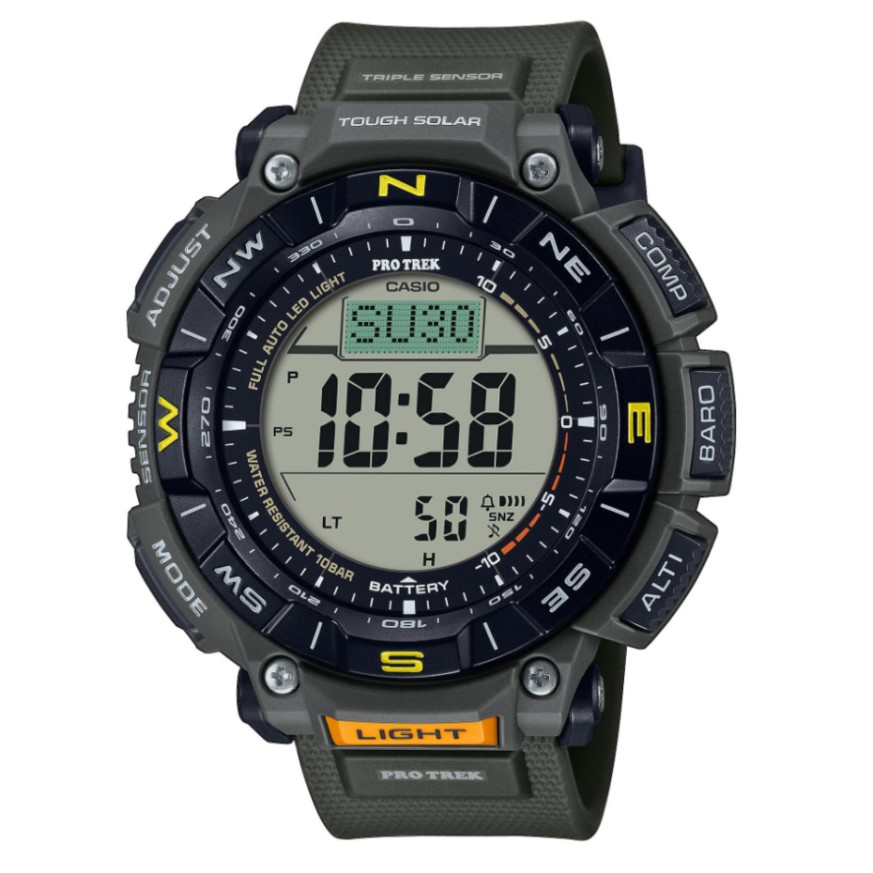
According to the manual, the watch has a liquid crystal display (LCD), meaning a digital readout. It includes a digital compass, altimeter, barometer, thermometer and sunrise and sunset data. It also has a stopwatch, countdown timer, world time, alarm and hourly time signal. The manual contains a section on charging and power saving settings.
Modes and navigation
The General Guide section of the manual describes the display indicators and gives an overview of the modes. The Navigating Between Modes subsection explains how to switch between them. The main functions are split into separate modes: compass, altimeter, barometer and temperature, sunrise and sunset, stopwatch, countdown timer, world time and alarm. The manual also has a Viewing the Face in the Dark section for reading the display in the dark.
How to set the time and date
- Check that the case back says 3513.
- Open the Time Adjustment section in the manual. It contains the Adjusting the Current Time Setting subsection.
- Follow the steps in that subsection for the current time and date. The exact button presses are shown in the PDF file.
- For a city in another time zone, use the World Time section. The Specifying a World Time City subsection explains how to select a city.
- The list of cities is in the City Table at the end of the manual.
Digital compass
The Digital Compass section describes taking a direction reading (Taking a Compass Reading). The Bearing Memory function stores a bearing to a selected target. The manual explains calibrating the readings and setting true north using magnetic declination. There are also separate precautions about compass accuracy.
Altimeter
The Altitude Measurement section explains how to check the current altitude. The readings can be corrected with an offset. A reference altitude can be set, and the difference from it can be read.
- Setting the interval for automatic data recording and ascent records.
- Changing the information shown on the display.
- Saving measurements and viewing the saved data.
- Deleting records and selecting the altitude unit.
Barometer and thermometer
The watch measures barometric pressure and temperature. The manual shows how to track pressure changes over time. Two readings can be compared to see the difference between them. There are indications when the pressure changes suddenly. The measured values are corrected with an offset. The units for pressure and temperature are selected separately. The section ends with precautions about measurement accuracy.
Sunrise and sunset
The Sunrise and Sunset Times section shows today's sunrise and sunset times. Another date can also be checked. Another location can also be specified for which the times are calculated.
Stopwatch and countdown timer
The stopwatch measures elapsed time and split time. The manual also describes timing the first and second place finishers. The countdown timer works with a preset start time. The Using the Timer section explains the countdown itself.
World time, alarm and hourly time signal
The World Time section shows the time in a city selected from the city table. The alarm is configured in the Configuring Alarm Settings section. The hourly time signal is turned on separately. The manual also explains how to turn off the alarm or the signal.
Illumination, charging and power saving
The Viewing the Face in the Dark section explains the display illumination. The Charging section describes charging the watch. The button operation tone is turned on in Other Settings. The power saving function is also set there. The Battery section gives instructions on the power supply.
Water resistance and care
The manual gives the following guidance for everyday use.
- Check the marking on the front or on the case back. Without the WATER RESIST marking, the watch is not protected from sweat and water.
- At 5BAR, hand washing, rain and swimming are acceptable. Windsurfing and diving are not recommended.
- At 10BAR and 20BAR, windsurfing and skin diving without tanks are also acceptable.
- Do not use the watch for scuba diving with tanks.
- Do not press the buttons while the watch is under water or wet.
- After exposure to seawater, rinse the watch with clean water.
- Avoid baths, saunas and contact with soaps and detergents.
- The gaskets are replaced periodically, about once every two to three years.
- Battery replacement is done by an authorized Casio service center.
Brief fogging of the glass after a sudden temperature change is normal. If the moisture does not clear, stop using the watch and contact a service center. Do not leave the watch on a car dashboard or near a heater. The display is harder to read below 0 °C and above 40 °C. Keep the watch away from thinners, gasoline, oils, cosmetics and adhesives. Do not fasten the band too tightly, a finger should fit between it and your wrist. If you notice cracks, discoloration or loosening, stop wearing the band. Leather bands should not get wet or stay in the sun for long.
The original Casio manual (PDF)
Casio module 3513 manual (PDF, English) is the official Casio document with all steps, diagrams and tables.
Casio at Classic. Browse all Casio watches at Classic or the manuals for all Casio modules. The watches can be seen in person at Boutique CLASSIC on Knyaz Boris I 32 and at Mall Varna.