

Casio module 3554: manual and setup (GPR-H1000)
03.09.2026
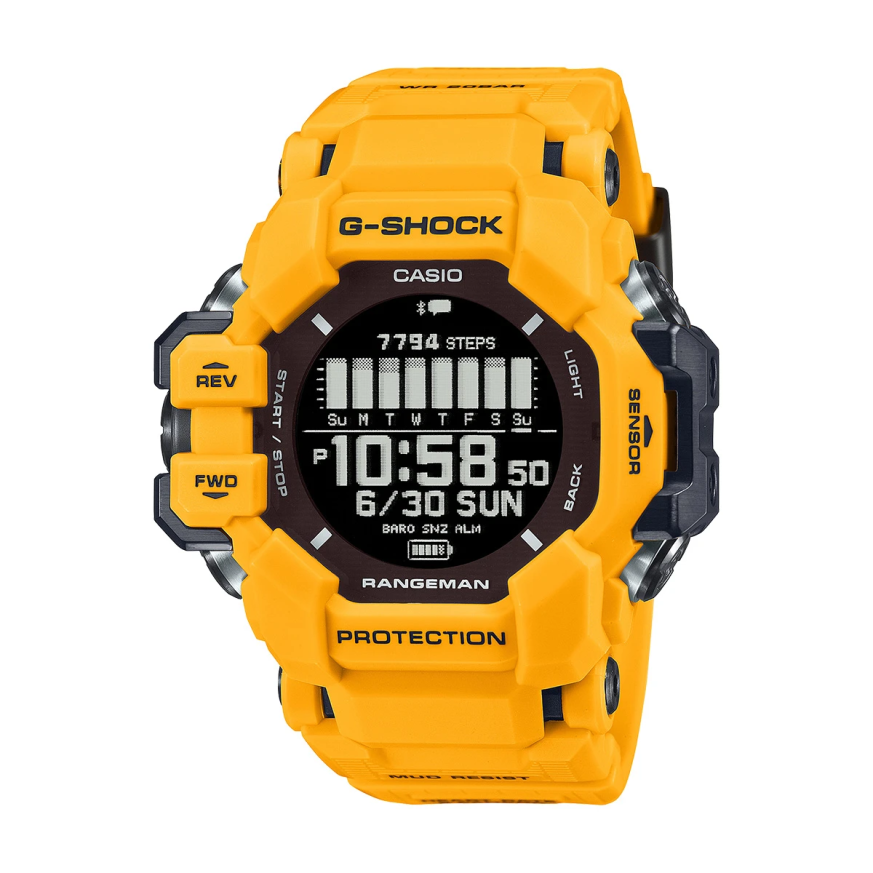
Casio module 3554: user manual and setup (GPR-H1000)
The module number is engraved on the case back of the watch. It usually sits in a small rectangle next to the other markings. If it says 3554, this manual applies to your watch. Casio uses one module in different color variants of the model, so the number is a more reliable guide than the color name.
Which watches use module 3554
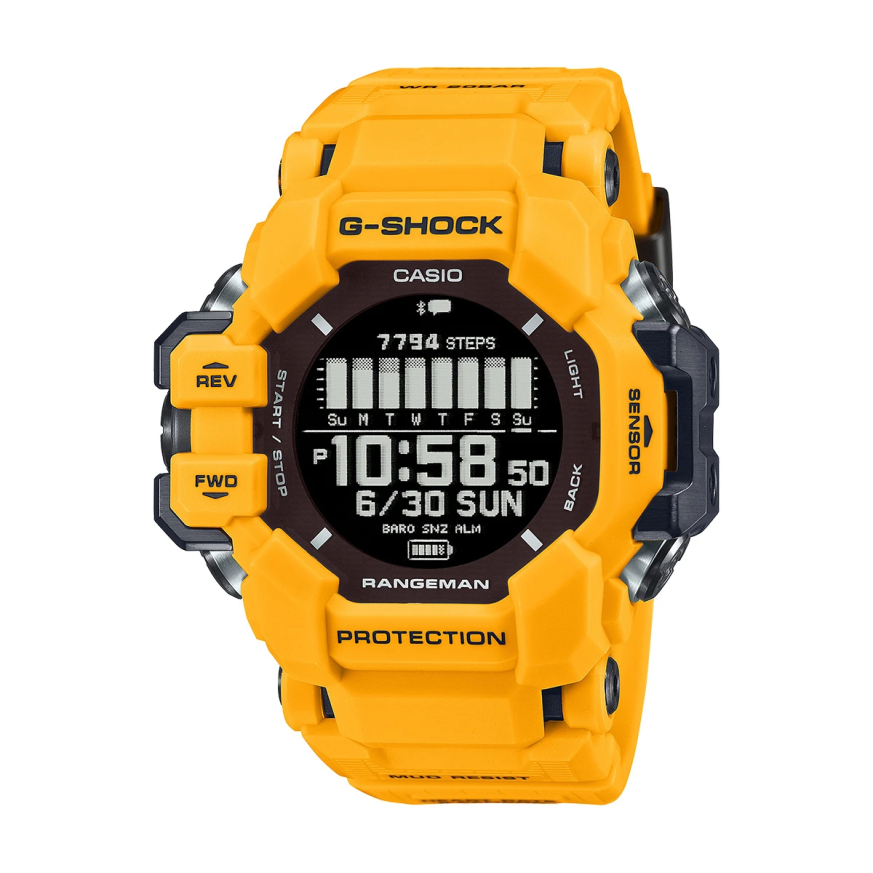
According to the manual, module 3554 is used in the GPR-H1000 series. This is a digital watch with GPS reception, heart rate and blood oxygen sensors, a compass, an altimeter and a barometer. Charging is done by cable, and solar charging supports the battery. The watch works together with the CASIO WATCHES app on the phone.
Watch modes
The manual describes three main modes. Watch mode shows the current time and the sensor data. Activity mode starts and records a workout measurement. Control mode manages settings such as silent mode, airplane mode and phone finder.
How to set the time and date
Module 3554 sets the time in three ways: via the phone, via GPS signal and manually on the watch.
- Install the CASIO WATCHES app on the phone and pair the watch with it.
- With an automatic phone connection, the watch syncs the current time by itself.
- You can also connect to the phone manually to sync the time right away.
- Without a phone, perform manual GPS signal reception outdoors, with a clear view of the sky.
- GPS reception also corrects leap seconds.
- If neither a phone nor GPS is available, set the time and date manually in the watch settings.
When traveling abroad, GPS reception can also be used outside your country. The manual contains a city table and a daylight saving time table.
Charging and battery
The watch is charged with a cable. Solar charging supports the battery when the watch is worn in the light. The charge level can be checked on the display. The manual gives approximate charging times. Power saving mode can be turned on and off in the settings.
Connecting to a phone
The watch is paired with the phone through the CASIO WATCHES app. After the first pairing, the connection is restored automatically. When changing phones, first unpair, then pair with the new phone. A user profile is created in the app and is used for the workout calculations.
The app is also used to choose a watch face, arrange the functions in Watch and Activity modes and set up the measurement screens. There you set a daily step target, a desired bedtime and wake-up time, and checkpoints along a route.
Workout measurement
In Activity mode you choose an activity type, for example RUNNING. After the start the watch records the data, and at the end the data is saved. The results can be viewed on the watch or in the app. The data is transferred to the phone right after the measurement ends, if there is a connection.
- Activities with GPS reception and activities without a GPS signal are supported.
- For pool swimming (POOL SWIMMING), the pool length is set.
- Auto lap, auto pause and training notifications are turned on in the settings.
- The GPS reception interval can be changed.
- Workout records can be deleted one by one or all at once.
Heart rate, blood oxygen and recovery
The wrist sensor measures the current heart rate. Heart rate zone training is started from Activity mode. The watch also measures the blood oxygen level. The Nightly Recharge function shows the recovery status after sleep. There is also an overview of cardio load and training status. The manual gives precautions about the accuracy of these measurements.
Step counter and log
The watch counts steps throughout the day. The step target is set from the app. The move reminder is turned on in the settings. The activity log (Life Log) shows the data by day. The manual also describes the causes of inaccurate step counting.
Breathing exercises and smart alarm
The watch measures breathing exercises with a preset duration. The smart alarm is set according to the specified wake-up time and can be turned off in the settings.
Compass, altitude, pressure and temperature
The compass is calibrated on the watch. For readings relative to true north, a magnetic declination is set. The altimeter shows the current altitude and the difference from a set reference altitude. The automatic measurement interval can be changed. The barometer shows pressure and temperature, and pressure changes are shown with an indicator. Each of the three measurements can be calibrated manually.
Sunrise, sunset and tides
The almanac shows the sunrise and sunset times and the moon age. A specific location can be set for reference. The tide function shows information for a selected port.
World Time
The World Time settings are configured on the watch. The city table in the manual is used.
Alarm and hourly time signal
The alarm is set from the menu and can be turned off at any time. The hourly time signal on every full hour is turned on separately.
Stopwatch and timer
The Stopwatch measures elapsed time and split times. The Countdown Timer has a set start time and can be stopped and reset. For interval training, interval timers are used, and their values are set in the settings.
Phone notifications
The watch shows notifications from the paired phone. Incoming call notifications can be turned on and off. The content opens on the display, and notifications can be deleted one by one or all together.
Illumination, sound and other settings
Auto illumination is turned on in the settings, and the illumination duration is set separately. Sounds and vibration for operation and for notifications are set independently. Silent mode turns off the sounds. The night period is set by hours. The units for distance, weight, calories, pressure and temperature are changed from the menu.
The phone finder function sends a signal to the paired phone. Airplane mode cuts off the wireless connections. The watch software is updated through the app. The settings can be reset to factory defaults.
The original Casio manual (PDF)
Casio module 3554 manual (PDF, English). This is the official Casio document with the full steps, tables and precautions.
Casio at Classic. Browse all Casio watches at Classic and the manuals for all Casio modules. The watches can be seen in person at Boutique CLASSIC on Knyaz Boris I 32 and at Mall Varna.