

Casio module 3565: manual and setup (ABL-100WE)
04.09.2026
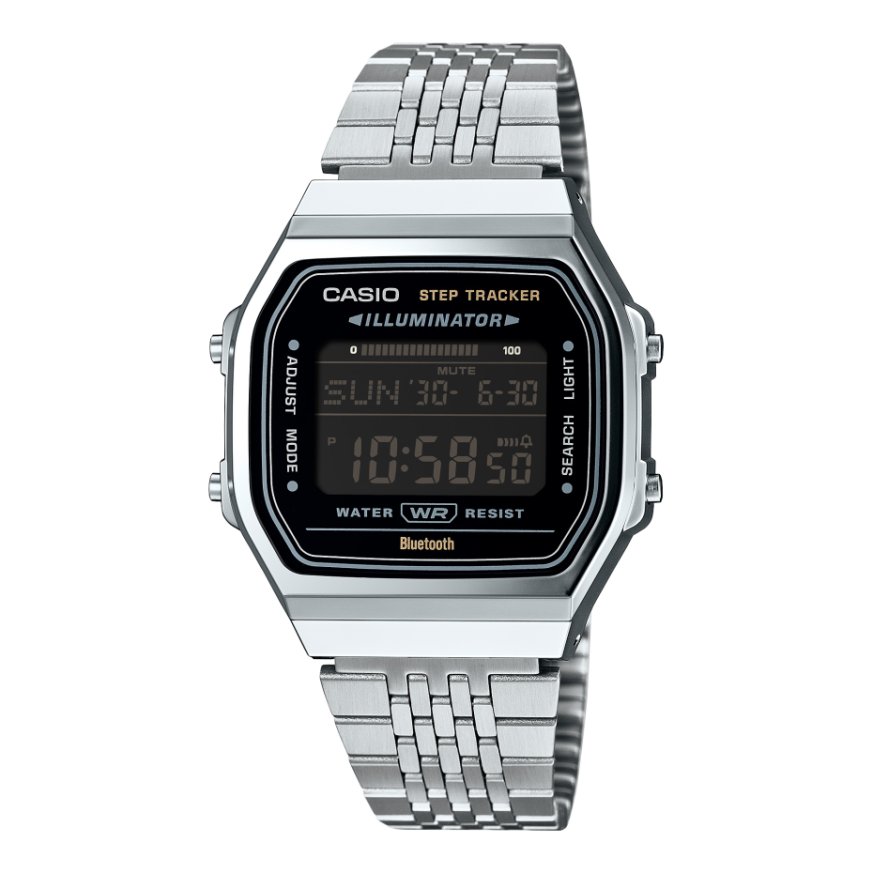
Casio module 3565: user manual and setup (ABL-100WE)
The module number is engraved on the back of the watch, on the case back. It is a four-digit number and shows which movement and which manual match the model. If the case back says 3565, this guide is for your watch. Casio uses one module in different models with different designs, so the number matters more than the model name.
Which watches use module 3565
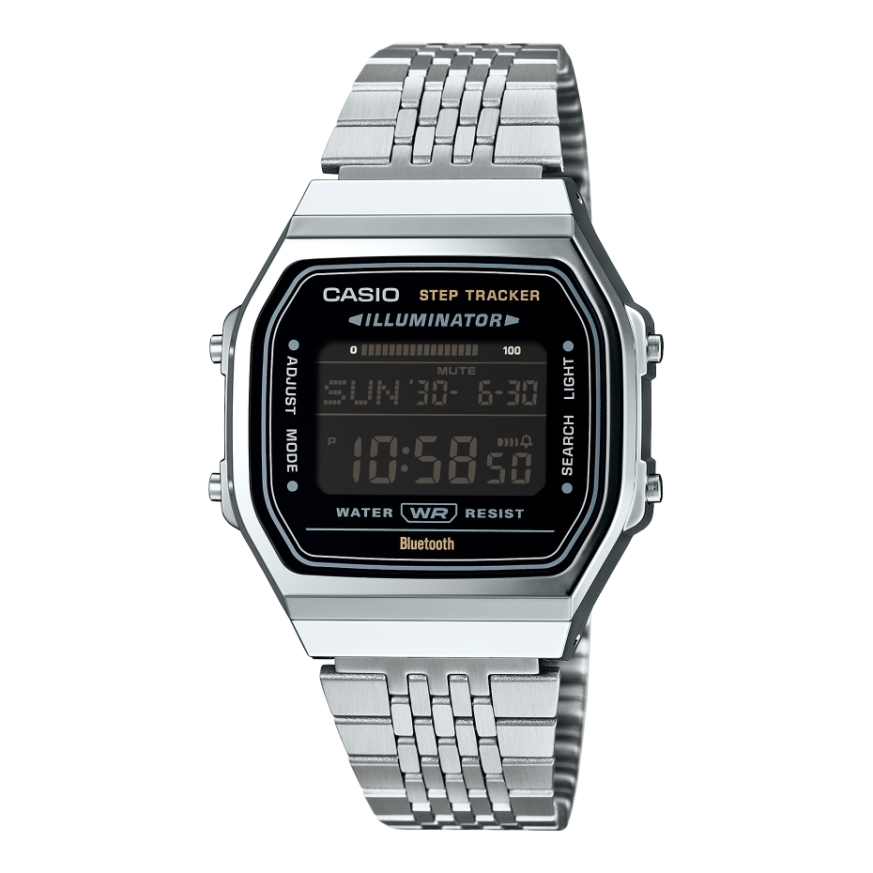
Module 3565 is a watch with an LCD display and a graphic area on the display. It connects to a phone (Mobile Link) through the CASIO WATCHES app. Besides the time, the module offers a step counter, dual time, world time, alarm, stopwatch and timer. At Classic, the model with this module is:
Modes and functions of the module
The manual gives a general overview of the watch, the indicators and the graphic area of the display. There is a separate section on switching between modes. The main one is Timekeeping Mode. In it you can select the digital display format. Stopwatch Mode is a separate mode. The other functions are the timer, dual time, world time, alarm, hourly time signal and step counter. Many of the settings are also made through the CASIO WATCHES app on the phone.
How to set the time and date
The manual gives two ways to get accurate time: automatic correction through the phone and manual setting from the watch itself.
- Check that 3565 is printed on the case back.
- Install the CASIO WATCHES app on a supported phone. The list of supported phones is in the Supported Phones section of the manual.
- Connect the watch to the phone by following the steps in the Connecting with a Phone section.
- When connected, the watch corrects the time automatically (Auto Time Correction). This is the method Casio recommends for accurate time.
- Without a phone, the time is corrected manually from the watch. The steps are in the Using Watch Operations to Adjust the Time section of the PDF file.
- Set summer time for the home city from the Changing the Home City Summer Time Setting section.
- When travelling, use the Moving to Another Time Zone section to change the time zone.
Phone connection (Mobile Link)
The watch connects to a phone through the CASIO WATCHES app. The manual describes connecting, disconnecting and removing the pairing (Unpairing). There are separate instructions if you replace your phone with a new one. In a medical facility or on an aircraft, the connection must be turned off in the described way. The Phone Finder function helps you find your phone using the watch. With TIME&PLACE you record your current location and the time.
Dual time and world time
Dual time shows the time in a second time zone. Its settings are made through the CASIO WATCHES app. The home city time and the dual time can be swapped. The cities for world time are also set through the app (World Time City Settings).
Step counter
The module counts steps during the day and shows them on the display. Today's step count can be reset. You can set a daily step target. The Step Reminder function reminds you to move and has its own indicator, which is cleared manually. The reminder can be turned on and off. The manual also describes the causes of inaccurate step counting. Step data can also be viewed through the app on the phone.
Alarm and hourly time signal
The alarm is set through the CASIO WATCHES app or directly from the watch. The Hourly Time Signal sounds every hour on the hour. Both the alarm and the hourly time signal can be turned off at any time.
Stopwatch
The stopwatch measures elapsed time. It records split times and lap times. While in Stopwatch Mode, you can also view the current time. The measured times are recorded and can be reviewed later. A single record or all records can be deleted.
Countdown Timer
The timer counts down from a set start time. The start time is set through the CASIO WATCHES app. The manual also describes starting and stopping the timer from the watch.
Illumination and power saving
The display can be read in the dark in the way described in the Viewing the Face in the Dark section. The Power Saving function has its own settings. They are changed from the watch or through the app.
Other settings
The button operation tone can be turned on and off. The watch settings can be returned to their initial state (Resetting Watch Settings). The manual also has a Troubleshooting section and technical specifications.
Battery and water resistance
Replacing the battery requires special tools. Casio recommends that it be done by the retailer or at an authorised service centre. During replacement, the technician also checks the water resistance. The gaskets are replaced periodically, about every two to three years.
The water resistance rating is marked on the dial or the case back. Do not press the buttons while the watch is wet or under water. Avoid saunas, hot baths and washing with detergents. After sea water, rinse the watch with clean water. With a leather strap, avoid contact with water.
Do not leave the watch on a car dashboard or next to a heater. Above 60 °C the display may be damaged. Below 0 °C and above 40 °C the display is harder to read. The strap should not be too tight. A finger should fit between it and the wrist.
The original Casio manual (PDF)
Casio module 3565 manual (PDF, English). This is the official Casio document with the full steps for every function.
Casio at Classic. Browse all Casio watches at Classic or find the manuals for all Casio modules. There are two stores: Boutique CLASSIC on Knyaz Boris I 32 and Mall Varna.