

Casio module 3568: manual and setup (G-Shock GBD-300)
03.09.2026
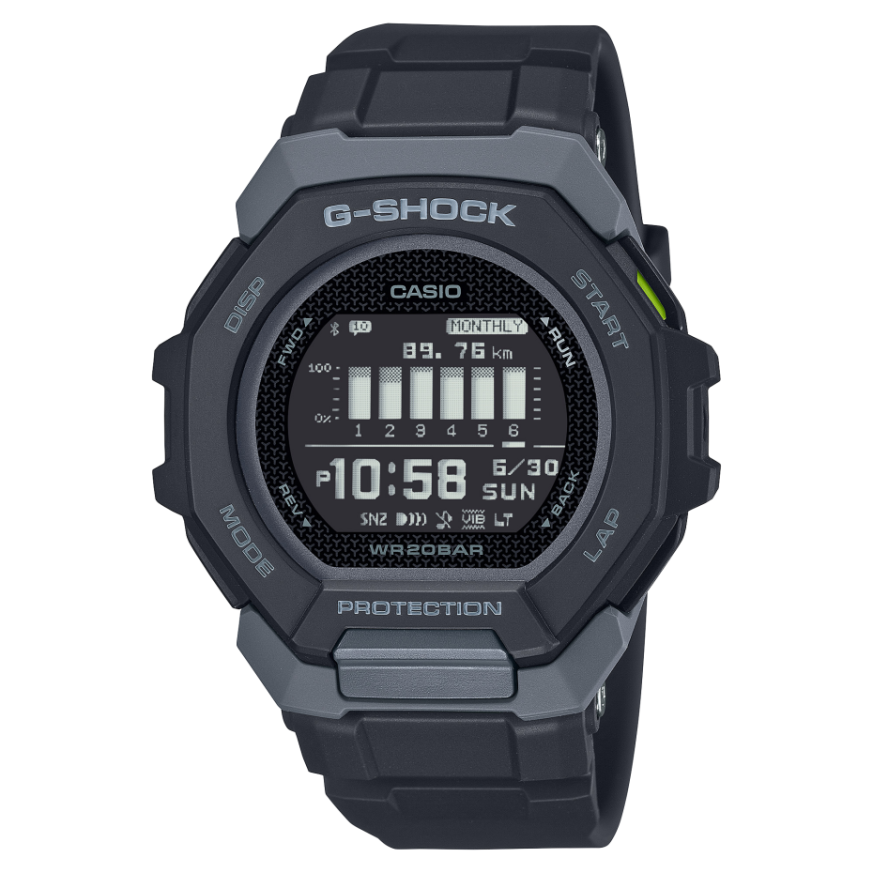
Casio module 3568: user manual and setup (GBD-300)
The module number is printed on the case back of the watch, next to the other markings. If it says 3568, this guide applies to your model. The functions below are described as presented in the official Casio manual for this module.
Which watches use module 3568
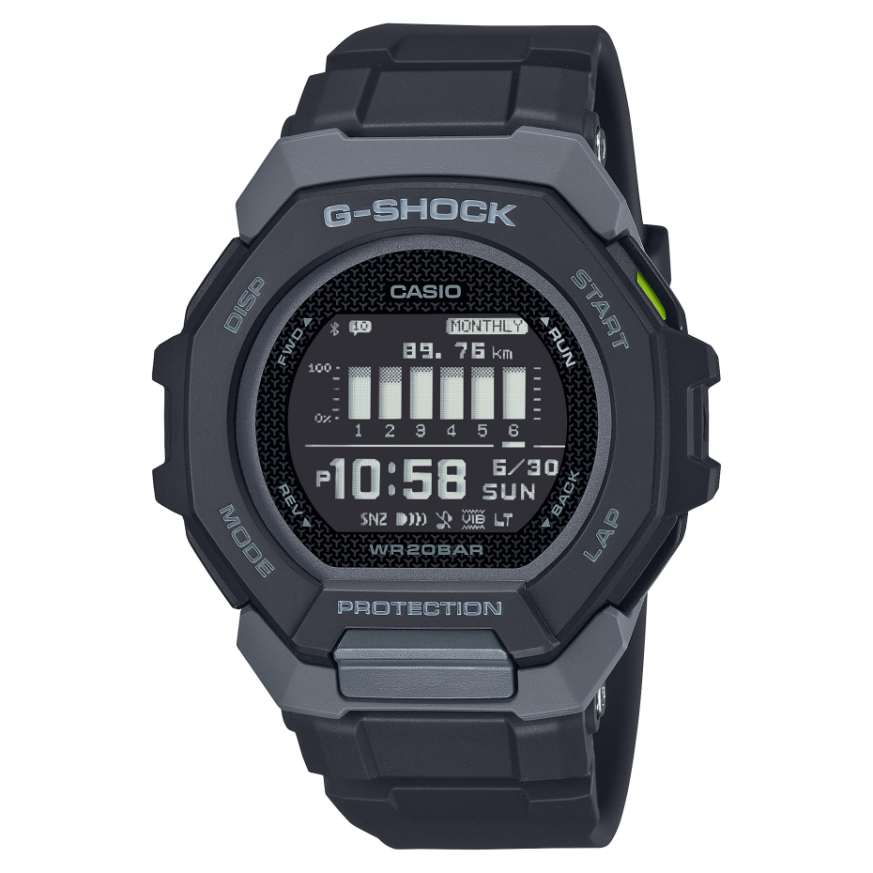
Module 3568 is digital. The watch has an LCD display and connects to a phone through the CASIO WATCHES app. The module is used in the G-Shock GBD-300 series:
Connecting to a phone
The watch works with the CASIO WATCHES app. The manual describes preparation, pairing and unpairing. There is also a separate section for the case when you change your phone. The list of supported phones is in the original PDF file.
Some settings are configured through the app. These are World Time, the alarm, the programmable timers and the parameters of the training functions. The manual also contains precautions for the Mobile Link function.
How to set the time and date
The manual describes two ways to correct the time.
- Pair the watch with your phone through the CASIO WATCHES app.
- When connected to the phone, the watch uses automatic time correction.
- Without a phone, the time can also be corrected with the watch buttons. The exact steps are in the section "Using Watch Operations to Correct the Time" in the PDF file.
- In Timekeeping Mode you can choose the format of the digital display.
The manual also contains instructions for use in medical facilities and on aircraft. Read them before first use.
World Time
The function shows the time in a selected city. The city is set from the watch or through the app. There is also a daylight saving time setting. The full list of cities is in the City Table in the PDF file. The table with daylight saving time periods is there as well.
Stopwatch
The Stopwatch measures elapsed time. It can also record split times.
Countdown Timer and programmable timers
The Countdown Timer is set from the watch or through the app. You set a start time and start the countdown. There are also programmable timers for interval training. The manual describes how to set them and how to time with them.
Alarm
The alarm is set from the watch or from the CASIO WATCHES app. The manual also describes how to stop a sounding alarm.
Step counter and training functions
The watch counts steps. The manual lists the causes of inaccurate counting. Daily activity data is recorded in the Life Log and can be viewed on the watch.
The training function includes:
- run timing (Run Timing) and changing the displayed information during a run;
- setting target values and an interval for an alert when the target is reached;
- automatic lap recording (Auto Lap) by a set distance;
- automatic pause (Auto Pause);
- choosing a screen during a run (RUN FACE);
- alerts configured from the app.
Training records are kept in a log. You can view them on the watch or delete them. The manual specifies which values are shown for each record.
Phone notifications
When connected to the phone, the watch receives notifications. Incoming call notifications can be turned on and off. The content of the notification is shown on the display. Unneeded notifications are deleted from the watch.
Display and other settings
The manual describes how to see the display in the dark. There is also a Screen Off function. In addition, the following settings are described:
- button operation tone;
- notification sound;
- vibration;
- units for height, weight, calories and distance;
- Phone Finder;
- resetting the settings to their initial values.
Water resistance and care
The water resistance rating is marked on the dial or on the case back. A 5BAR marking allows swimming, but not windsurfing or diving. With 10BAR and 20BAR, windsurfing and skin diving are allowed. Scuba diving is not allowed with any marking.
Do not press the buttons while the watch is wet or under water. Avoid soaps, hot baths and saunas. After sea water, rinse the watch with clean water. The gaskets are replaced every two to three years. If the glass fogs up briefly during a sudden temperature change, this is normal. If the moisture remains, take the watch to a service centre.
Keep the watch away from thinners, petrol, cosmetics and high temperatures. At temperatures above +60 °C the display may be damaged. The band should not be too tight. A finger should fit between it and the wrist. If you notice cracks, discolouration or loosening, stop using it.
Battery replacement
Battery replacement requires special tools. The manual recommends entrusting it to the retailer or an authorised Casio service centre. During replacement the technician also checks the water resistance.
The original Casio manual (PDF)
Casio module 3568 manual (PDF, English) is the official manufacturer document with the full steps for every function.
Casio at Classic. Browse all Casio watches at Classic at Boutique CLASSIC on Knyaz Boris I 32 and at Mall Varna. The manuals for the other modules are collected in the instructions for all Casio modules.