

Casio module 3569: manual and setup (G-Shock GD-010)
03.09.2026
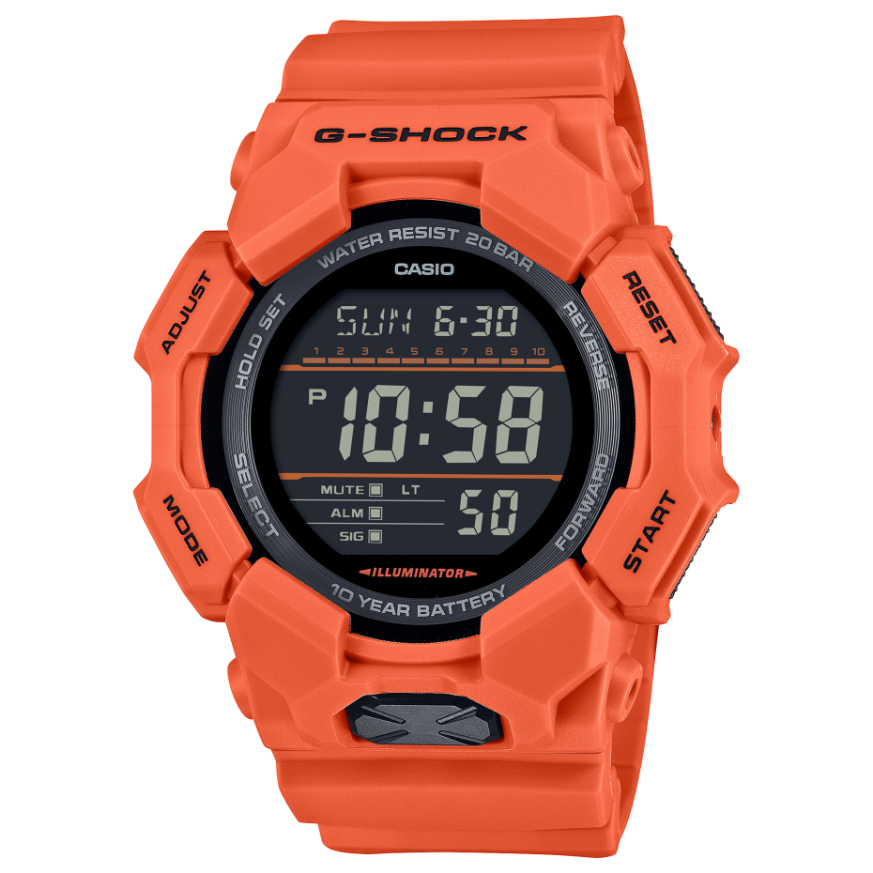
Casio module 3569: user manual and setup (GD-010, GD-010CE)
The module number is engraved on the case back of the watch. It is a four-digit number and is separate from the model name. If the back says 3569, this manual applies to your watch. Casio publishes a guide for it called Watch Operation Guide 3569.
Which watches use module 3569
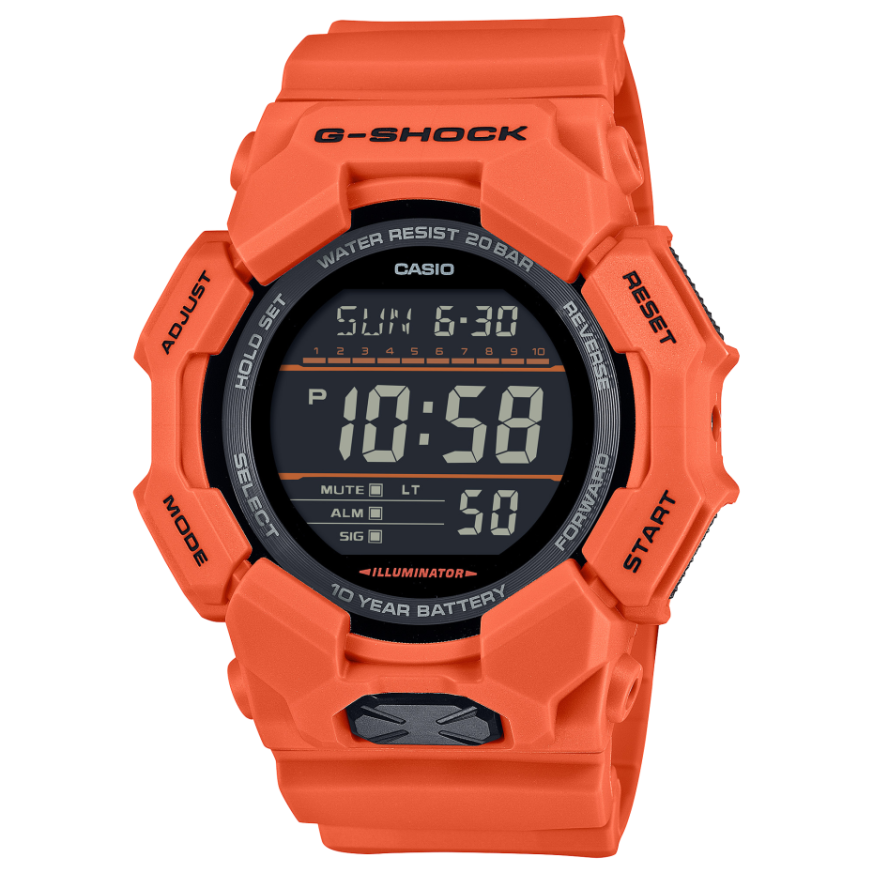
Module 3569 is a digital module with an LCD display and a graphic area on the screen. It is used in the G-Shock GD-010 series. According to the manual, G-SHOCK models have a shock-resistant construction. They can be worn during strong vibrations and in demanding sports such as motocross. Boutique CLASSIC offers the following models with this module:
- GD-010-4ER – Casio G-Shock GD-010-4ER
- GD-010-3ER – Casio G-Shock GD-010-3ER
- GD-010-1ER – Casio G-Shock GD-010-1ER
- GD-010CE-5ER – Casio G-Shock GD-010CE-5ER
- GD-010-1A1ER – Casio G-Shock GD-010-1A1ER
Watch modes
The manual describes the display indicators and switching between modes (Navigating Between Modes). The functions of module 3569 are as follows:
- time and date (Setting the Time);
- multi time with four times T-1 to T-4 (Multi Time);
- world time (World Time);
- alarm and hourly time signal (Alarm);
- stopwatch (Stopwatch);
- timer (Timer);
- other settings: time correction and button operation tone.
The display can also be read in the dark. This function is described in the section Viewing the Face in the Dark.
How to set the time and date
- Check that the case back of the watch says 3569.
- Open the section Setting the Time in the original manual. It gives the steps for the time and date.
- If the watch runs fast or slow, use Time Correction from the section Other Settings.
- Set the cities for the local times T-2, T-3 and T-4 from the City Table.
- When you travel, swap the Home City time with the Local City time.
The exact button combinations are in the original Casio manual. The link to it is at the end of the page.
Multi Time
The function shows up to four different times, marked T-1 to T-4. For T-2, T-3 and T-4 you select cities from the City Table. The Home City time and the Local City time can be swapped. This is convenient when changing time zones.
World Time
The mode shows the time in a city selected from the City Table. The manual describes checking the world time and selecting a city. The Home City and the World Time city can also be swapped.
Alarm and hourly time signal
The watch has an alarm and an Hourly Time Signal. The manual describes setting the alarm and turning on the hourly time signal. Both functions can be turned off at any time.
Stopwatch
The Stopwatch measures elapsed time. It also records split time. It can also record the times of the first and second finishers in a race.
Timer
The Timer counts down a set time. Its setup and operation are described in the section Using the Timer in the manual.
Other settings
The section Other Settings contains two settings. The first is Time Correction. The second is the Button Operation Tone, which can be adjusted.
Water resistance
The water resistance marking is on the front of the watch or on the case back. According to the manual, its meaning is as follows:
- WATER RESIST without BAR: hand washing and rain – yes; swimming, windsurfing and diving – no.
- 5 BAR: hand washing, rain, swimming and work with water – yes; windsurfing and diving – no.
- 10 BAR and 20 BAR: also suitable for windsurfing and skin diving without tanks.
The watch is not intended for scuba diving. Do not press the buttons while it is under water or wet. Do not wear it in a sauna, hot bath or heated pool. Keep it away from soaps and detergents. After sea water, rinse it with clean water. The gaskets should be replaced every two to three years.
Battery and maintenance
Replacing the battery requires special tools. Casio recommends that it be done by the retailer or an authorized Casio service center. During replacement, the technician also checks the water resistance of the watch. Keep the watch away from temperatures above +60 °C, because they damage the LCD display. The display is harder to read below 0 °C and above +40 °C. Very strong magnetic fields, for example from medical equipment, should be avoided. The band should not be tight. A finger should fit between it and the wrist. If the band cracks, discolors or becomes loose, stop using it. Take the watch to the retailer or a Casio service center for inspection.
The original Casio manual (PDF)
Casio module 3569 manual (PDF, English) is the official Casio document for this module.
Casio at Classic. Browse all Casio watches at Classic or the manuals for all Casio modules. The watches can be seen in person at Boutique CLASSIC on Knyaz Boris I 32 and at Mall Varna.