

Casio module 5125: manual and setup (EF-129D, MRW-200H)
03.09.2026
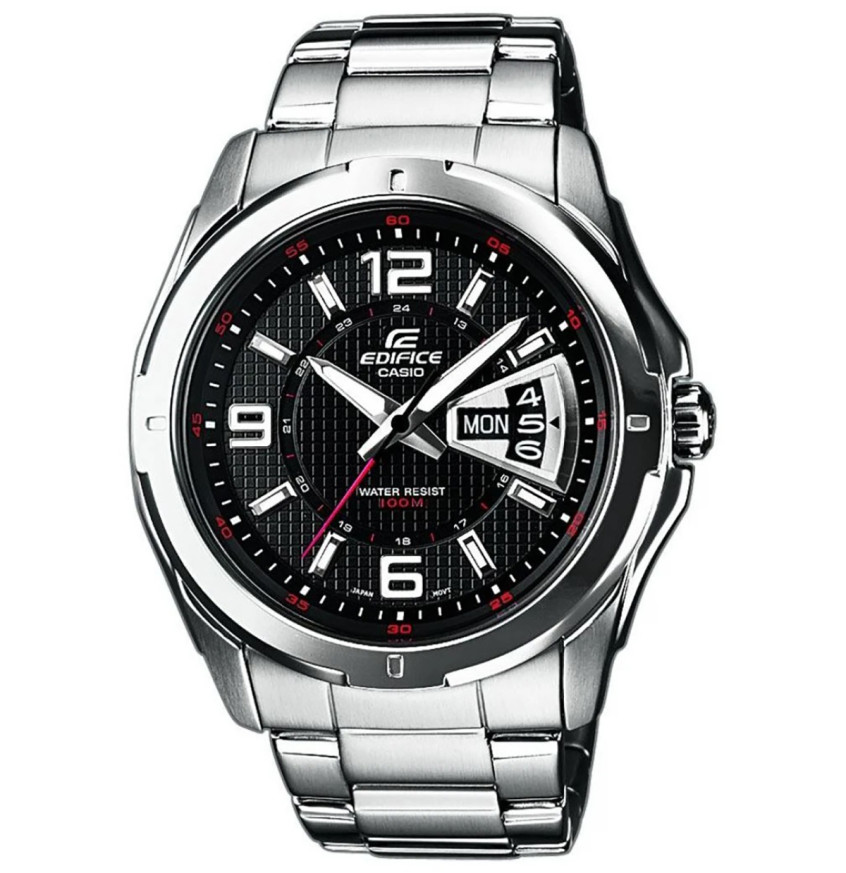
Casio module 5125: user manual and setup (EF-129D, MRW-200H)
The module number is printed on the case back of the watch, separately from the model number. Turn the watch over and look for a four-digit number among the Casio markings. If it says 5125, the settings below apply to your watch. The module is analog and everything is controlled with the crown. The official Casio PDF is linked at the end of the page.
Which watches have module 5125
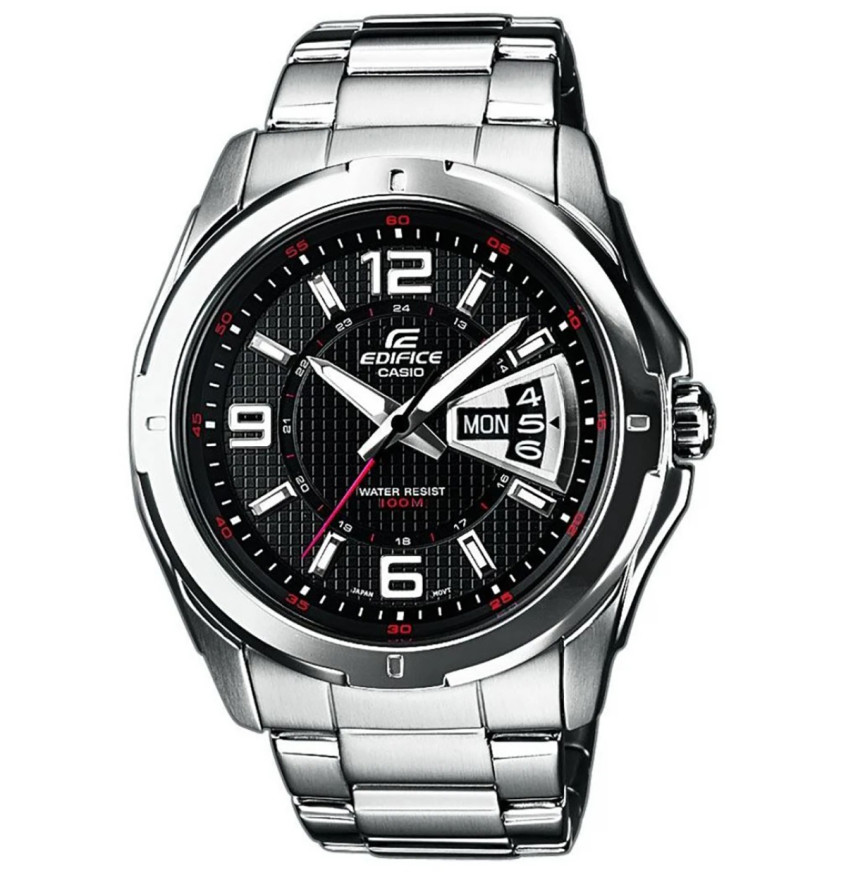
Module 5125 is an analog watch with a battery. It has hour, minute and second hands, as well as date and day of the week indications. There are no buttons and no digital display. Some models also have a rotating bezel for measuring elapsed time. At Classic, the following watches have this module:
- EF-129D-1AVEF – Casio Edifice EF-129D-1AVEF
- EF-129D-2AVEF – Casio Edifice EF-129D-2AVEF
- MRW-200H-1BVEG – Casio Collection MRW-200H-1BVEG Watch
The crown and its positions
Module 5125 has no buttons A, B, C or D and no modes. All settings are made with the crown, which has three positions:
- Normal position – the crown is pushed in against the case. The watch keeps time.
- First click – setting the date and the day of the week.
- Second click – setting the time. In this position the second hand stops.
Some water-resistant models have a screw-lock crown. On these, first unscrew the crown in the direction shown in the manual, and only then pull it out. Do not pull hard. While the crown is unscrewed, the watch is not water resistant. After each setting, screw it back in all the way.
How to set the time and date
Setting the time
- Wait for the second hand to reach the 12 o'clock position.
- At that moment, pull the crown out to the second click. The second hand stops at 12.
- Rotate the crown to move the hands to the desired time.
- Move the minute hand four or five minutes past the correct time.
- Move the hands back to the correct time.
- Push the crown back to the normal position in line with a time signal. The watch starts running again.
Stopping the second hand exactly at 12 lets you synchronize the time to the second with the time signal.
Setting the date and the day of the week
Do not set the date and the day of the week between 9:00 PM and 5:00 AM. If you do, the date and the day may not change on the following day. Wait for the time to move out of this interval and then continue.
- Pull the crown out to the first click.
- Rotate the crown counterclockwise to set the date.
- Rotate the crown clockwise to set the day of the week.
- Push the crown back to the normal position.
The two rotation directions are different. Counterclockwise moves the date, and clockwise moves the day of the week. This way both indications are set from the same crown position.
Elapsed time bezel
Some models with module 5125 have a rotating bezel with graduations. It is used to measure how much time has passed since a given moment.
- Rotate the bezel so that its marker lines up with the minute hand.
- After some time has passed, look at which bezel graduation the minute hand is pointing to.
- The graduation shows the elapsed time.
The bezel does not affect the movement and does not change the time. It serves only as an auxiliary scale for the minute hand.
Accuracy and battery
The manual lists the following specifications for module 5125:
- Accuracy at normal temperature: ±20 seconds per month.
- Battery: type SR626SW.
- Battery life: approximately 3 years.
When replacing the battery, use the same type SR626SW. The stated period is approximate according to Casio data.
The original Casio manual (PDF)
Casio module 5125 manual (PDF, English) – this is the official Casio document with illustrations of the crown and the bezel. The same file also describes module 5128, which has only a date without a day of the week and a different restricted interval for setting.
Casio at Classic. Browse all Casio watches at Classic or the manuals for all Casio modules. The watches can be seen in person at Boutique CLASSIC on Knyaz Boris I 32 in Varna and at the store in Mall Varna.