

Casio module 5154: manual and setup (AQ-240E)
04.09.2026
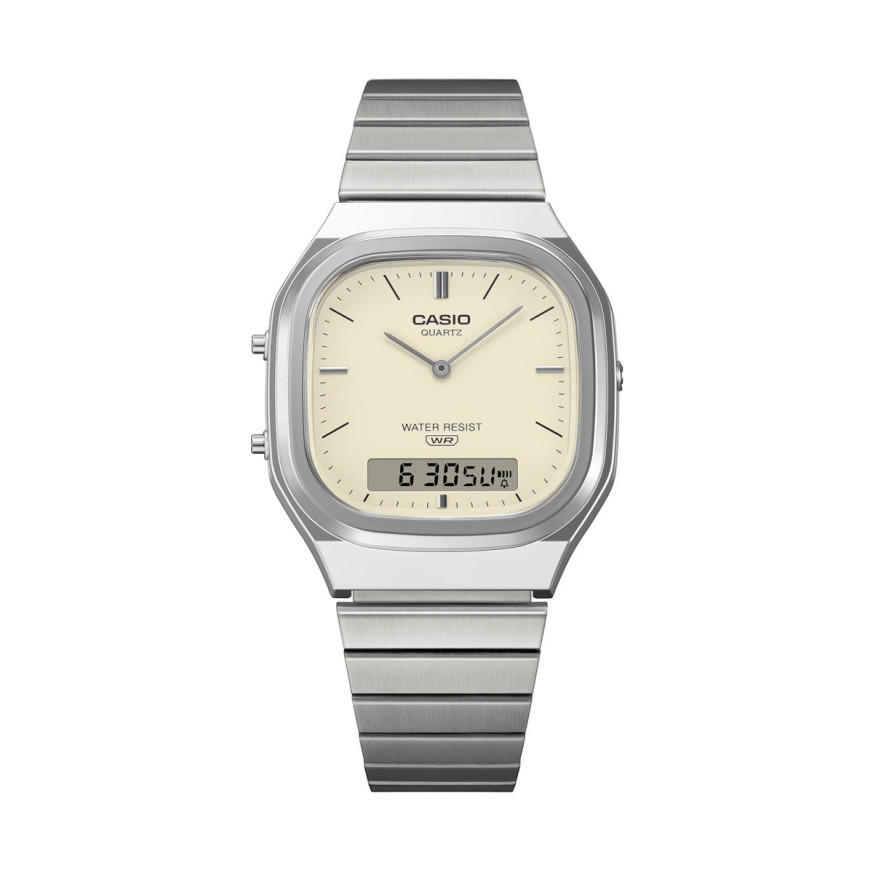
Casio module 5154: user manual and setup (AQ-240E)
The module number is engraved on the case back of the watch, among the other markings. If it says 5154, the instructions below apply to your watch. The steps are retold from the official Casio manual for this module.
Which watches use module 5154
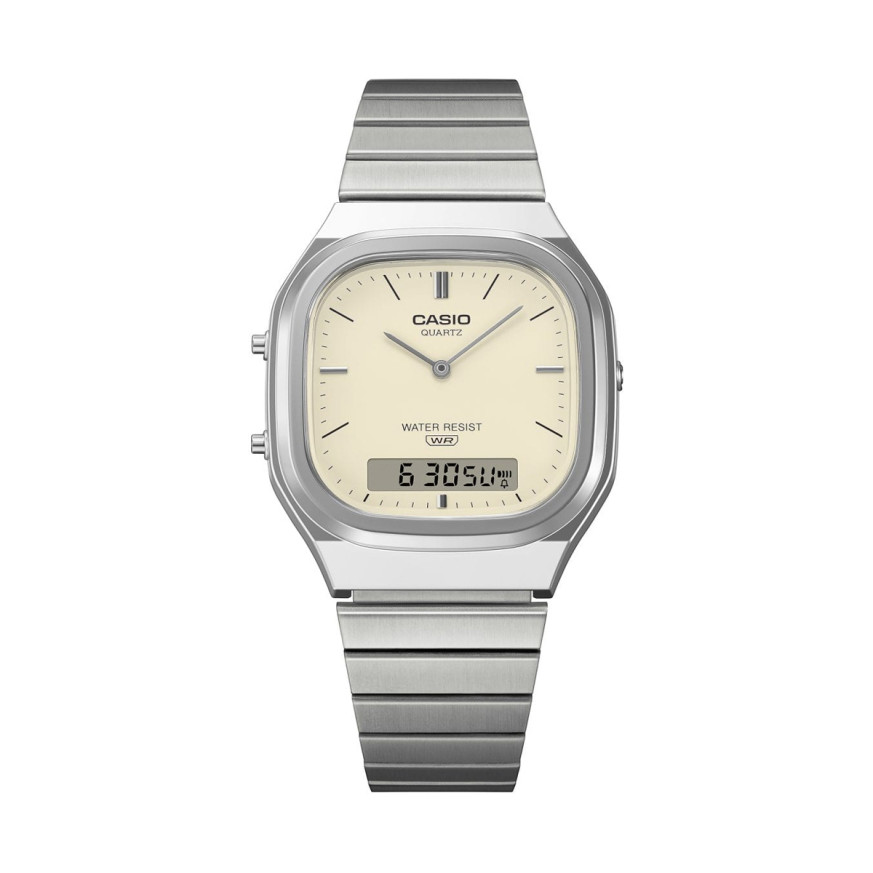
Module 5154 is a combination module. The watch has analog hour and minute hands and a digital display. The digital part shows hours, minutes, seconds and a PM indicator. The analog and digital time are set separately.
Buttons and modes
The manual describes three buttons: A, B and C. Button B switches between modes. Button A advances the analog hands. Button C enters and exits the settings, and in the Stopwatch it starts and stops the measurement.
The modes change with B in the following order:
- Timekeeping Mode – the current digital time.
- Date Indicator Mode – month, day and day of the week.
- Alarm Mode – daily alarm and hourly time signal.
- Stopwatch Mode.
- Dual Time Mode – a separate digital time for another time zone.
If you do not press a button for a few minutes during setting, the flashing stops. The watch returns to the Timekeeping Mode by itself.
How to set the time and date
Digital time
- In the Timekeeping Mode, hold down C until the seconds on the display start to flash.
- Press C to move the selection in this order: seconds, hour, minutes, 12/24-hour format.
- While the seconds are flashing, press B to reset them to "00". At a value from 30 to 59, the minutes increase by one. At a value from 00 to 29, the minutes do not change.
- While the hour or minutes are flashing, press B to increase them. Holding down B speeds up the change.
- While the 12/24 format is flashing, press B to switch between the two.
- Finally, press C to return to the Timekeeping Mode.
For a new setting, you must hold down C again until the seconds flash.
Analog time
The hands are set separately from the display. In any mode, press A to advance them. Holding down A moves them at high speed. The hands move forward only and cannot be moved backward.
Date
- Press B to enter the Date Indicator Mode.
- Hold down C until the month digits start to flash.
- Press C to move the selection in this order: month, day, day of the week.
- While the month or day is flashing, press B to increase it. For the day of the week, B moves to the next day. Holding down B speeds up the change.
- Press C to return to the date screen.
The watch does not account for leap years. The automatic calendar is set to 28 days for February. When there is a February 29, the date is set manually.
Alarm and hourly time signal
The daily alarm sounds for 20 seconds at the set time every day. It is stopped by pressing any button. The hourly time signal sounds on every full hour. Both functions work by the digital time, not by the hands.
- In the Alarm Mode, hold down C until the hour starts to flash.
- Press C to move the selection in this order: hour, tens of minutes, units of minutes, alarm/hourly time signal setting.
- Press B to increase the selected digits. Holding down B speeds up the change.
- With the alarm/signal setting selected, each press of B changes the state: both on, both off, alarm only, hourly time signal only.
- Press C to exit the setting.
The alarm format follows the 12/24-hour format selected for the digital time. In 12-hour format, watch the PM indicator to set morning or afternoon correctly. To test the alarm, hold down B in any mode. Keep in mind that pressing B also changes the mode.
Dual Time
The function keeps a second digital time, independent of the analog and the main digital time. This lets you follow the time in another time zone.
- In the Dual Time Mode, hold down C until the hour starts to flash.
- Press C to move the selection in this order: hour, minutes, 12/24-hour format.
- Press B to increase the selected digits or to switch the format. Holding down B speeds up the change.
- Press C to return to the Dual Time Mode.
Stopwatch
The Stopwatch measures elapsed and cumulative time. The range is 59 minutes and 59.99 seconds, and the unit is 1/100 of a second.
- Press C to start and C again to stop.
- For cumulative time, press C once more. The measurement continues from the displayed value. Stop and start can be repeated many times.
- Hold down C until the display resets to "00:00 00".
Battery and accuracy
The watch runs on one silver oxide battery, type SR920W. The manual states about 3 years of life with the alarm sounding 20 seconds per day. Accuracy at normal temperature is ±30 seconds per month.
The original Casio manual (PDF)
Casio module 5154 manual (PDF, English) is the official document of the manufacturer, from which all the steps above are taken.
Casio at Classic. Browse all Casio watches at Classic or check the instructions for all Casio modules. You will also find the watches in person at Boutique CLASSIC on Knyaz Boris I 32 and in Mall Varna.