

Casio module 5361: manual and setup
04.09.2026
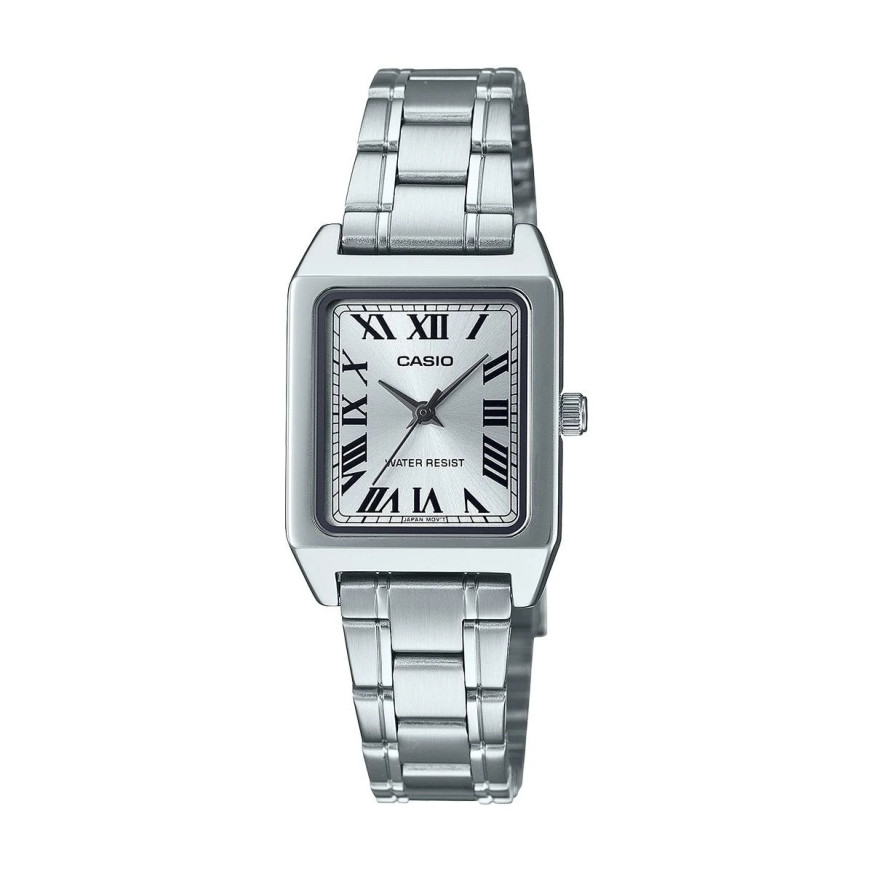
Casio module 5361: user manual and setup (LTP-B150, MTP-B190, MTP-B215)
The module number is engraved on the case back of the watch. It usually sits next to the model name, among the other markings on the back. If the back of your Casio says 5361, this manual is for it. Here you will find the steps for setting the time, working with the crown and the battery details. All descriptions follow the official Casio manual for the module.
Which watches use module 5361
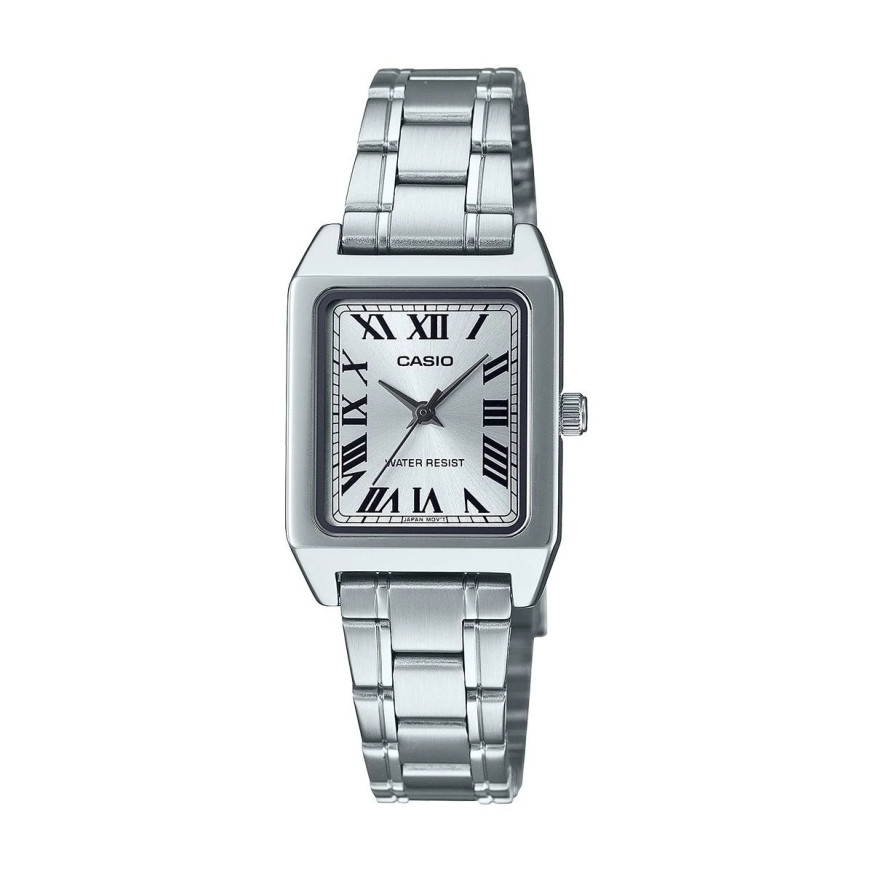
Module 5361 is an analog quartz movement. Casio describes it in the Operation Guide ANALOG (MAJ). The watch shows the time with hands only and has no digital display. All operation is done through the crown. The module is used in series from the Casio Collection line, in both LTP and MTP models. At Classic this module is found in the following watches:
- LTP-B150D-7BEF – Casio Collection LTP-B150D-7BEF
- LTP-B150L-7B1EF – Casio Collection LTP-B150L-7B1EF
- LTP-B150L-7B2EF – Casio Collection LTP-B150L-7B2EF
- LTP-B165GL-2BVEF – Casio Collection LTP-B165GL-2BVEF
- MTP-B190GL-7BVEF – Casio Collection MTP-B190GL-7BVEF
- MTP-B215D-1AVER – Casio Collection MTP-B215D-1AVER
- MTP-B215D-2AVER – Casio Collection MTP-B215D-2AVER
What the manual covers
The official Casio document is shared by several analog modules. Each section in it is marked with the module numbers it applies to. Module 5361 is in one group with modules 5284 and 5364. For this group the manual describes only time setting. The sections for date and day of the week apply to other modules. They do not apply to 5361 and are not included here.
Crown and positions
Module 5361 has no buttons and no separate modes. The only control is the crown on the side of the case. The manual describes two crown positions for this module. In the normal, pushed-in position the watch keeps time. In the pulled-out position the second hand stops and you can set the time. An intermediate click for the date is not described for module 5361.
How to set the time and date
For module 5361 the manual contains only a procedure for setting the time. There is no separate step for the date. Follow these steps:
- Wait for the second hand to reach the 12 o'clock position.
- At that moment pull out the crown. The second hand stops.
- Rotate the crown to move the hands.
- Move the minute hand four or five minutes past the desired time.
- Then move the hands back to the exact time.
- Push the crown back in at an exact time signal. The watch starts running again.
Moving forward and then back is part of the official Casio procedure. Pulling out the crown exactly at 12 o'clock stops the second hand in its starting position. Pushing it in at a time signal starts the seconds in sync with real time. This way the setting is accurate to the second.
Screw-lock crown on water-resistant models
Some water-resistant models have a screw-lock crown. On these, you must first unscrew the crown in the direction shown in the illustration in the manual. Only then can it be pulled out. Do not pull such a crown with force. While the crown is unscrewed, the watch is not water resistant. After each setting, screw the crown in fully.
Elapsed time bezel
The manual also describes the use of a rotating elapsed time bezel. The function applies only to watches that have such a bezel. Rotate the bezel so that its marker lines up with the minute hand. After some time, look at which bezel division the minute hand points to. The division read shows the elapsed time.
Battery and accuracy
Module 5361 runs on an SR626SW battery. According to the specification in the manual it lasts approximately 3 years. Accuracy at normal temperature is ±20 seconds per month. A low battery indicator for module 5361 is not described in the manual. Such an indicator is listed only for module 5364.
Quick overview
- Type: analog quartz watch, operated with the crown only.
- Time setting: pull out the crown at 12 o'clock, rotate, push in at a time signal.
- Date: no date setting is described for module 5361.
- Battery: SR626SW, about 3 years.
- Accuracy: ±20 seconds per month at normal temperature.
- Water resistance: the screw-lock crown must be screwed in fully.
The original Casio manual (PDF)
Casio module 5361 manual (PDF, English) is the official Casio document for this module. In it you will find the crown illustrations and the specifications table.
Casio at Classic. Browse all Casio watches at Classic or check the manuals for all Casio modules. We look forward to seeing you at Boutique CLASSIC on Knyaz Boris I 32 and at Mall Varna.