

Casio module 5420: manual and setup
03.09.2026
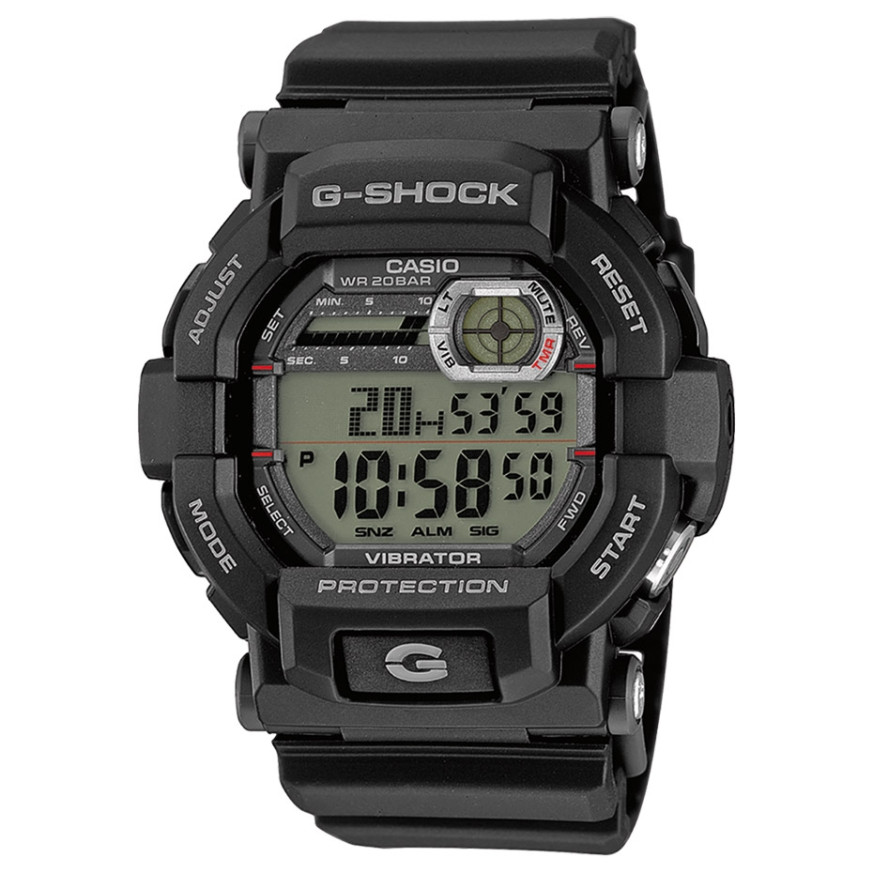
Casio module 5420: user manual and setup (GD-350)
The module number is engraved on the back of the watch, usually in a small rectangle next to the other markings. If it says 5420 or 5421, this guide applies to your watch. Both numbers are covered by the same Casio manual and are operated in the same way.
Which watches use module 5420
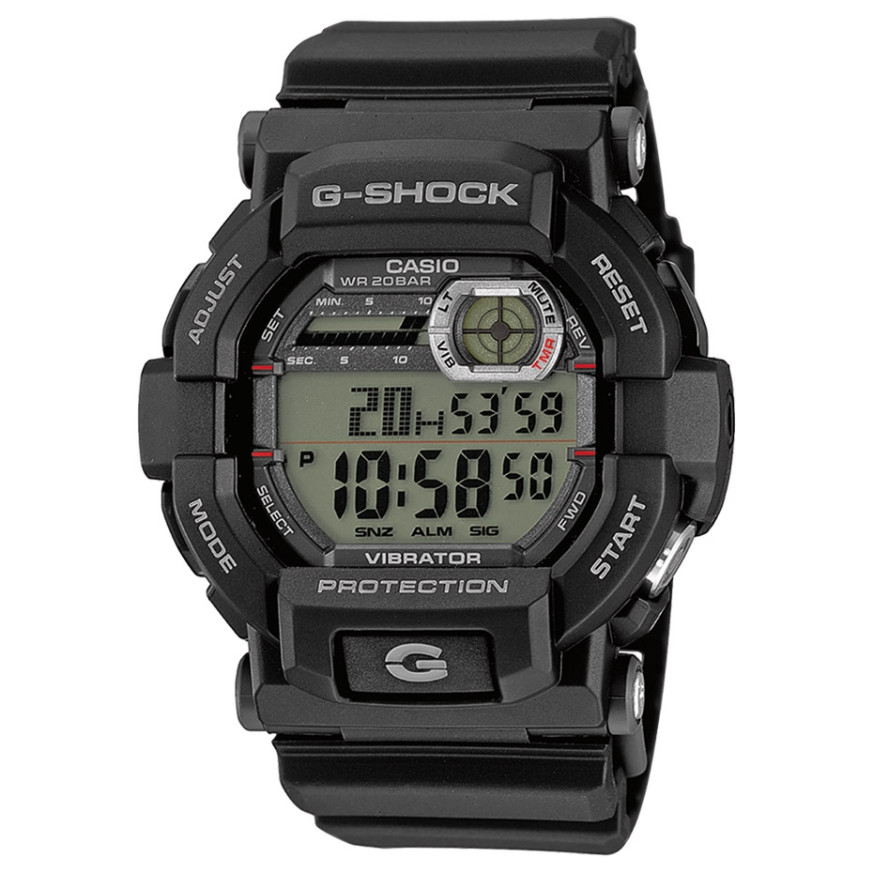
According to the manual, module 5420 is an analog movement with a crown. The watch has an hour, minute and second hand, a 24-hour hand and a window for the day of the week and the date. All settings are made with the crown, without buttons and without digital modes.
The crown and what the hands show
The crown has two pull-out positions. The first click (Click 1) is used to change the date. The second click (Click 2) is used to set the hour, minutes and day of the week.
The 24-hour hand shows the current hour of the day. It makes one full rotation every 24 hours. It lets you easily see whether the watch is set to a morning or afternoon time.
How to set the time and date
Setting the time and day of the week:
- Wait until the second hand reaches 12 o'clock.
- Pull the crown out to the second click (Click 2).
- Turn the crown to move the hour and minute hands. The day of the week changes along with them.
- Check whether the time is morning or afternoon. Use the 24-hour hand as a guide.
- When setting, move the minute hand four or five minutes past the desired time. Then turn it back to the exact minute.
- Push the crown back in all the way.
Changing the date:
- Pull the crown out to the first click (Click 1).
- Turn the crown until the required date appears.
- Push the crown back in all the way.
The calendar works with a 31-day month. After a shorter month, the date must be corrected manually. Do not change the date between 9:00 PM and 1:00 AM. During this interval the date-change mechanism is engaged and the setting may go wrong at midnight.
Screw-lock crown
Some models with 100 or 200 meter water resistance have a screw-lock crown. Before setting, turn it towards you to unscrew it. Only then pull it out, without using force. While the crown is unscrewed, the watch is not water resistant. After setting, screw it back in all the way.
Rotating bezel
If the watch has a rotating bezel, it is used to measure elapsed time. Turn the bezel so that the ▼ mark lines up with the minute hand. The distance between the mark and the minute hand then shows how many minutes have passed.
Battery and accuracy
The module runs on an SR920SW battery. The manual states a battery life of about 3 years. Accuracy at normal temperature is within ±20 seconds per month.
Replacing the battery requires special tools. Casio recommends that it be done by the retailer or an authorized service center. During replacement the technician also checks the water resistance of the watch.
Water resistance
The water resistance rating is marked on the back or on the dial. Watches without the WATER RESIST marking are not protected even from sweat. The 5BAR marking allows hand washing and rain, but not swimming. At 10BAR swimming is allowed, and at 20BAR also windsurfing and skin diving without a tank. No model is intended for scuba diving with an oxygen tank.
Do not operate the crown while the watch is wet or under water. Avoid baths, saunas and heated pools. After exposure to sea water, rinse the watch with clean water. Casio recommends replacing the gaskets every two to three years.
With a sudden change in temperature, the glass may fog up on the inside. If the fogging disappears quickly, this is normal. If moisture remains, stop wearing the watch and take it to a service center.
Care for the band and case
Wipe the watch regularly with a soft cloth to remove sweat and dust. A leather band should not get wet or be left in direct sunlight. Metal parts are cleaned with a soft brush and a weak solution of neutral detergent, then rinsed and dried. When washing, wrap the case in kitchen film so that no detergent gets inside.
The original Casio manual (PDF)
Casio module 5420 manual (PDF, English) is the official Casio document for modules 5420 and 5421.
Casio at Classic. Browse all Casio watches at Classic or find the manuals for all Casio modules. The watches can be seen in person at Boutique CLASSIC on Knyaz Boris I 32 and at Mall Varna, Varna, Bulgaria.