

Casio module 5539: manual and setup (LTP-B166)
04.09.2026
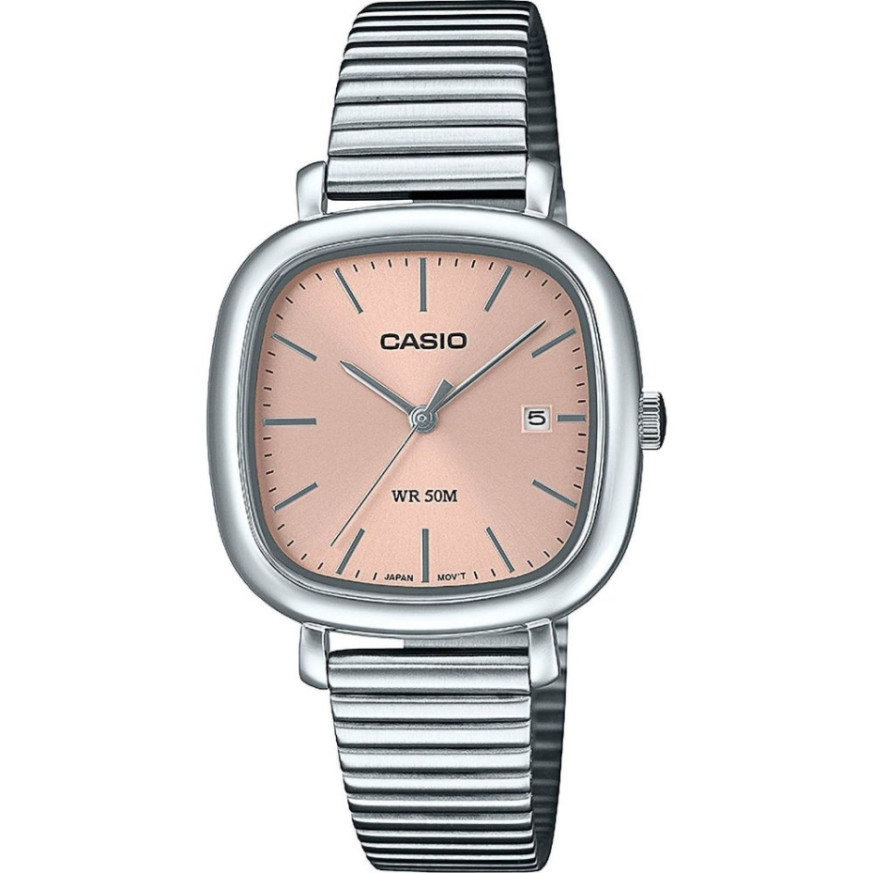
Casio module 5539: user manual and setup (LTP-B166)
The module number is engraved on the back cover of the watch. It is usually a four-digit number in a small rectangle near the model name. This guide applies if the back cover says 5539. For a different number, look for the manual of that module. Casio recommends keeping the watch documentation for future reference.
Which watches have module 5539
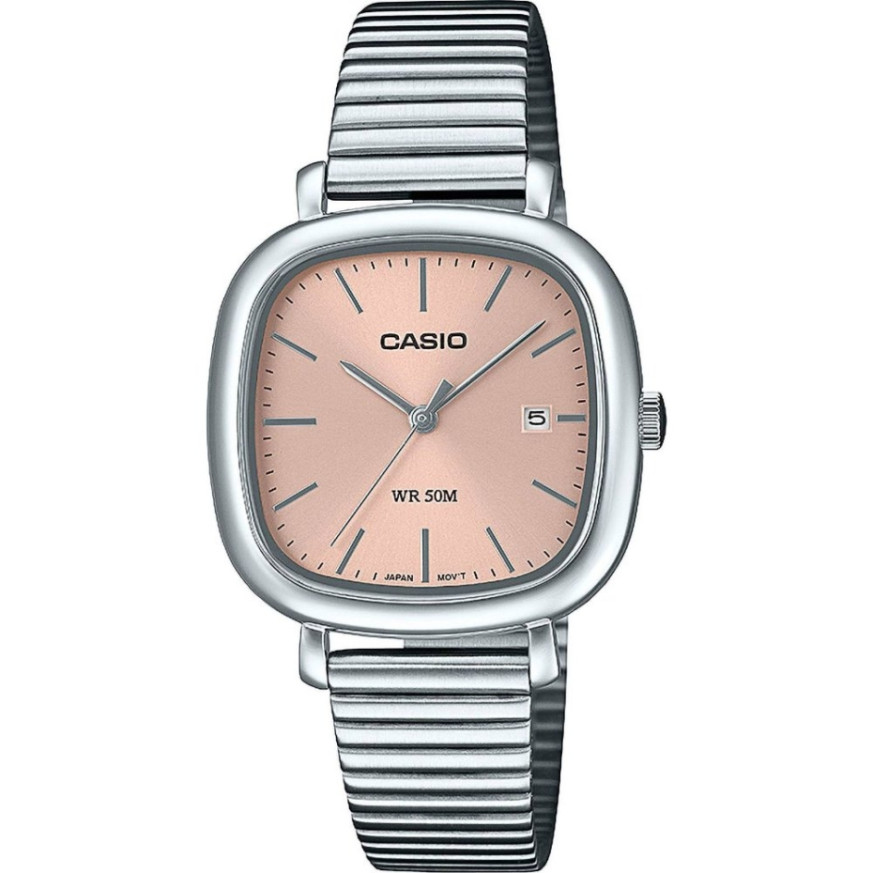
Module 5539 is an analog movement with a crown. The watch shows hours, minutes and seconds with hands, and the date appears in a window on the dial. All settings are made with the crown, without additional buttons. The manual notes that your watch may differ slightly from the illustration. At Classic this module is found in the LTP-B166 series of Casio Collection.
- LTP-B166D-4AVEF – Casio Collection LTP-B166D-4AVEF
- LTP-B166G-9AVEF – Casio Collection LTP-B166G-9AVEF
The crown and its positions
The manual describes three crown positions. In the normal position the crown is pushed all the way in and the watch keeps time. The first click out (Click 1) is used to change the date. The second click out (Click 2) is used to set the time. In a pulled-out position, turning the crown changes the corresponding setting. After each setting, push the crown back in all the way.
How to set the time and date
Setting the time:
- Wait until the second hand reaches the 12 o'clock position.
- Pull the crown out to the second click (Click 2).
- Turn the crown to move the hands to the desired time.
- Take care to set the correct morning or afternoon time (AM or PM).
- Move the minute hand four or five minutes past the desired time. Then move it back to the exact minute.
- Push the crown back in all the way at the moment of an accurate time signal. The watch continues to keep time.
Setting the date:
- Pull the crown out to the first click (Click 1).
- Turn the crown away from you to change the date.
- Push the crown back in all the way.
The date works on a 31-day month. After a shorter month, change the date manually. Avoid changing the date between 9:00 PM and 1:00 AM. Otherwise the date may not change correctly at midnight.
Screw-lock crown on water-resistant models
Some models water resistant to 100 or 200 meters have a screw-lock crown. Before setting, turn the crown toward you to unscrew it. Then pull it out without applying excessive force. While the crown is unscrewed, the watch loses its water resistance. After finishing the setting, screw the crown back in all the way.
Rotating bezel
If your model has a rotating bezel, it is used to measure elapsed time. Turn the bezel so that the ▼ mark aligns with the minute hand. Then read the elapsed time from the distance between the mark and the minute hand. This function is convenient for short measurements without stopping the watch.
Battery and low battery alert
Module 5539 runs on an SR716SW battery. According to the manual, it lasts approximately 3 years. When the charge is low, the second hand starts moving in 2-second steps. This is the low battery alert. When the hand moves this way, it is time to replace the battery.
Accuracy
Accuracy at normal temperature is ±20 seconds per month. Casio notes that specifications are subject to change without notice.
The original Casio manual (PDF)
Casio module 5539 manual (PDF, English) is the official Casio document for this module.
Casio at Classic. Browse all Casio watches at Classic or check the manuals for all Casio modules. The watches can be seen in person at Boutique CLASSIC on Knyaz Boris I 32 and at Mall Varna.