

Casio module 5653: manual and setup (EFV-640D)
03.09.2026
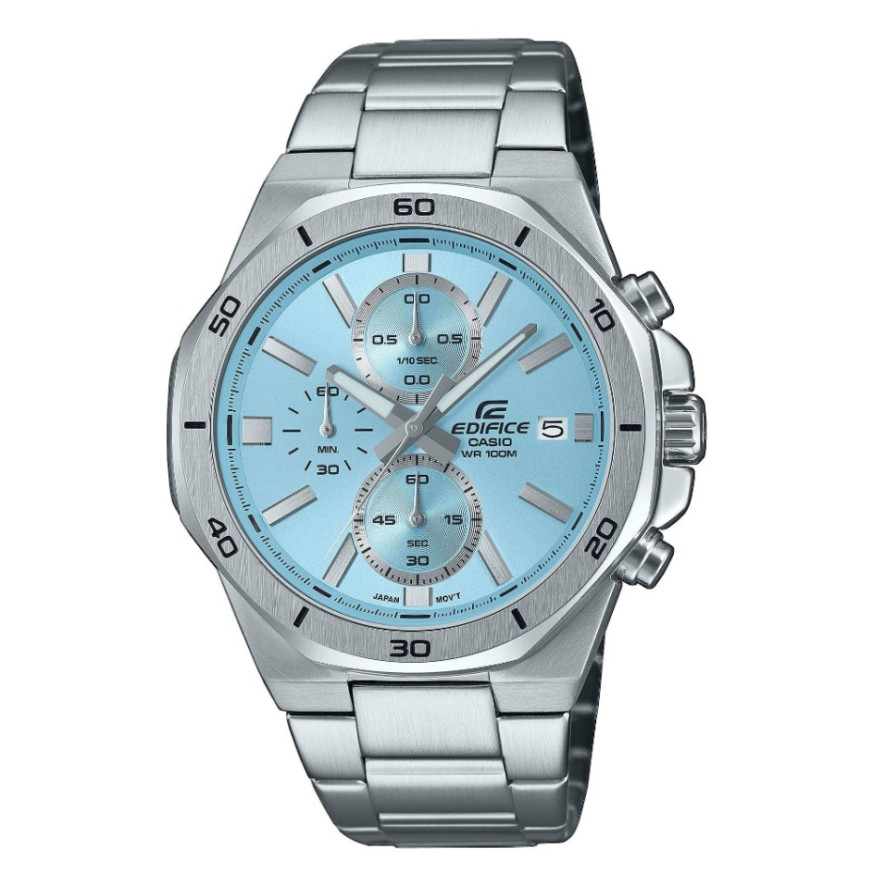
Casio module 5653: user manual and setup (EFV-640D)
The module number is printed on the back cover of the watch. It usually sits in a small rectangular field next to the other markings. If it says 5653, this manual applies to your watch. The official Casio manual is shared by modules 5547, 5563, 5572, 5653 and 5687.
Which watches use module 5653
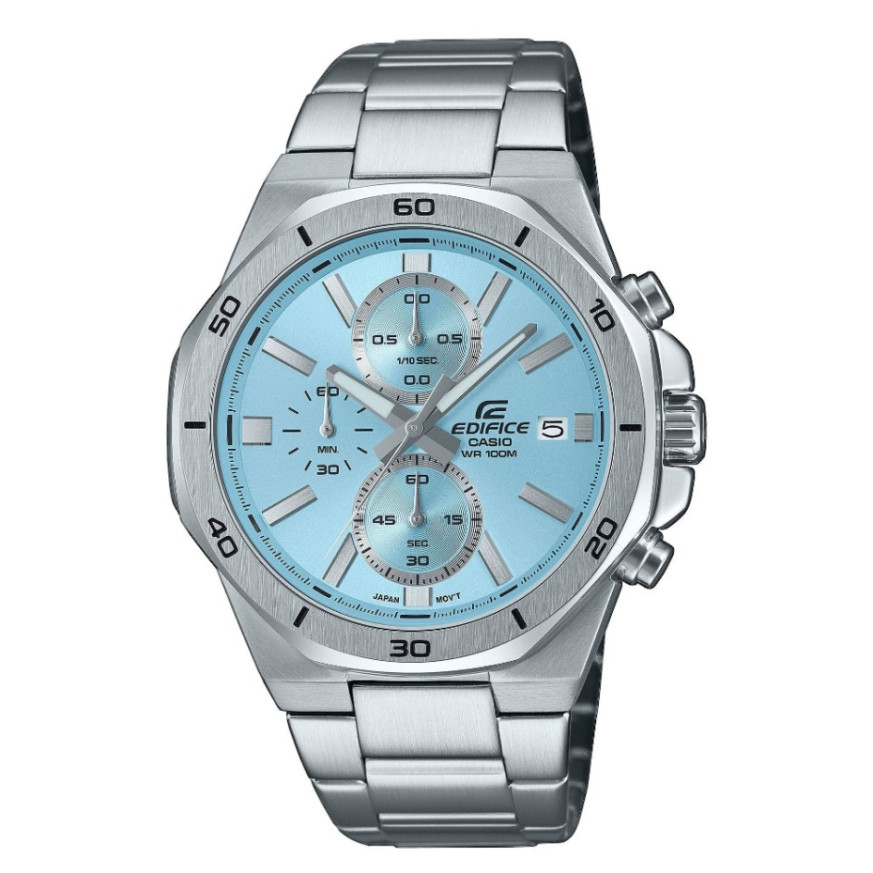
Module 5653 is an analog movement with a stopwatch. It has hour, minute and second hands, a 24-hour hand and a date indicator. The stopwatch uses separate hands for minutes and seconds. It is operated with a crown and two buttons, A and B. At Classic this module is found in the Edifice EFV-640D series:
Crown, buttons and positions
The crown has two pulled-out positions. The first click (Click 1) is for the date. The second click (Click 2) is for the time and for resetting the stopwatch hands. Button A and button B control the stopwatch.
Some water-resistant models marked 10BAR or 20BAR have a screw-lock crown. Before any operation, unscrew it by turning it towards you, then pull it out. Do not use force when pulling it out. While the crown is unscrewed, the watch loses its water resistance. After setting, screw the crown in fully.
While the crown is pulled out, the watch does not keep time. Do not operate the stopwatch while the crown is pulled out.
How to set the time and date
Setting the time:
- Wait for the second hand to reach 12 o'clock.
- Pull the crown out to the second click (Click 2).
- Rotate the crown to set the hour and minutes.
- Push the crown back in on a time signal to start timekeeping.
Check whether you are setting a morning or an afternoon time. When changing the time, move the minute hand four to five minutes past the desired position. Then move it back to the exact minute.
Setting the date:
- Pull the crown out to the first click (Click 1).
- Rotate the crown towards you until the required date appears.
- Push the crown back in.
The date indicator works with a 31-day month. At the end of shorter months, adjust the date manually. Do not change the date between 9:00 PM and 1:00 AM. Otherwise it may not change correctly at midnight.
Stopwatch
The stopwatch measures elapsed time in 1-second steps up to 9 minutes and 59 seconds. Measurement stops automatically after 10 minutes. The manual describes three ways of operation.
- Elapsed time: A start, A stop, A resume, A stop, B reset.
- Split time: A start, B split, B split release, A stop, B reset.
- Two finishes: A start, B split when the first runner finishes, A stop when the second runner finishes, B shows the time of the second runner, B reset.
Do not operate the stopwatch while the crown is pulled out.
Adjusting the home position of the hands
If the stopwatch hands do not return to zero after a reset, use this procedure.
- Pull the crown out to the second click (Click 2).
- Use button A (clockwise) and button B (counterclockwise) to move the stopwatch second hand to 12 o'clock.
- The stopwatch minute hand is synchronized with the second hand and returns to 0.
- Push the crown back in.
Holding down a button moves the hand at high speed until you release it. While the crown is pulled out, timekeeping stops. After the procedure, set the time again.
Rotary bezel
If your model has a rotary bezel, align the ▼ marker with the minute hand at the start of an activity. Later you read the elapsed time from the distance between the marker and the minute hand.
Battery and low battery indicator
The watch runs on one SR920SW silver oxide battery. Its life is about 3 years. When the battery is low, the second hand starts jumping every two seconds. In this case, replace the battery as soon as possible. During the indicator, the stopwatch does not work. If the indicator appears during a measurement, the stopwatch resets and stops.
Replacing the battery requires special tools. Casio recommends having it done by the retailer or at an authorized service center. There a technician also checks the water resistance of the watch.
Water resistance
The WATER RESIST marking on the back cover indicates basic water resistance for hand washing and rain. The 5BAR marking also allows swimming. At 10BAR and 20BAR, windsurfing and skin diving are allowed. The watch is not intended for scuba diving.
Do not operate the crown and buttons while the watch is wet. Do not wear it in a bath, sauna or heated pool. Avoid contact with soap and detergents. After seawater, rinse it with fresh water. The gaskets are replaced every two to three years to maintain water resistance. If the glass fogs up and does not clear, stop wearing the watch and take it to a service center.
Accuracy and care
Accuracy at normal temperature: ±20 seconds per month. Do not leave the watch on a car dashboard, near a heater or at very low temperatures. The hands are driven by a motor with magnetic force. Therefore keep the watch away from speakers, magnetic necklaces and mobile phones. The band should not be too tight. A finger should fit between it and your wrist. If there are cracks, loosening or a missing pin, stop wearing the band and take it in for inspection.
The original Casio manual (PDF)
Casio module 5653 manual (PDF, English) is the official Casio document with the full instructions and precautions for this module.
Casio at Classic. Browse all Casio watches at Classic at Boutique CLASSIC on Knyaz Boris I 32 in Varna and at Mall Varna. The instructions for the other movements are collected in the manuals for all Casio modules.