

Casio module 5674: manual and setup (GA-2300)
04.09.2026
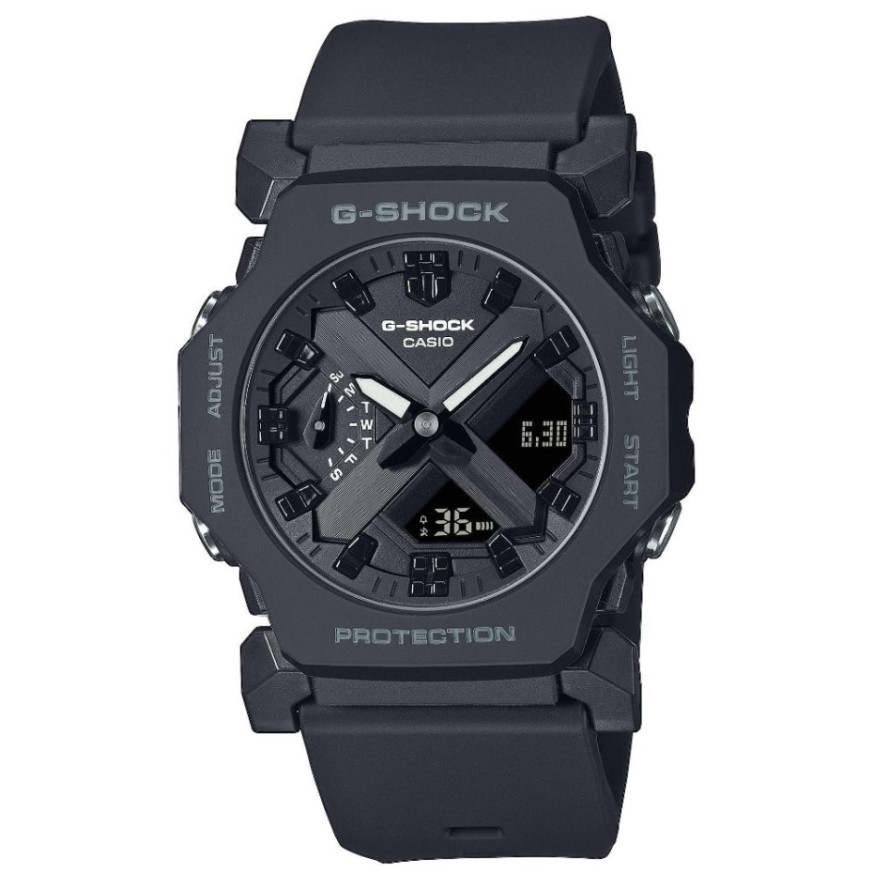
Casio module 5674: user manual and setup (GA-2300)
The module number is engraved on the back cover of the watch. It is a four-digit number, separate from the model name. If the back says 5674, the functions described here apply to your watch.
Which watches have module 5674
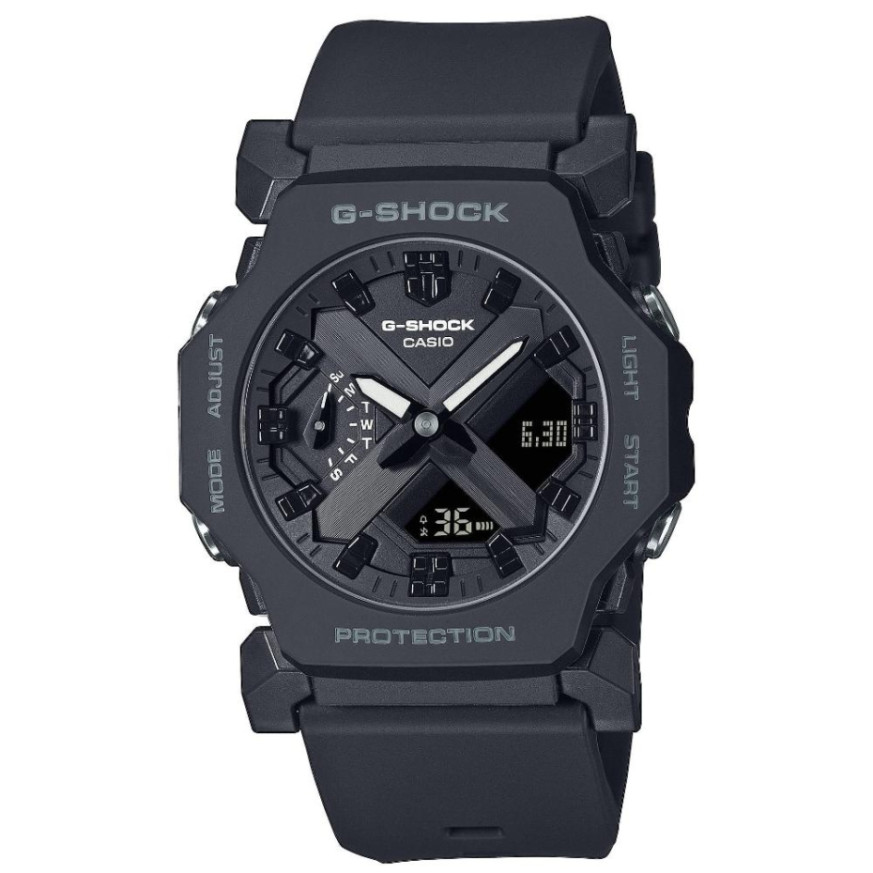
Module 5674 is a combination analog-digital module. The watch has hands and a digital display. The manual describes hand alignment and moving the hands to read the display beneath them. At Classic this module is found in the following model:
Modes and functions of module 5674
The manual describes the following modes and functions of the watch:
- Timekeeping, with switching of the digital display content.
- World Time with a city table.
- Alarm and hourly time signal.
- Stopwatch.
- Countdown Timer.
Switching from one mode to another is described in a separate section of the manual. There is also a section on switching between home time and World Time.
How to set the time and date
- Make sure the back cover of the watch says 5674.
- Open the time adjustment section in the manual. It describes setting the current time.
- Check whether the hands show the same time as the digital display. If there is a difference, use the hand alignment function.
- For World Time, select a city from the city table in the manual.
Do not operate the buttons while the watch is under water or wet.
World Time
The watch shows the time in cities from the city table. The manual describes checking World Time and setting the city. There is also a function for swapping home time and World Time.
Alarm and hourly time signal
Module 5674 has an alarm, which is set according to the manual. The hourly time signal can be turned on separately. The manual also describes how to turn off the alarm or the hourly time signal.
Stopwatch
The Stopwatch measures elapsed time. A split time can also be recorded. The manual also describes timing the first and second place finishers.
Timer
The Countdown Timer counts down from a set start time. The manual describes how to set the start time and how to use the timer.
Aligning and moving the hands
If the hands do not match the digital time, alignment is adjusted according to the manual. The hands can also be moved aside. This makes the digital display beneath them easier to read.
Illumination and button sound
The manual describes reading the dial in the dark. The button operation tone can be turned on by following the instructions in the manual.
Water resistance
The water resistance information applies to watches marked WATER RESIST or WATER RESISTANT on the back cover. The manual gives the following classes:
- No BAR marking: hand washing and rain are acceptable. Swimming, windsurfing and diving are not.
- 5BAR: hand washing, rain and swimming are acceptable. Windsurfing and diving are not.
- 10BAR and 20BAR: hand washing, rain, swimming, windsurfing and skin diving are acceptable.
Check the marking on your watch before wearing it in water. The watch is not for scuba diving. Do not wear it in a sauna or in a heated pool. Do not wear it while bathing or when working with soap and cleaning agents. After sea water, rinse it with fresh water. If the glass fogs up and does not clear, stop wearing the watch. Take it to the retailer or to an authorized Casio service center.
Battery and maintenance
Battery replacement requires special tools. The manual recommends that it be done by the retailer or by an authorized Casio service center. During replacement the technician also checks the water resistance. The gaskets are replaced periodically, about once every two to three years.
Do not leave the watch on a car dashboard or near heating appliances. Prolonged exposure above +60 °C can damage the liquid crystal display. Below 0 °C and above +40 °C the display is harder to read. Keep the watch away from solvents, gasoline, oils, adhesives, paints and cosmetics containing such ingredients. If you will not wear it for a long time, clean it and store it in a dry, cool place.
Do not tighten the band too much. One finger should fit between the band and your wrist. Stop wearing the band if it shows cracks, fading, looseness or lost pins. With a leather band, avoid swimming and direct contact with water.
The original Casio manual (PDF)
Casio module 5674 manual (PDF, English) is the official Casio document for this module. It contains the exact button steps for each function.
Casio at Classic: browse all Casio watches at Classic and the manuals for all Casio modules. The watches can be seen in person at Boutique CLASSIC on Knyaz Boris I 32 and at Mall Varna.