

Casio module 5678: manual and setup
04.09.2026
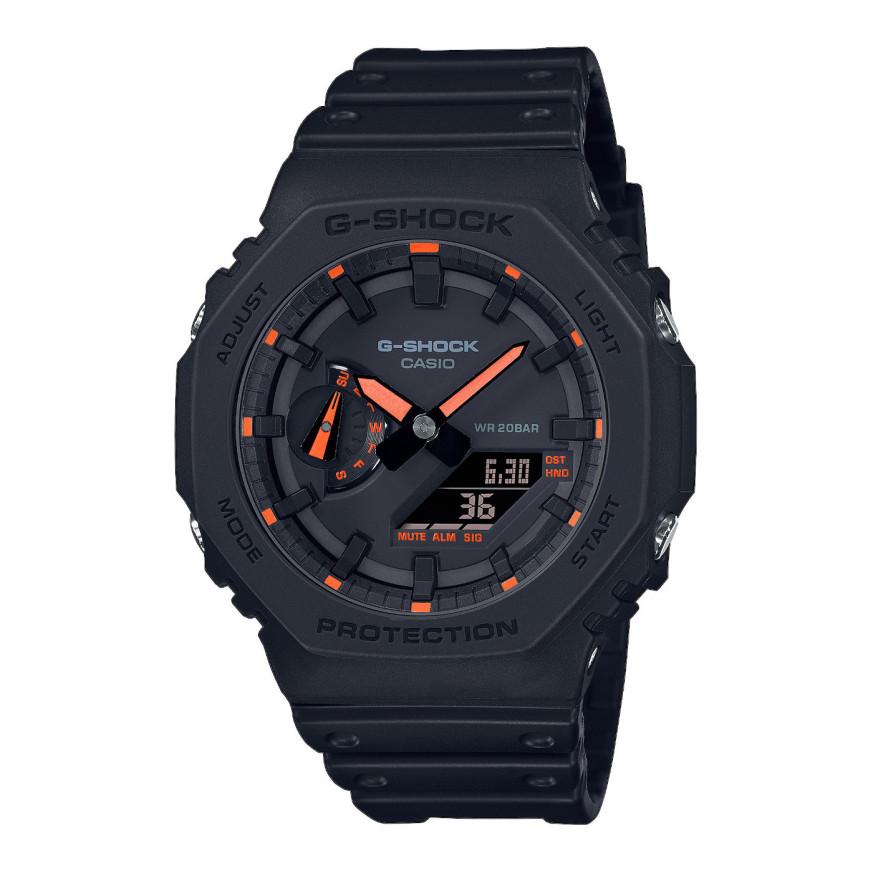
Casio module 5678: user manual and setup (GA-2100)
The module number is engraved on the back of every Casio. It is a four-digit number, separate from the model name. If the case back says 5678, the guide below applies to your watch. It is a summary of the official Casio manual, and the full PDF is at the end.
Which watches use module 5678
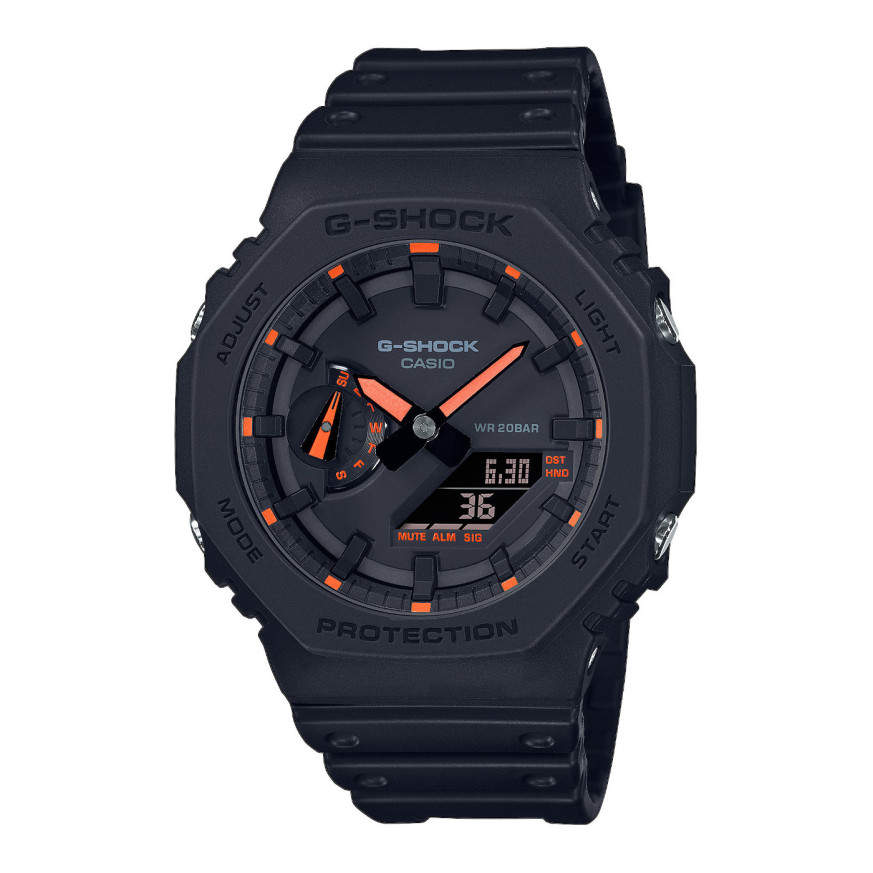
Module 5678 is a combination module. The watch has hands and a liquid crystal display. The manual describes the crown, moving the hands and charging. There are also sensors for compass, altitude, pressure and temperature.
Modes and operation
The manual describes navigation between modes and gives an overview of each of them. The watch is operated with the buttons and the crown. A separate chapter explains how to use the crown and how to move the hands. There is also a section on viewing the dial in the dark. The exact crown positions are described in the PDF document.
How to set the time and date
The manual gives two ways to set the time. The first is by radio signal for accurate time. The second is manual setting through the watch operations.
- Check that the back of the watch says 5678.
- Place the watch in a location with good signal reception. The manual has a section on suitable locations and signal ranges.
- Leave auto receive turned on. It adjusts the time only if it is enabled in the settings.
- If needed, start manual signal reception. The level indicator shows the reception strength.
- Check the result of the last time adjustment in the corresponding section.
- If there is no signal, set the time manually through the watch settings.
- If the hands do not match the display, use the hand alignment setting.
The manual also has a section with precautions for signal reception. Read it before the first time adjustment.
World Time
The watch shows the time in another city around the world. The city is selected from a table at the end of the manual. Home time and World Time can be swapped with a single operation.
Alarm and hourly time signal
The alarm is set in a separate mode. The hourly time signal is turned on separately and sounds every hour on the hour. The manual also explains how to turn off the alarm and the hourly time signal.
Compass
The digital compass shows the direction when a reading is taken. The readings can be calibrated. There is also a magnetic declination setting, which gives true north. The manual describes precautions for compass readings.
Altitude
The watch measures the current altitude. The readings can be corrected with an offset against a known value. There is also a reading of the altitude difference from a starting point. The auto measurement interval is set by the user. Measurements can be recorded, viewed and deleted. The altitude unit is also selectable.
Barometric pressure
The watch shows the current pressure and its changes over time. The pressure between two readings can be compared. When the pressure changes sharply, the watch gives an indication. The readings are calibrated with an offset, and the unit is selected by the user.
Temperature
The watch shows the current temperature. The reading can be calibrated with an offset. The unit is selected in the settings. The manual notes precautions for temperature readings.
Stopwatch
The Stopwatch measures elapsed time. It can also record a split time. There is a function for timing first and second place finishers.
Countdown Timer
The Countdown Timer counts down from a set start time. The manual describes how to set the time and how to start the countdown.
Charging and power saving
The manual has a section on charging the watch. The other settings include a power saving function. The button operation tone is also turned on there.
Water resistance and care
The manual gives a table based on the marking on the case back. Without a marking, the watch is suitable only for hand washing and rain. With 5BAR it is also suitable for swimming, but not for windsurfing or skin diving. With 10BAR and 20BAR all listed activities are allowed. The watch is not for scuba diving.
Do not operate the crown and buttons while the watch is wet. After sea water, rinse it with fresh water. The gaskets are replaced every two to three years. Battery replacement requires special tools and is done at a Casio service centre.
Prolonged exposure above 60 °C can damage the display. Below 0 °C and above 40 °C the display is harder to read. Keep the watch away from thinners, petrol, cosmetics and adhesives. The band should not be tight. A finger should fit between the band and the wrist.
The original Casio manual (PDF)
Casio module 5678 manual (PDF, English) is the official Casio document for this module. It contains the exact steps, the buttons and the city table for World Time.
Casio at Classic. Browse all Casio watches at Classic or check the manuals for all Casio modules. There are two stores: Boutique CLASSIC on Knyaz Boris I 32 and Mall Varna.