

Casio module 5707: manual and setup (ECB-950DB)
04.09.2026
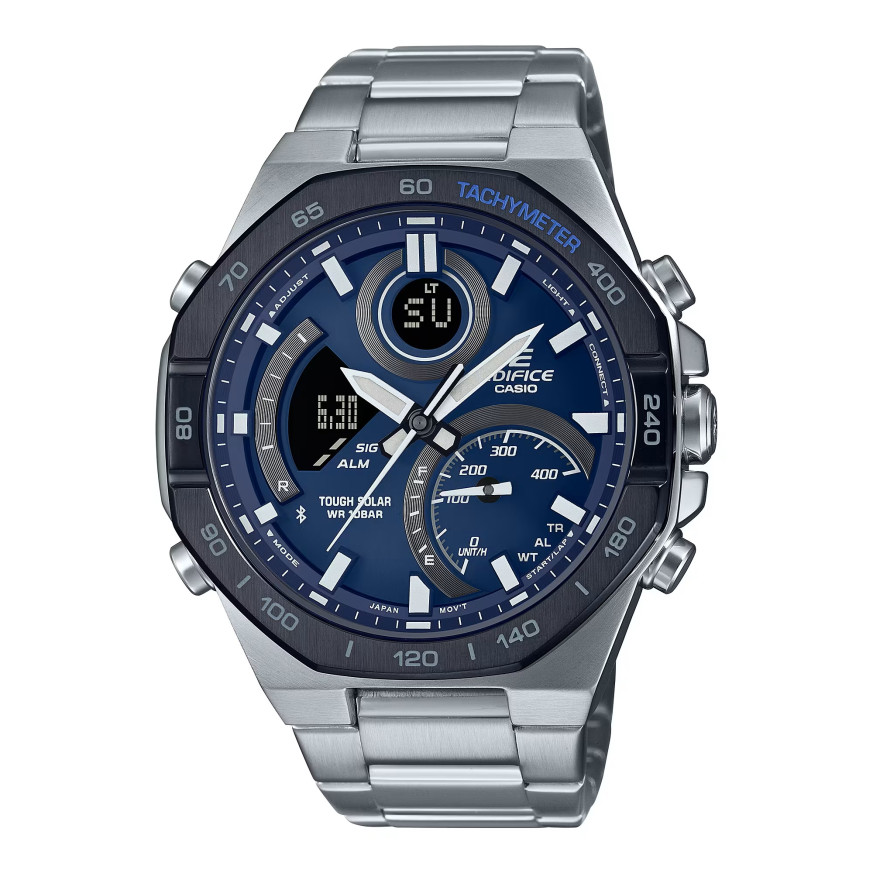
Casio module 5707: user manual and setup (ECB-950DB)
The module number is engraved on the back of the watch, on the case back. It is a four-digit number, different from the model name. If it says 5707 there, this guide applies to your watch. Casio uses one module in different models, so the number matters more than the series name.
Which watches use module 5707
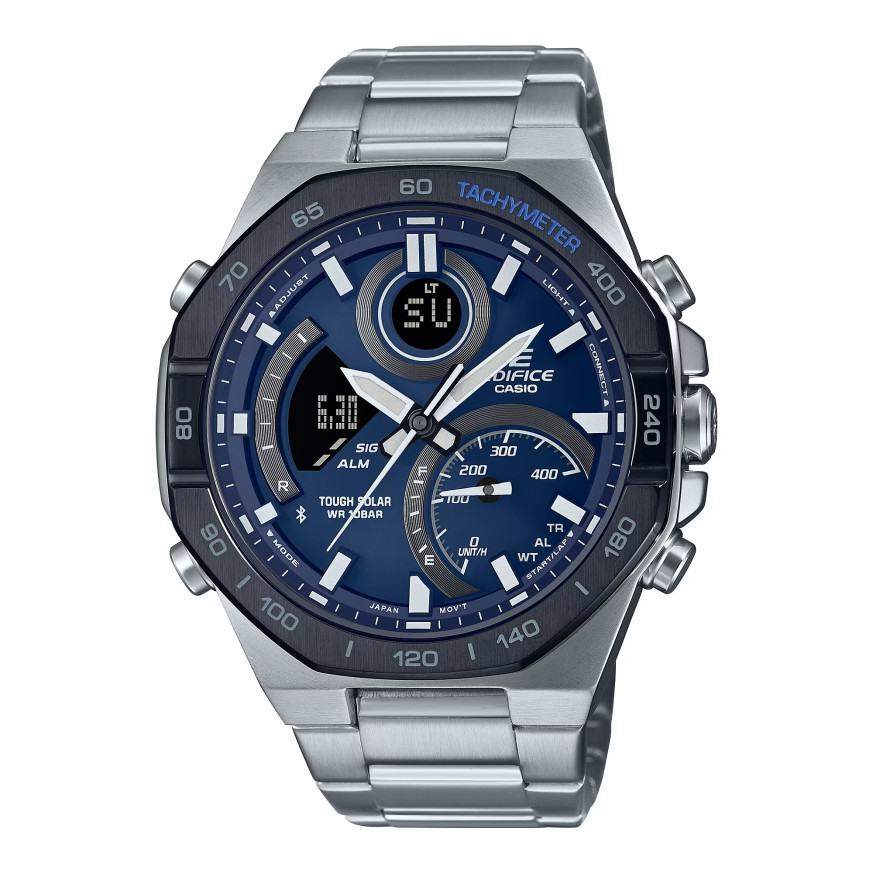
Module 5707 is a combined analog-digital module. The watch has hands and a digital display. The hands can be moved aside to read the display under them. The module connects to a phone through the CASIO WATCHES app. The watch is rechargeable, and the manual describes how to check the charge level.
Connecting to a phone (Mobile Link)
The main settings are made through the CASIO WATCHES app. The manual describes connecting to a phone, disconnecting and unpairing. There is a separate section for the case when you buy a new phone. The list of supported phones is at the end of the document.
After connecting, the watch receives automatic time correction. The Phone Finder function helps you find your phone. The TIME & PLACE function records your current location. When travelling to another time zone, the manual describes a separate procedure.
How to set the time and date
- Check that 5707 is printed on the case back.
- Install the CASIO WATCHES app on a supported phone.
- Connect the watch to the phone by following the steps in the Connection section.
- After connection, the time is corrected automatically from the phone.
- Without a phone, the time is set manually with the watch buttons. The steps are in the section Using Watch Operations to Adjust the Time.
- If the hands do not show the same time as the display, perform hand alignment. This is done from the app or from the watch itself.
- The date format and the day-of-week language are changed in Other Settings.
World Time
The watch shows the time in a second city of your choice. The city is set from the app or from the watch. The manual describes checking World Time and swapping the Home City with the World Time city. There is a daylight saving time setting for the Home City. The full city table and the daylight saving time table are at the end of the document.
Alarm and Hourly Time Signal
The alarm is set from the CASIO WATCHES app or from the watch. Besides the regular alarm, there is also a Schedule Alarm. The Hourly Time Signal sounds at every full hour. The manual also describes how to turn off the alarm and the Hourly Time Signal.
Stopwatch
The Stopwatch measures elapsed time and lap times. The manual gives an example of recording times in a race. The recorded data can be reviewed on the watch. The Stopwatch data can also be viewed through the app.
Countdown Timer
The Countdown Timer counts down from a set start time. The start time is set from the app or from the watch. The manual describes separately how to start and use the timer.
Illumination, charging and power saving
The face can be illuminated for reading in the dark. The watch is rechargeable, and the charge level is checked as described in the manual. There is a Power Saving function, which is turned on or off in the settings. The button operation tone can also be turned on and off.
Hand alignment and reset
After a strong impact or a magnetic field, the hands may shift relative to the display. The manual describes correcting the alignment from the app and from the watch. There is also a procedure for returning all settings to their initial values.
Water resistance and care
Check the water resistance marking on the case back or on the face. At 10 BAR, the watch withstands hand washing, rain, swimming and windsurfing. Do not press the buttons or turn the crown under water. After sea water, rinse with clean water. Do not wear the watch in a sauna, a hot bath or while working with soap.
The gaskets are replaced every two to three years to preserve water resistance. The replacement is done at a Casio service centre. Avoid strong magnets such as speakers and magnetic necklaces. Do not leave the watch on a car dashboard or next to a heater. Above +60 °C the display may be damaged. Below 0 °C and above +40 °C the display is harder to read.
The metal parts are cleaned with a soft brush and a weak solution of neutral detergent. Then they are rinsed and dried with a soft cloth. The band should not be too tight. A finger should fit between it and the wrist. If there are cracks, loosening or a lost pin, stop wearing the watch.
The original Casio manual (PDF)
Casio module 5707 manual (PDF, English) is the official Casio document with the full steps, the city table and the specifications.
Casio at Classic. Browse all Casio watches at Classic or the manuals for all Casio modules. The watches can be seen in person at Boutique CLASSIC on Knyaz Boris I 32 and at Mall Varna.