

Casio module 5719: manual and setup (GR-B300)
04.09.2026
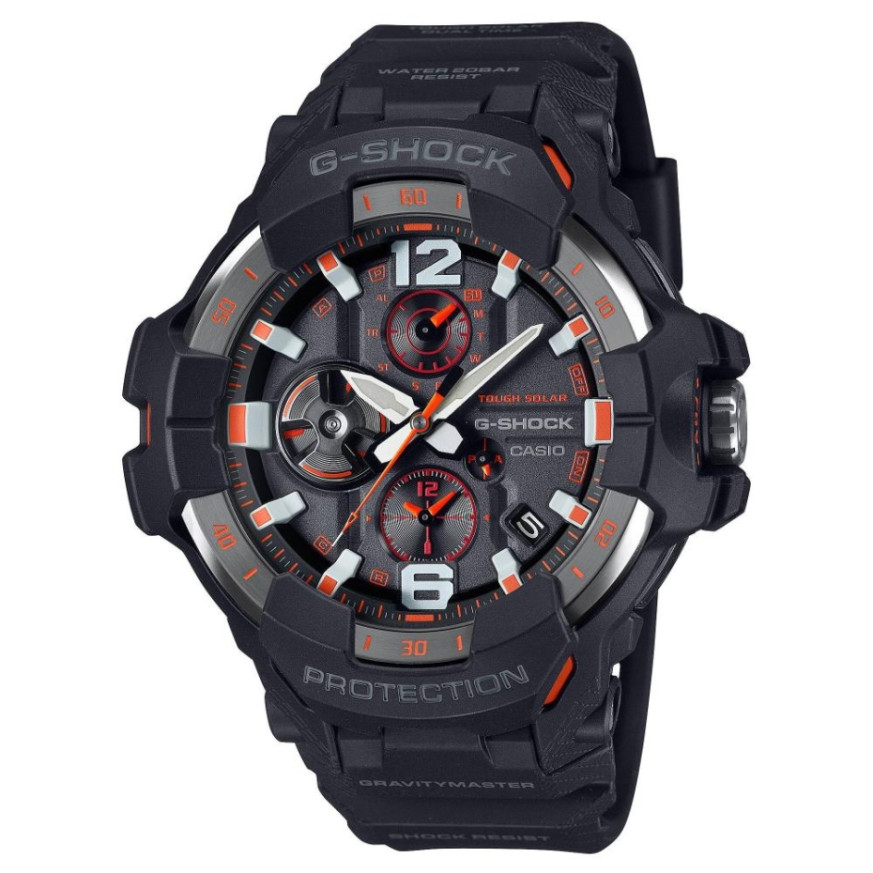
Casio module 5719: user manual and setup (GR-B300)
The module number is engraved on the case back of the watch. It is usually a four-digit number located near the water resistance markings. If it says 5719, the guide below applies to your watch.
Which watches use module 5719
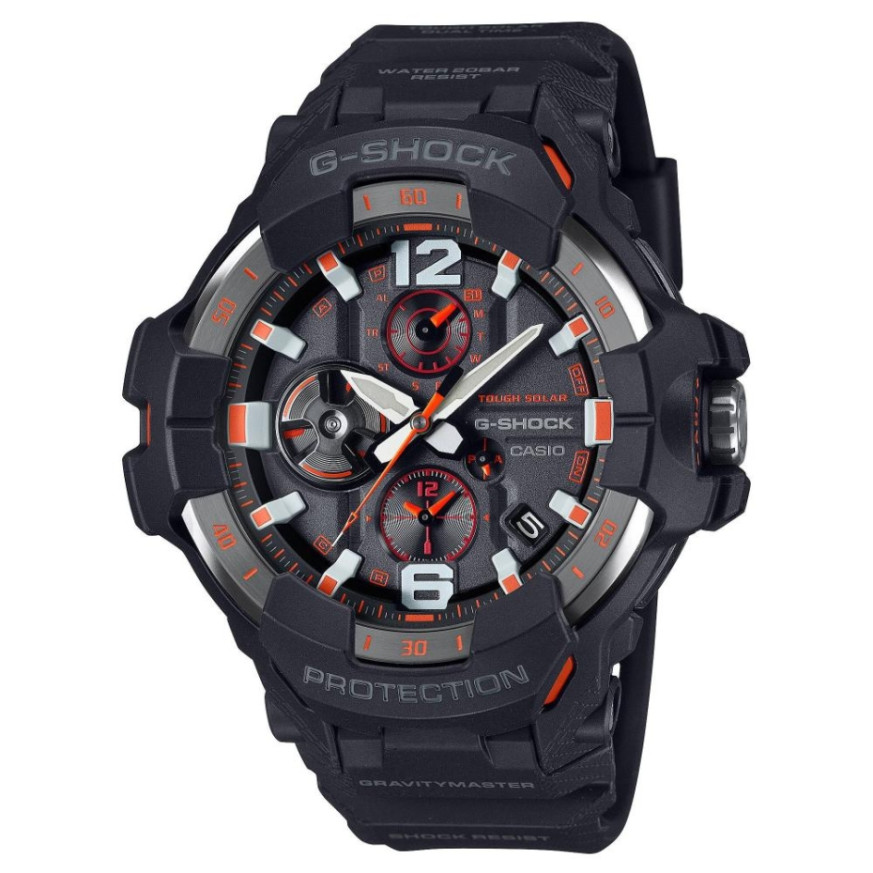
Module 5719 is an analog module with a crown, hands and a day indicator. The watch is rechargeable and connects to a phone through the CASIO WATCHES app. At Classic it is found in the G-Shock Gravitymaster series:
Crown and modes
The watch is operated with a crown. The manual has a separate section on using the crown and a section on switching between modes. Besides the current time, the module offers dual time, an alarm, a stopwatch, a timer and World Time. It also records your current location (FLIGHT LOG) and has a phone finder function. The hands and the day indicator move when the mode changes and can be aligned if they drift.
How to set the time and date
- Connect the watch to your phone through the CASIO WATCHES app. The manual describes the connection in the section "Connecting with a Phone".
- While connected, the time is corrected automatically. The function is described in the section "Auto Time Correction".
- Select your home city in the section "Changing the Home City". When travelling, use the section "Moving to Another Time Zone".
- Check the summer time setting in the section "Summer Time Setting".
- Without a phone, the time and day are set with the crown. The exact steps are in the section "Setting the Time and Day" of the PDF file.
- If the hands or the day indicator do not match the actual time, use the section "Correcting Hand and Day Indicator Alignment". Alignment can also be done through the app.
Dual time and World Time
The module shows a second time for a selected city. World Time can be set from the CASIO WATCHES app or on the watch itself. The manual also describes swapping the current location time with the dual time.
Alarm
The alarm is set through the app or directly on the watch. The manual has a separate section on turning the alarm off.
Stopwatch
The stopwatch measures elapsed time. It also has a split time function (Split Time).
Timer
The timer start time is set on the watch or through the app. The timer is then started as described in the section "Using the Timer".
Location recording (FLIGHT LOG)
The function records your current location. The manual describes it in the section "Recording Your Current Location (FLIGHT LOG)".
Phone finder
The Phone Finder function helps you find the connected phone. It works while the watch and the phone are connected.
Phone connection
The manual describes connecting, disconnecting and unpairing. There are separate instructions for changing phones. In medical facilities and on aircraft, follow the section "Using the Watch in a Medical Facility or Aircraft". A list of supported phones is in the section "Supported Phones".
Charging and battery level
The watch is rechargeable. The charge level is checked as described in the section "Checking the Watch Charge Level". Battery replacement requires special tools. It is done by the retailer or by an authorized Casio service center, which also checks the water resistance.
Illumination
The face can be viewed in the dark. The method is described in the section "Viewing the Face in the Dark".
Resetting the settings
The watch settings can be returned to their initial values. The procedure is in the section "Resetting Watch Settings".
Water resistance
Check the marking on the case back. At 5BAR the watch withstands hand washing, rain, working with water and swimming. At 10BAR and 20BAR, windsurfing and skin diving are also allowed. Do not use the watch for scuba diving. Do not operate the crown and buttons while the watch is wet. Avoid baths, saunas and hot pools. After sea water, rinse with clean water. The gaskets are replaced every two to three years.
Care and precautions
G-Shock watches are shock resistant and can be worn during strong vibration and active sports. A strong magnetic field from speakers, a phone or a magnetic necklace can affect accuracy. Do not leave the watch on a car dashboard or next to a heater. Extreme temperatures can make it run slow, run fast or stop. The band should not be too tight. A finger should fit between the band and your wrist. If the band shows cracks, discoloration or loosening, stop wearing it. Metal parts are cleaned with a soft brush and a mild neutral detergent, then dried. If the glass fogs up and does not clear quickly, take the watch to a service center.
The original Casio manual (PDF)
Casio module 5719 manual (PDF, English) is the official Casio document with the full steps for every function.
Casio at Classic. Browse all Casio watches at Classic or the manuals for all Casio modules. The watches can be seen at Boutique CLASSIC on Knyaz Boris I 32 and at Mall Varna.