

Casio module 5734: manual and setup (Edifice ECB-S10D)
04.09.2026
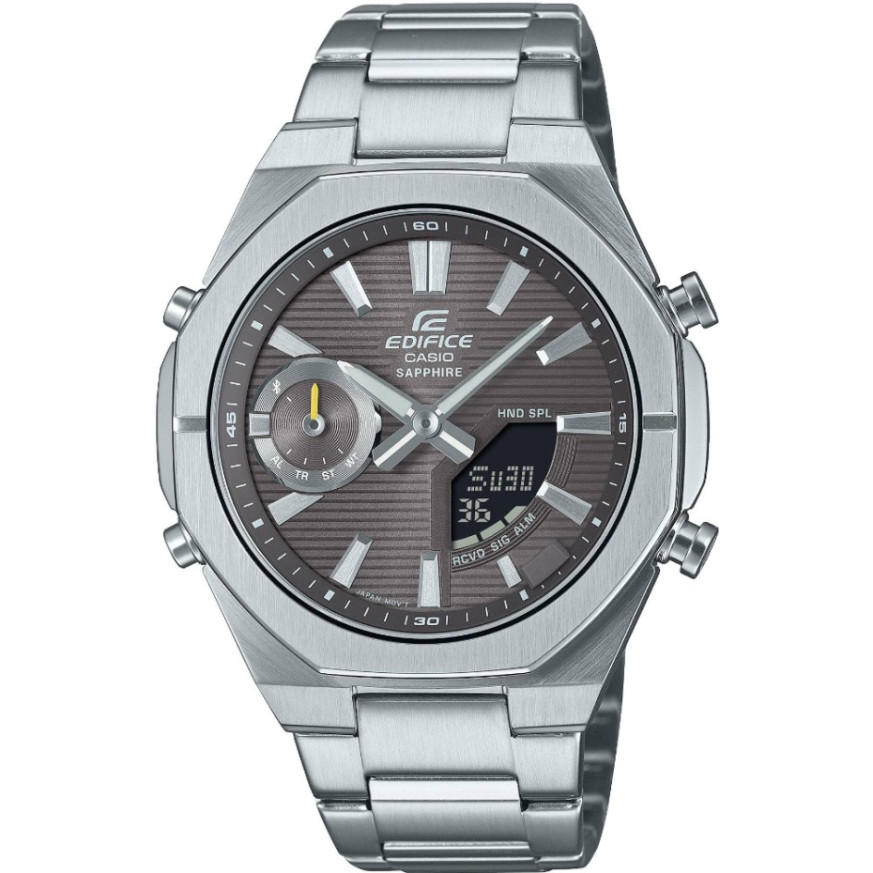
Casio module 5734: user manual and setup (ECB-S10D)
The module number is engraved on the case back of every Casio watch. It is usually a four-digit number in a small rectangle, separate from the model number. If the back of your watch says 5734, this guide applies to it. The information below is a summary of the official Casio manual (Watch Operation Guide 5734, edition MA2501-EA).
Which watches use module 5734
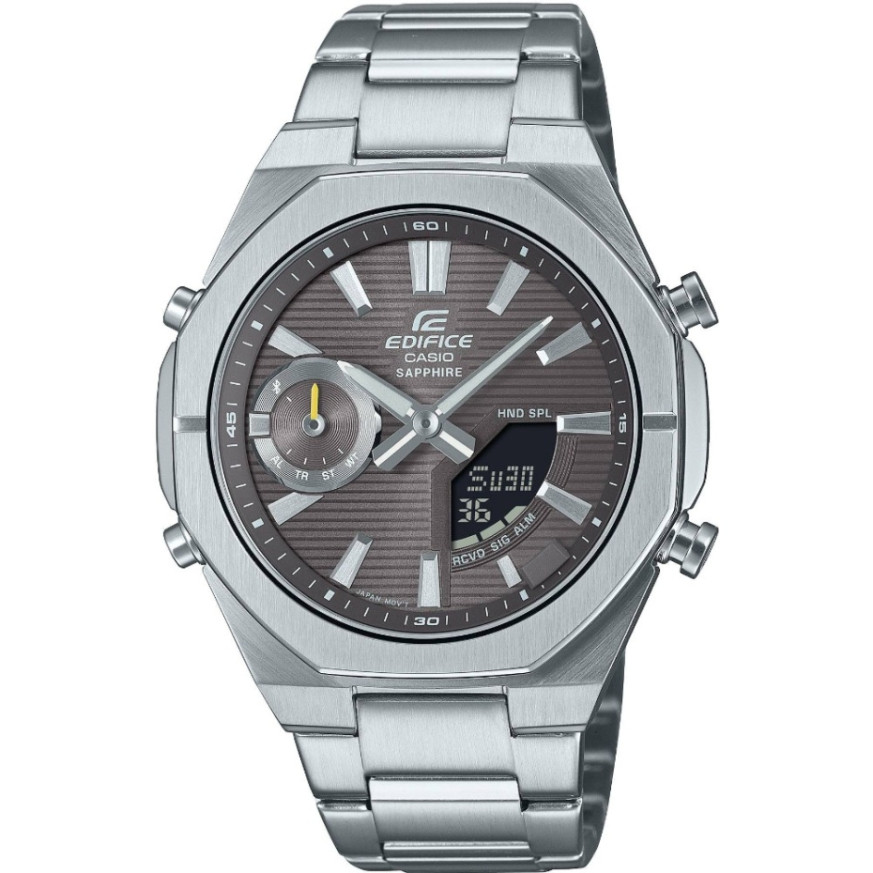
Module 5734 is a combination module: the watch has analog hands and a digital display. The manual describes shifting the hands so the display under them can be read. The module supports a phone connection (Mobile Link) through the CASIO WATCHES app. In the store this module is found in the following model from the Edifice series:
Watch modes
The manual describes switching between several modes. The main one is Timekeeping Mode, in which the digital display can show different content. The other modes are World Time, Alarm, Stopwatch and Countdown Timer. In Timekeeping Mode the hands can be shifted temporarily so the display can be seen. The illumination function lets you read the watch in the dark. The exact buttons for each operation are shown in a diagram in the PDF file at the end of the article.
How to set the time and date
The manual provides two ways to set the time: through a phone or manually from the watch itself.
- Install the CASIO WATCHES app on your phone. The list of supported phones is in the manual.
- Pair the watch with the phone according to the section "Connecting with a Phone". After connecting, the watch receives automatic time correction (Auto Time Correction).
- From the app you can also set the Home City and the Summer Time setting.
- If you do not use a phone, set the time directly from the watch following the section "Using Watch Operations to Adjust the Time".
- If the hands do not match the digital time, use the Hand Alignment setting. It can also be done from the app or from the watch.
When travelling, the manual describes a separate procedure for changing the time zone (Moving to Another Time Zone). The language for the day of the week is selected from the watch settings.
Phone connection
Module 5734 works with the CASIO WATCHES app. The manual describes connecting, disconnecting and unpairing (Unpairing). There is also a section on what to do if you change your phone. The app is used to set the time, World Time, alarm and timer. The Phone Finder function helps you locate your phone. The TIME&PLACE function records your current location. Before use, read the Mobile Link precautions in the manual.
World Time
World Time Mode shows the time in another city of your choice. The city is selected from the City Table in the manual. The setting can also be made from the CASIO WATCHES app. The watch allows swapping the Home Time and World Time, which is convenient when travelling. The Summer Time Table is also part of the document.
Alarm and time signal
The digital alarm is configured from the watch or from the app. Separately, you can turn on the Hourly Time Signal, which sounds every hour on the hour. The manual also describes how to turn off the alarm or the Hourly Time Signal. There is also an option to enable a sound when a button is pressed (Button Operation Tone).
Stopwatch
The Stopwatch measures elapsed time. The manual also describes measuring split time (Split Time). You can also record the times of the first and second place finishers.
Countdown Timer
The Countdown Timer counts down from a preset start time. The start time is set from the watch or from the CASIO WATCHES app. The timer is then started in the order described in the manual.
Battery and maintenance
Replacing the battery requires special tools. Casio recommends that it be done by the retailer or by an authorized Casio service center. When replacing the battery, the technician also checks the water resistance. The gaskets should be replaced every two or three years.
Do not press buttons or turn the crown while the watch is wet. The manual does not recommend wearing it in a sauna or hot water. After contact with sea water, rinse the watch with clean water. Avoid contact with thinners, gasoline, cosmetics and detergents. Do not leave the watch at very high or very low temperatures. The display may be hard to read below 0 °C and above 40 °C. The band should not be tight; a finger should fit between it and the wrist.
The original Casio manual (PDF)
Casio module 5734 manual (PDF, English) is the official Casio document with the full steps, button diagrams and technical specifications.
Casio at Classic. Browse all Casio watches at Classic or look for the manuals for all Casio modules. You can see the watches in person at Boutique CLASSIC on Knyaz Boris I 32 and at Mall Varna.