

Casio module 5735: manual and setup (GA-010, GA-010GGB)
04.09.2026
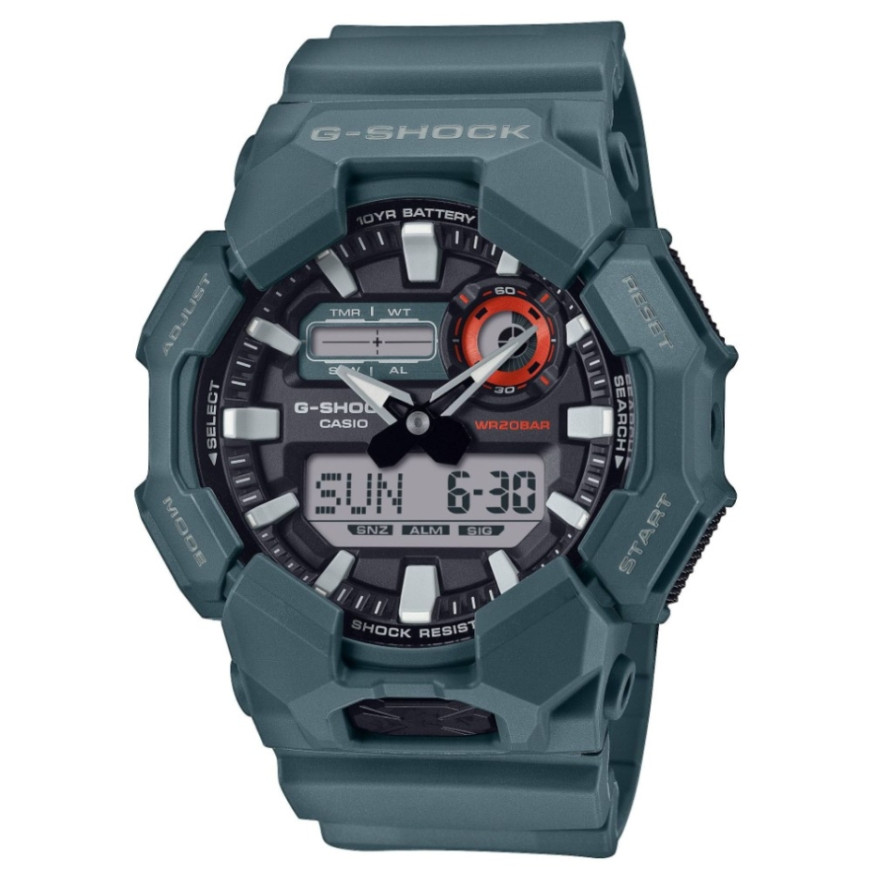
Casio module 5735: user manual and setup (GA-010, GA-010GGB)
The module number is engraved on the case back of the watch, usually in a small rectangle. If it says 5735, this guide applies to your watch. The official Casio document is marked MA2407-EA and was issued in 2024.
Which watches use module 5735
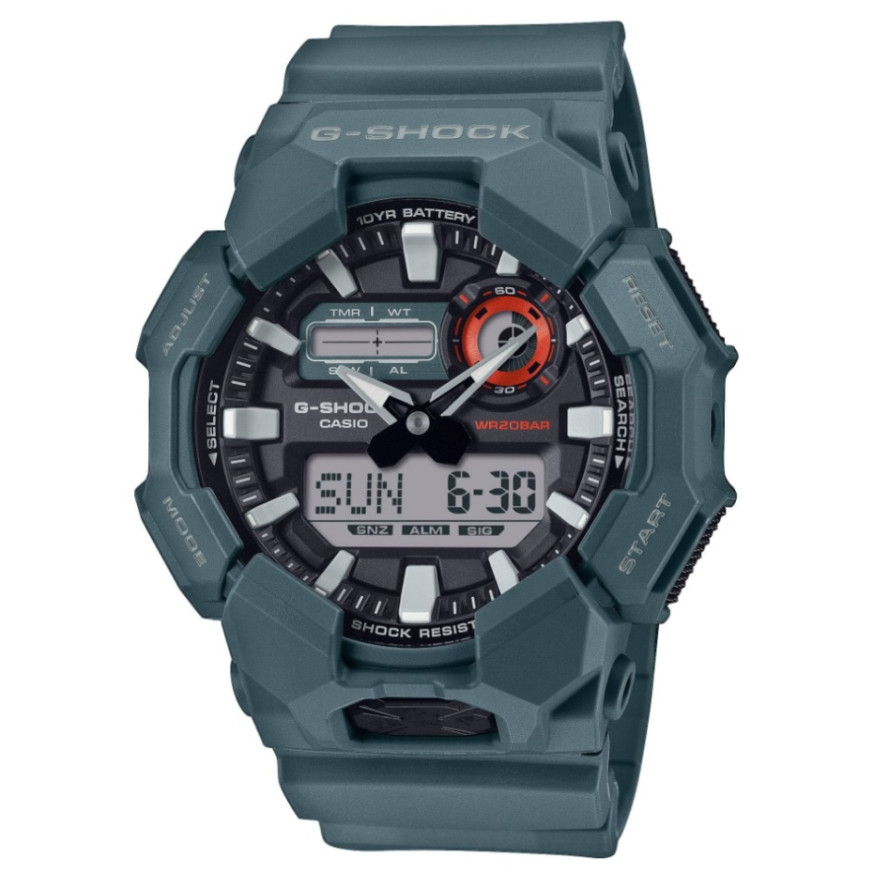
Module 5735 is a combination analog-digital module. The watch has hands and a digital display with a graphic area. The hands are driven by a motor that uses magnetic force. The manual also describes shifting the hands to read the digital display beneath them. At Classic this module is found in the following models:
- GA-010-2AER – Casio G-Shock GA-010-2AER
- GA-010-1AER – Casio G-Shock GA-010-1AER watch
- GA-010-5AER – Casio G-Shock GA-010-5AER
- GA-010GGB-1A9ER – Casio G-Shock GA-010GGB-1A9ER
Watch modes
The manual describes Timekeeping Mode, World Time, Alarm Mode, Stopwatch and Countdown Timer. Switching between them is described in the section "Navigating Between Modes". In Timekeeping Mode the digital display shows different content that cycles through. There is also a separate function for viewing the face in the dark. The manual also contains a section on the indicators on the face and the display.
How to set the time and date
- Check that the case back of the watch says 5735.
- Do not press the buttons while the watch is wet or submerged in water.
- Open the PDF manual below at the section "Time Adjustment".
- Follow the steps in "Adjusting the Current Time Setting" for the current time.
- If the hands do not match the digital time, use the section "Hand Alignment Adjustment".
A strong magnet, static electricity and temperature extremes can slow down, speed up or stop the watch. If the time is wrong for no visible reason, check these conditions first.
World Time
In World Time Mode you check the time in another city. The city is selected from a city table included in the manual. Home time and world time can be swapped. This way, when travelling, the local time becomes the main time on the display.
Alarm and hourly time signal
The manual describes setting the alarm and turning on the hourly time signal. The hourly time signal sounds on every full hour. There are separate steps for turning off the alarm or the hourly time signal.
Stopwatch
Measurement can start directly from Timekeeping Mode. The stopwatch measures elapsed time and split time. It can also record the times of the first and second place finishers. A separate function is the target time notification:
- a target time is set;
- elapsed time is measured with the target enabled;
- the signal on reaching the target can be stopped;
- the target time function can be turned off.
Countdown Timer
The countdown timer counts down from a set start time. The manual describes how to set the start time and how to use the countdown.
Illumination and other settings
The section "Viewing the Face in the Dark" describes how to illuminate the face. "Other Settings" describes turning on the button operation tone. The manual also contains sections with specifications and troubleshooting.
Battery
Replacing the battery requires special tools. Casio recommends that it be done by the retailer or by an authorized Casio service center. During replacement the technician also checks the water resistance of the watch. The gaskets should be replaced every two to three years.
Water resistance and care
The water resistance rating is marked on the face or on the case back.
- No marking: no protection against sweat and water.
- WATER RESIST without BAR: hand washing and rain, no swimming.
- 5BAR: swimming and work with water, no windsurfing or diving.
- 10BAR and 20BAR: swimming, windsurfing and snorkeling.
The watch is not for scuba diving. After sea water, rinse it with fresh water. Do not press the buttons under water. Avoid saunas, hot water, soaps and detergents. Keep the watch away from thinners, gasoline, oils and cosmetics containing such ingredients. Do not leave it on a car dashboard or next to a heater. Above +60 °C for a long time the display may be damaged. The band should not be too tight, a finger should fit between it and the wrist. If the band cracks or loosens, stop using it. Before long storage, wipe the watch free of sweat and moisture and keep it in a dry place.
The original Casio manual (PDF)
Casio module 5735 manual (PDF, English) is the official Casio document for this module with the full steps for every function.
Casio at Classic. Browse all Casio watches at Classic and the manuals for all Casio modules. The watches can be seen in person at Boutique CLASSIC on Knyaz Boris I 32 and at Mall Varna.