

Casio module 5748: manual and setup (GST-B1000D)
04.09.2026
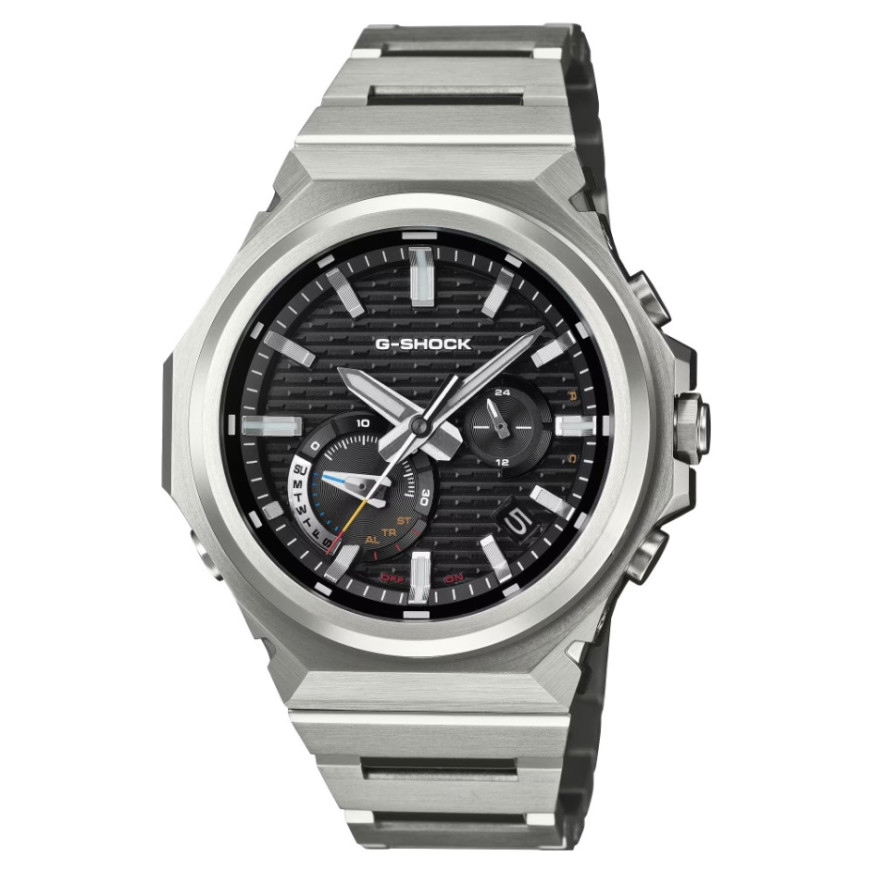
Casio module 5748: user manual and setup (GST-B1000D)
The module number is engraved on the case back of the watch. It is a four-digit number, separate from the model name. If the back says 5748, this guide applies to your watch. The description follows the official Casio document for module 5748.
Which watches have module 5748
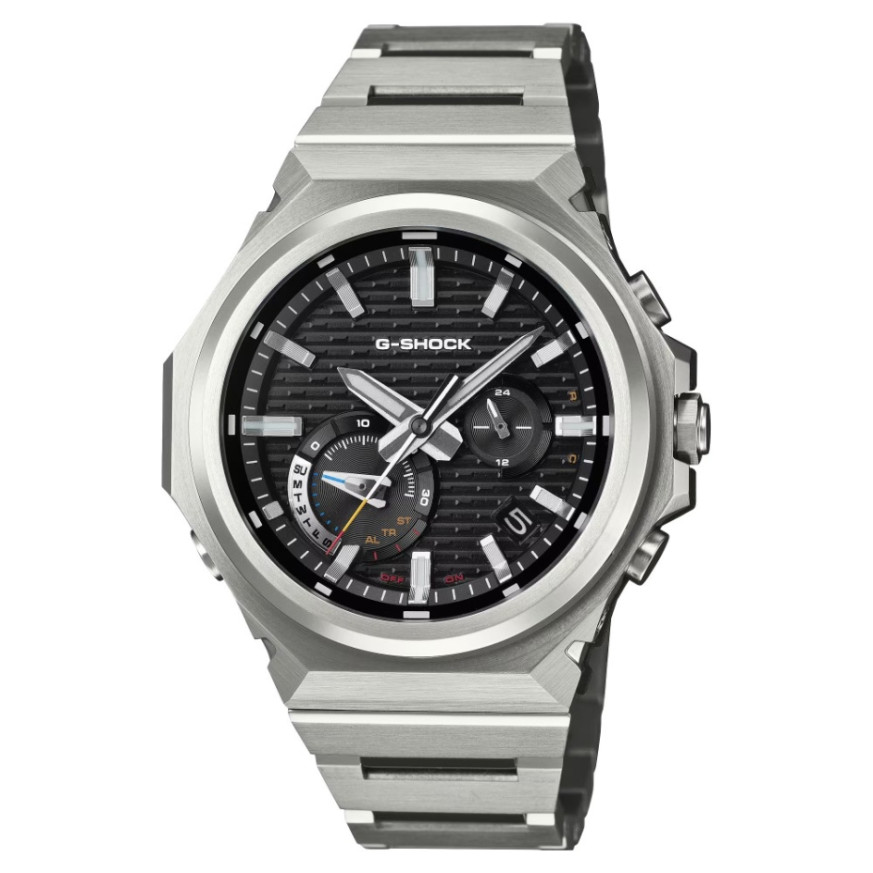
Module 5748 is an analog movement with hands. Besides the hour, minute and second hands, it has a 24-hour hand, a function hand and a day indicator. The watch is charged by light through a solar panel in the dial. It connects to a phone via Bluetooth and has an alarm, a stopwatch and a timer. At Classic the module is found in the following G-Shock models:
- GST-B1000D-1AER – Casio G-Shock GST-B1000D-1AER
- GST-B1000D-2AER – Casio G-Shock GST-B1000D-2AER
- GST-B1000D-3AER – Casio G-Shock GST-B1000D-3AER
Buttons, hands and modes
The watch has three buttons and a crown. The manual describes them as follows:
- Button A – in Timekeeping Mode and in Alarm Mode it turns on the dial illumination.
- Button B – each press changes the mode. Holding it for at least one second returns to Timekeeping Mode. Holding it for at least 2.5 seconds starts a connection with the phone.
- Button C – with a paired phone it synchronizes the watch time with the phone time.
- Crown – used for adjusting the hands.
There are four modes: Timekeeping, Stopwatch, Countdown Timer and Alarm. When entering the Stopwatch, the function hand briefly points to ST. In the Countdown Timer it points to TR, and in Alarm Mode it points to AL. In Timekeeping Mode the function hand shows the day of the week. The 24-hour hand makes one full turn every 24 hours.
The second hand also shows the status of the phone connection. When the watch is waiting for a connection, it points to R. When a connection is established, it points to C. To end the connection, press any button.
How to set the time and date
The crown is a screw-lock crown. Before use it must be unscrewed, and afterwards screwed back in. The manual describes the following sequence:
- Unscrew the crown by turning it towards you, that is, to the left.
- Pull the crown out.
- Turn the crown to move the hands. Several quick turns in a row start fast movement forward or backward.
- Another quick turn during fast movement increases the speed further.
- To stop, turn the crown in the opposite direction or press any button.
- Changing the day also moves the function hand. This is normal.
- Push the crown back in without applying excessive force.
- Screw the crown in by turning it away from you while pushing it inward. This preserves the water resistance and shock protection.
If you do not operate the pulled-out crown for about two minutes, it is deactivated. Then push it back in and pull it out again. An easier option is synchronization with a phone: with a paired phone, press button C. Automatic time correction is available through the CASIO WATCHES app.
The day indicator changes from one to about four minutes after midnight. At that moment the function hand also moves. The day does not change while the Stopwatch or Countdown Timer is measuring or paused.
Alarm
When the set time is reached, a tone sounds. In Alarm Mode the hour and minute hands show the alarm time. The 24-hour hand shows the alarm time in 24-hour format. The second hand points to ON when the alarm is on and to OFF when it is off. Alarm settings can also be made through the CASIO WATCHES app.
Stopwatch
The Stopwatch measures elapsed time up to 30 minutes in one-second units. The main hour and minute hands continue to show the current time. The function hand and the second hand show the measured value. Operation is by start/stop and reset.
Countdown Timer
The Countdown Timer counts down from a start time you set. When it reaches zero, a tone sounds. The function hand shows the minutes, and the second hand shows the seconds. The start time and timer settings are set through the CASIO WATCHES app.
Phone connection
The watch connects to a Bluetooth phone through the CASIO WATCHES app. Hold button B for at least 2.5 seconds to start the connection. The app controls: automatic time correction, alarm, timer settings, phone finder, home city and daylight saving time, charge level check and recording of the current location (TIME&PLACE). Hand and day indicator alignment is also corrected from there. In a medical facility or on an aircraft the connection must be turned off.
Illumination
In Timekeeping Mode and in Alarm Mode, press button A to illuminate the dial.
Solar charging and battery
The watch runs on a rechargeable battery. It is charged by a solar panel in the dial whenever it is exposed to light. When you are not wearing the watch, leave it in a bright place. When wearing it, your sleeve should not cover the dial, because even partial covering reduces charging.
The manual gives approximate charging times, enough for one day of operation:
- 50,000 lux (sunny day outdoors) – about 8 minutes
- 10,000 lux – about 30 minutes
- 5,000 lux – about 48 minutes
- 500 lux – about 8 hours
Do not charge the watch at temperatures above 60 °C. Avoid a car dashboard in the sun, proximity to incandescent lamps, halogen lamps and prolonged direct sunlight. When the battery is low, functions are disabled one by one. Then expose the dial to light as soon as possible. After the battery is exhausted, the second hand turns counterclockwise until it stops.
There is also a power saving mode. If the watch stays in the dark for about an hour between 22:00 and 5:50, the second hand stops (level 1). After six or seven days in this state, all hands stop at 12 o'clock (level 2). At level 2, hand movement except the day indicator, the Bluetooth connection and the alarm tone stop.
The original Casio manual (PDF)
Casio module 5748 manual (PDF, English) is the official Casio document, issued in August 2025.
Casio at Classic. Browse all Casio watches at Classic or check the manuals for all Casio modules. The watches can be seen in person at Boutique CLASSIC on Knyaz Boris I 32 and at Mall Varna.