

Casio module 5766: manual and setup
04.09.2026
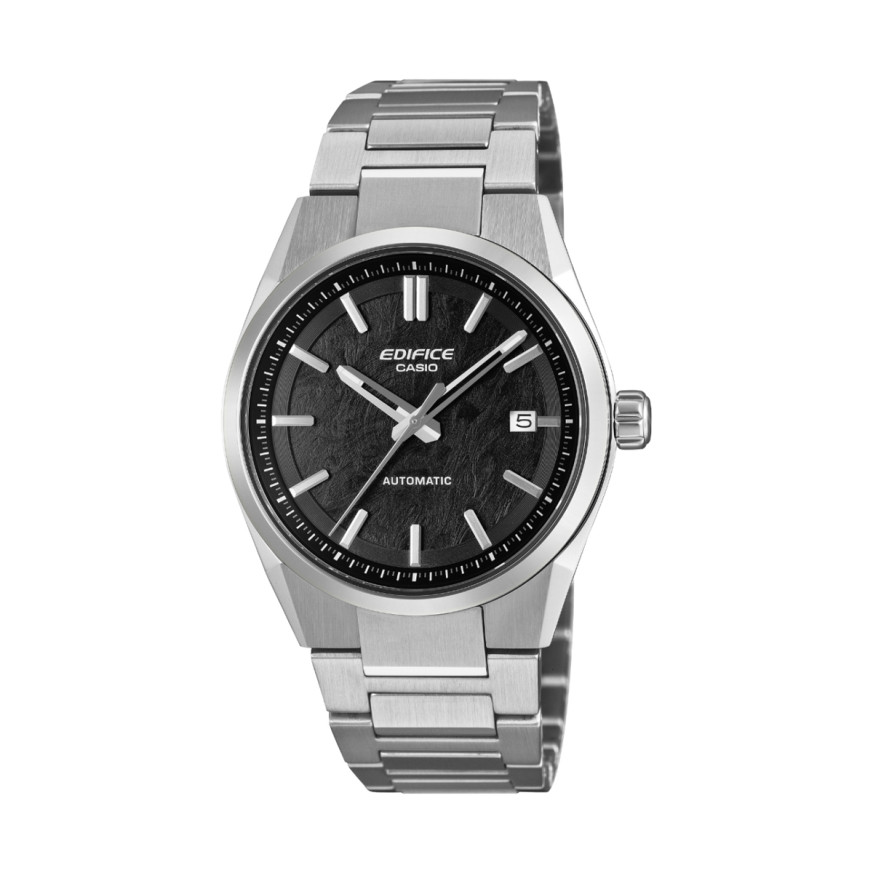
Casio module 5766: user manual and setup (EFK-110D, EFK-200CD, EFK-200D)
The module number is engraved on the case back of the watch, usually in a small rectangle next to the other markings. If it says 5766 there, the instructions below apply to your watch. They follow the official Casio manual for this module.
Which watches use module 5766
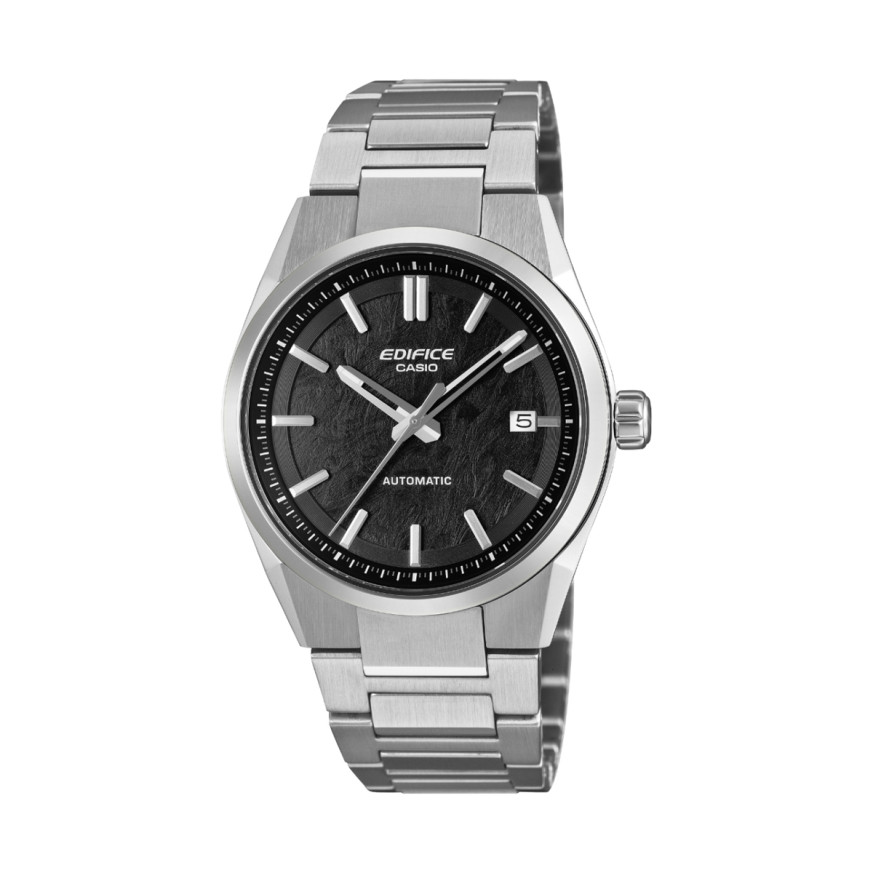
Module 5766 is a mechanical automatic movement with hand winding. The watch is analog, with hands and a date window, and runs without a battery. The energy comes from a mainspring that is wound by the movement of the wrist. At Classic, the following Casio Edifice models use this module:
- EFK-110D-1AER – Casio Edifice EFK-110D-1AER
- EFK-110D-2AER – Casio Edifice EFK-110D-2AER
- EFK-110D-7AER – Casio Edifice EFK-110D-7AER
- EFK-200CD-1AER – Casio Edifice EFK-200CD-1AER
- EFK-200D-2AER – Casio Edifice EFK-200D-2AER
The crown: positions and screw-lock
All operations are done with the crown only. There are no buttons. The crown has three positions: pushed in, pulled out to the first click (Click 1) and pulled out to the second click (Click 2). In the pushed-in position the crown winds the mainspring. The first click is for the date, the second for the time.
On models with 10BAR or 20BAR water resistance the crown is a screw-lock crown. Before setting, rotate it toward you to unscrew it, then pull it out without force. While the crown is unscrewed, the watch loses its water resistance. After setting, screw it back in fully.
How to set the time and date
If the watch has stopped, start it first. Rotate the crown several times or shake the watch gently. When the second hand starts moving, set the time and date and put the watch on your wrist.
Setting the time
- Wait until the second hand reaches 12 o'clock and pull the crown out to the second click (Click 2). The second hand stops.
- Rotate the crown to move the hands. Take care to set the correct morning or afternoon time.
- Move the hands four to five minutes before the desired time, then move them forward to the exact time.
- Push the crown in on a time signal. The second hand starts moving again.
Setting the date
- Pull the crown out to the first click (Click 1).
- Rotate the crown toward you until the required date appears in the window.
- Push the crown in.
The calendar works with a 31-day month. After a shorter month the date must be corrected manually. Do not change the date between 9:00 PM and 1:00 AM. In this interval the movement switches the date, and the setting may not be performed correctly at midnight.
Winding the mainspring
The mainspring is wound automatically by the natural movement of the wrist. You can also wind it by hand by slowly rotating the crown in the pushed-in position toward 12 o'clock. With a screw-lock crown, first rotate it toward 6 o'clock to loosen it, then toward 12 o'clock. The crown rotates freely to the left, toward 6 o'clock, without winding the mainspring.
When fully wound, the watch runs for about 42 hours. After full winding the crown keeps rotating, but the mainspring does not wind any further. Insufficient winding can cause the watch to gain or lose time. For stable running, wear the watch at least 8 hours a day. If you do not wear it, wind the crown fully at the same time every day.
Rotating bezel
If the model has a rotating bezel, it is used to measure elapsed time. Rotate the bezel so that the ▼ mark aligns with the minute hand. Then read the elapsed time from the distance between the mark and the minute hand.
Specifications
- Accuracy: average daily rate from –20 to +40 seconds.
- Movement: automatic with hand winding.
- Frequency: 21,600 vibrations per hour.
- Power reserve: about 42 hours when fully wound.
- Jewels: 21.
- Hacking function: the second hand stops when the crown is pulled out.
The accuracy of a mechanical watch depends on wearing time, wrist movement and the winding level. Under such conditions the rate may fall outside the stated range.
Water resistance
This information applies to watches marked WATER RESIST or WATER RESISTANT on the case back. The level is marked on the dial or on the case back.
- No BAR marking: hand washing and rain.
- 5BAR: additionally swimming and work with water.
- 10BAR and 20BAR: additionally windsurfing and skin diving without a tank.
The watch is not designed for scuba diving with tanks. Do not operate the crown while the watch is wet or under water. Avoid baths, saunas and heated pools, as well as washing with detergents. After sea water, rinse the watch with fresh water. To keep the water resistance, the gaskets are replaced about every two to three years. Slight fogging inside after a sudden drop in temperature is normal if it disappears quickly. If the moisture remains, stop wearing the watch and take it to a Casio service center.
Care and precautions
Do not leave the watch in high temperatures, for example on a car dashboard or next to heating appliances. Also avoid prolonged cold. Temperature affects the accuracy of a mechanical watch. Protect it from strong shocks and strong magnetic fields, for example from medical equipment. Do not allow contact with thinners, gasoline, oils, cosmetics and cleaning agents. If you will not wear it for a long time, wipe off sweat and moisture and store it in a dry, cool place.
Do not tighten the band too much. A finger should fit between it and the wrist. If there are cracks, discoloration, loosening or a fallen-out pin, stop using it and have it checked at a service center.
The original Casio manual (PDF)
Casio module 5766 manual (PDF, English) – this is the official Casio document for module 5766, issued in February 2026.
Casio at Classic. Browse all Casio watches at Classic or find your module among the manuals for all Casio modules. You can see the watches in person at Boutique CLASSIC on Knyaz Boris I 32 and at Mall Varna in Varna, Bulgaria.